What Is ID.me and How Does It Work?
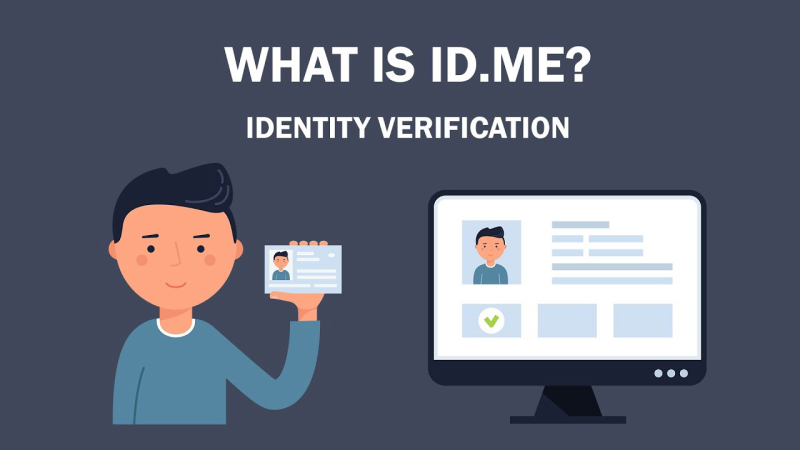
ID.me is a digital identity verification platform that enables users to prove their identity, affiliation, or eligibility online. Widely adopted by federal and state agencies, retailers, and healthcare providers, its core services include:
-
Identity Verification: Users submit personal documents (e.g., driver’s license, passport) and a selfie; ID.me uses AI-powered facial matching to confirm authenticity.
-
Multi-Factor Authentication (MFA): Combines something you know (password), something you have (mobile device), and something you are (biometrics).
-
Group Affiliation Badges: Special verifications for teachers, military personnel, first responders, and students to access exclusive discounts.
While convenient, these powerful features also raise pivotal questions: is id.me safe? and is id me safe? Let’s break down the security framework.
📖Related Reading
Security Measures Employed by ID.me

1. Encryption In Transit and At Rest
All data exchanged with ID.me servers is secured via TLS 1.2+ encryption. Stored records, photos, documents, and verification logs are encrypted using AES-256, a military-grade standard trusted by governments and financial institutions.
2. Biometric Authentication
ID.me leverages facial recognition algorithms to match your selfie to your ID document. These algorithms are continually refined with liveness detection to prevent “spoofing” attacks, such as using a photo of a person.
3. Multi-Factor Authentication (MFA)
By requiring MFA combining SMS or authenticator apps with biometric checks, ID.me adds an extra layer beyond simple username/password logins. Even if credentials are compromised, unauthorized access becomes significantly harder.
4. Continuous Monitoring and Auditing
ID.me employs real-time monitoring to detect suspicious activities, such as repeated failed login attempts or unusual access patterns. Regular security audits and third-party penetration tests further validate their defenses.
Privacy Considerations: What Data Does ID.me Collect?

ID.me’s identity verification necessitates collecting sensitive PII (Personally Identifiable Information), including:
-
Full legal name, date of birth, and address
-
Government-issued ID scans (driver’s licenses, passports)
-
Facial biometric data
-
IP address and device information
Their privacy policy states that data is stored only as long as necessary for verification and compliance. After completing verification, users may request data deletion, though some records must be retained to satisfy regulatory requirements.
Potential Risks and Concerns
-
Data Breach Exposure
No system is immune. Centralizing sensitive PII makes ID.me an attractive target for cybercriminals. In the rare event of a breach, consequences could be severe: identity theft, deepfake creation, or financial fraud. -
Biometric Data Misuse
Unlike passwords, you can’t change your face. If biometric templates are stolen, victims have no simple remedy. While ID.me encrypts and stores these templates securely, long-term risk remains. -
Surveillance and Government Partnerships
Critics argue that close ties with federal agencies may enable disproportionate data sharing. Transparency reports are published periodically, but some users feel uneasy about potential governmental overreach. -
False Rejection Rates
AI-driven verification can mistakenly flag legitimate users, especially those from underrepresented demographics, leading to access delays or denial of services.
Using ID.me Safely with UFO VPN


UFO VPN is an all-in-one VPN that offers unlimited access to 4D streaming like Netlfix, Disney Plus, no-ping gaming as PUBG, Roblox, CODM and social networking for YouTube, X, Facebook and more.




Unlock Pro Features
If you have upgraded to premium plan , feel free to enjoy premium servers for 4K streaming and advanced features like Kill Switch, Split Tunneling, and gaming acceleration. Your Mac is now fully optimized and protected. Inaddition to basic functions, we recommend you turn on

Verify Your IP Now
Use UFO VPN's " What is My IP " feature to see your new IP and location. This confirms your connection is secure, anonymous, and ready for safe browsing online anywhere at any time.







Alternative Identity Solutions
| Solution | Data Collected | Ease of Use | Best for |
|---|---|---|---|
| ID.me | PII + Biometrics | ★★★★☆ | Government & Retail Access |
| OAuth Providers (Google/Facebook) | Email, basic profile | ★★★★★ | Low-stakes logins |
| Self-Sovereign Identity (SSI) | Minimal, user-controlled | ★★☆☆☆ | Privacy-first enthusiasts |
Why UFO VPN Enhances Your Identity Protection
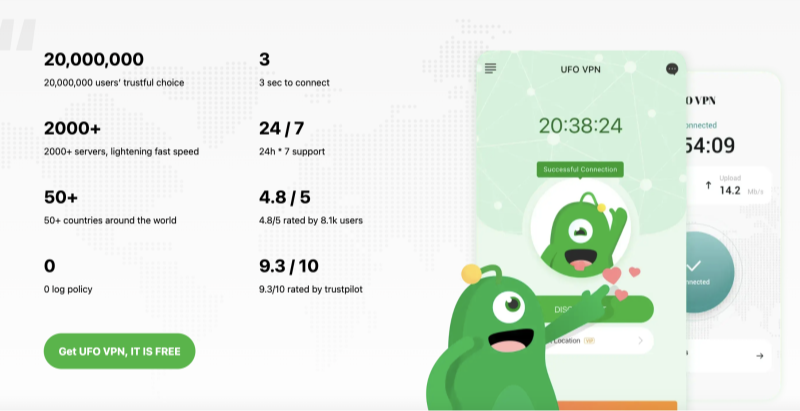
While ID.me focuses on identity verification, Best free VPN secures the network layer, ensuring your data travels through encrypted tunnels that thwart eavesdroppers and hackers. Key benefits include:
-
Anonymous Browsing: Hide your IP address to prevent tracking by ISPs, advertisers, or malicious actors.
-
Public Wi-Fi Security: Protect sensitive ID.me verification uploads on unsecured networks.
-
Bypass Geo-Restrictions: Access verification pages or agency portals that may block foreign IPs.
-
No-Logs Policy: UFO VPN never records your activity, complementing ID.me’s strict privacy measures.
Frequently Asked Questions
Q1: What makes ID.me different from other login methods?
A: Unlike simple OAuth logins, ID.me requires government-issued IDs and biometric checks, providing robust identity proof for high-security applications.
Q2: Is using ID.me mandatory for government services?
A: Many federal and state agencies have adopted ID.me for streamlined access to benefits and portals. Alternatives may exist, but availability varies by agency.
Q3: How can I delete my ID.me data?
A: Log in to your ID.me account settings and request data deletion. Some elements may be retained for legal compliance, but personal deletion requests are honored where possible.
Q4: Will a VPN interfere with ID.me’s facial recognition?
A: No. UFO VPN only encrypts network traffic. Your device’s camera and local processing remain unaffected.
Q5: Are there free alternatives to ID.me?
A: Free identity providers exist, but few match ID.me’s rigorous verification standards. For general logins, OAuth with Google or Facebook may suffice.
Conclusion
Asking “is id.me safe?” opens a broader conversation about data privacy, security, and convenience. ID.me delivers a high level of assurance through encryption, biometrics, and continuous monitoring—but no system is foolproof. By pairing ID.me with a trusted network protector like UFO VPN, you add an extra shield around your most sensitive verifications. Ready to safeguard your identity and browsing alike? Try UFO VPN today and experience encrypted peace of mind.