




What Is WeTransfer?
WeTransfer is an online file-sharing service designed to send large files without traditional email attachments. You upload documents, photos, videos, or other files, then share them through an email notification or downloadable link.
Recipients can access the files through a web browser, typically without creating an account. It's particularly useful for creative projects, client deliverables, and occasional large-file transfers.
Is WeTransfer Safe? Check the Common Risks
After learning what WeTransfer is, another question often pops up: Is it really safe? WeTransfer is a legitimate service with established security measures. Still, its popularity makes it attractive to cybercriminals who exploit familiar download notifications and users' trust in the platform.
Here are the main risks worth understanding.
Phishing Scams and Fake WeTransfer Links
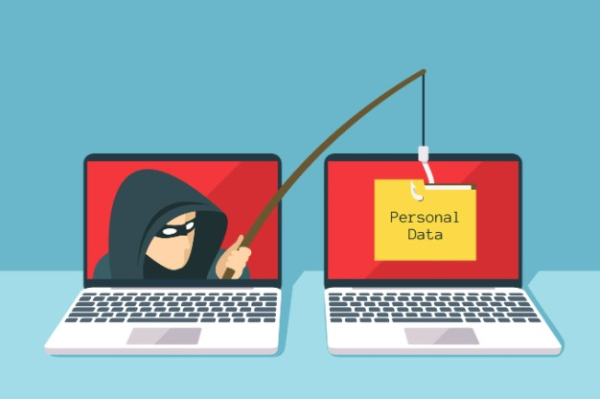
Scammers may send emails that look like official WeTransfer notifications, complete with familiar branding and a Get your files button.
Instead of opening a genuine transfer, the button may lead to a fake login page designed to steal passwords or personal information.
Common warning signs include unexpected files, urgent requests, unfamiliar senders, and URLs that do not belong to the official WeTransfer domains.
Malware Hidden in Transferred Files

A genuine WeTransfer link does not necessarily mean the files are harmless.
Cybercriminals can use legitimate transfers to distribute infected documents, malicious scripts, or executable files disguised as invoices and contracts.
WeTransfer applies security measures to detect abuse, including malware scanning for eligible downloads, but these checks cannot identify every threat.
Data Leaks and Unintended File Access
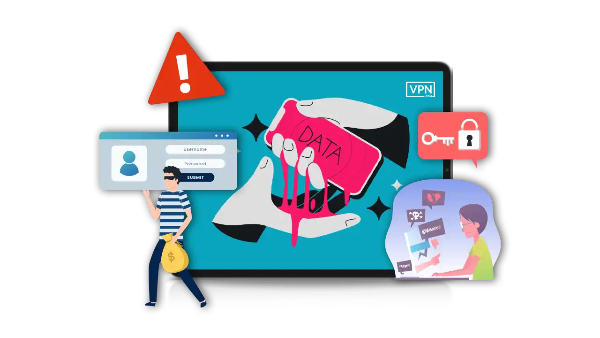
If a transfer is accessible through a shareable link, anyone who obtains that link may be able to open it unless additional access restrictions are enabled.
A recipient could forward the link, or you might accidentally share it with the wrong person. Sensitive business documents, private photos, or personal information could then reach unintended recipients.
WeTransfer links are not indexed by search engines, but they can still circulate beyond the original audience.
Account Compromise and Unauthorized Transfers
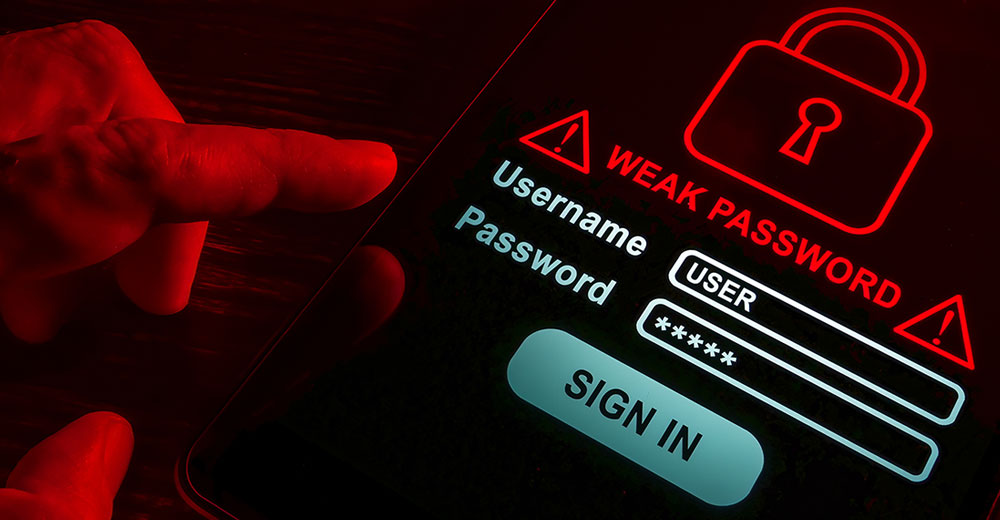
Weak or reused account passwords can expose your WeTransfer account to unauthorized access.
Someone who gains access may view transfer information or send files without your permission. Protecting your account is therefore just as important as protecting individual download links.
What Files Are Safe to Send with WeTransfer?
WeTransfer uploads files to its servers before making them available through email or a shareable link.
Whether you should use WeTransfer depends on the type of information you're sharing.
| File Type | Is WeTransfer Suitable? | What to Do Before Sending |
|---|---|---|
| Everyday photos and public marketing materials | Generally yes | Check recipients and choose an appropriate expiry period. |
| Unreleased designs and internal project files | Only if your organization permits it | Add a password, restrict recipient access, and consider encrypting files locally. |
| Identity documents, medical records, customer data, or login credentials | Prefer an approved secure channel | Use an authorized data-transfer system or password manager suited to the information. |
Remember that sending files by email does not automatically prevent recipients from sharing access. Always review the transfer's download permissions separately.

Key Things to Check Before Opening a WeTransfer Link
Imagine receiving an unexpected email saying, "Updated invoice — payment due today." Even if it appears to come from WeTransfer, don't rush to download anything.
WeTransfer identifies two major scam types: fake emails or websites impersonating the service, and malicious files delivered through genuine transfers.
Use these three checks before downloading.
1. Confirm the Sender Before Opening Anything
Ask yourself whether you were expecting the file. If not, contact the supposed sender through a phone number, chat account, or work email you already trust.
Confirm the file name and purpose. Avoid using contact details provided in the suspicious email itself.
2. Inspect the Download Link
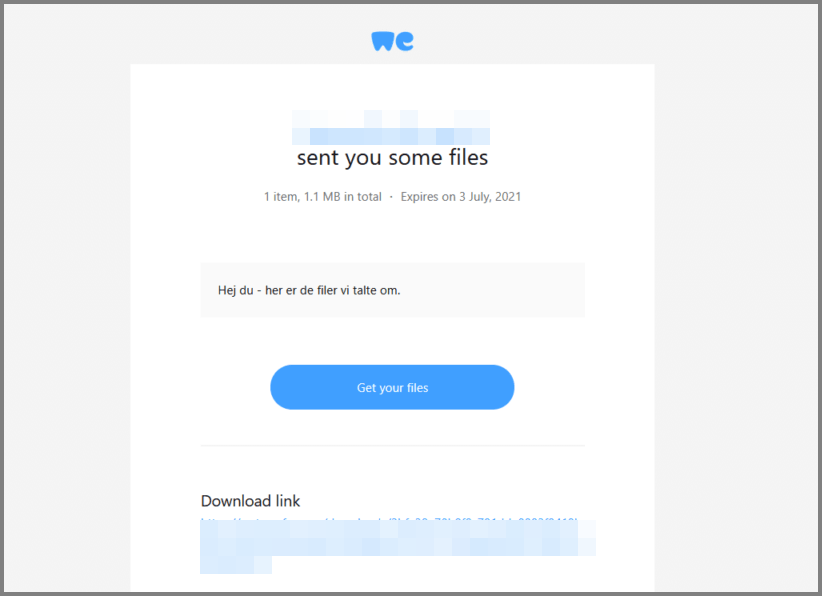
On a computer, hover over the Get your files button to reveal its destination. On mobile, press and hold the link to inspect the URL without opening it.
Official WeTransfer links use the domains wetransfer.com or we.tl. If a shortened link redirects you, check the final website address carefully.
Be suspicious of lookalike domains or pages asking you to enter your email password or install unfamiliar software.
3. Check the File Name and Type
Once you've verified the transfer, review its file list before downloading.
If you need only one item, download it individually. Use Download all only when you recognize and need the complete package.
For example, if you expected a PDF but received an .exe, .scr, or .html file, stop and ask the sender.
Scan downloaded files with up-to-date security software before opening them, especially if they contain scripts or executable content.
How to Use WeTransfer Safely?
Safe file sharing requires more than choosing a trusted platform. The following habits can help you protect your information and reduce unnecessary exposure.
Set a Transfer Password and Expiry Date

Before sharing files, review the security options available for your transfer.
Add a strong, unique password and share it with the recipient through a separate channel, such as an established messaging conversation.
Choose an expiry date that gives the recipient enough time to download the files without keeping the link active longer than necessary.
WeTransfer lets users manage passwords and expiry settings for active transfers. Available expiry options may vary by plan.
Activate a VPN for Extra Connection Privacy
When uploading large files from a hotel, airport, or other public Wi-Fi network, consider using a reputable VPN.
A virtual private network (VPN) encrypts traffic between your device and the VPN server, helping reduce exposure to threats on untrusted networks.
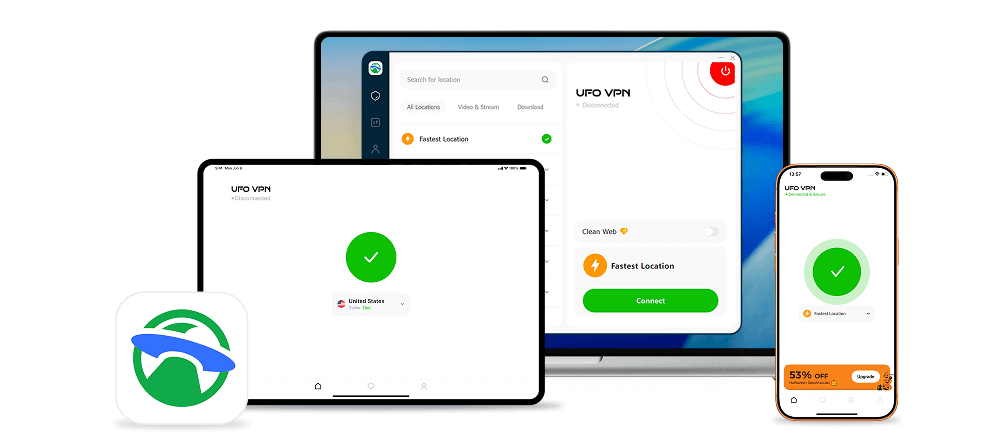
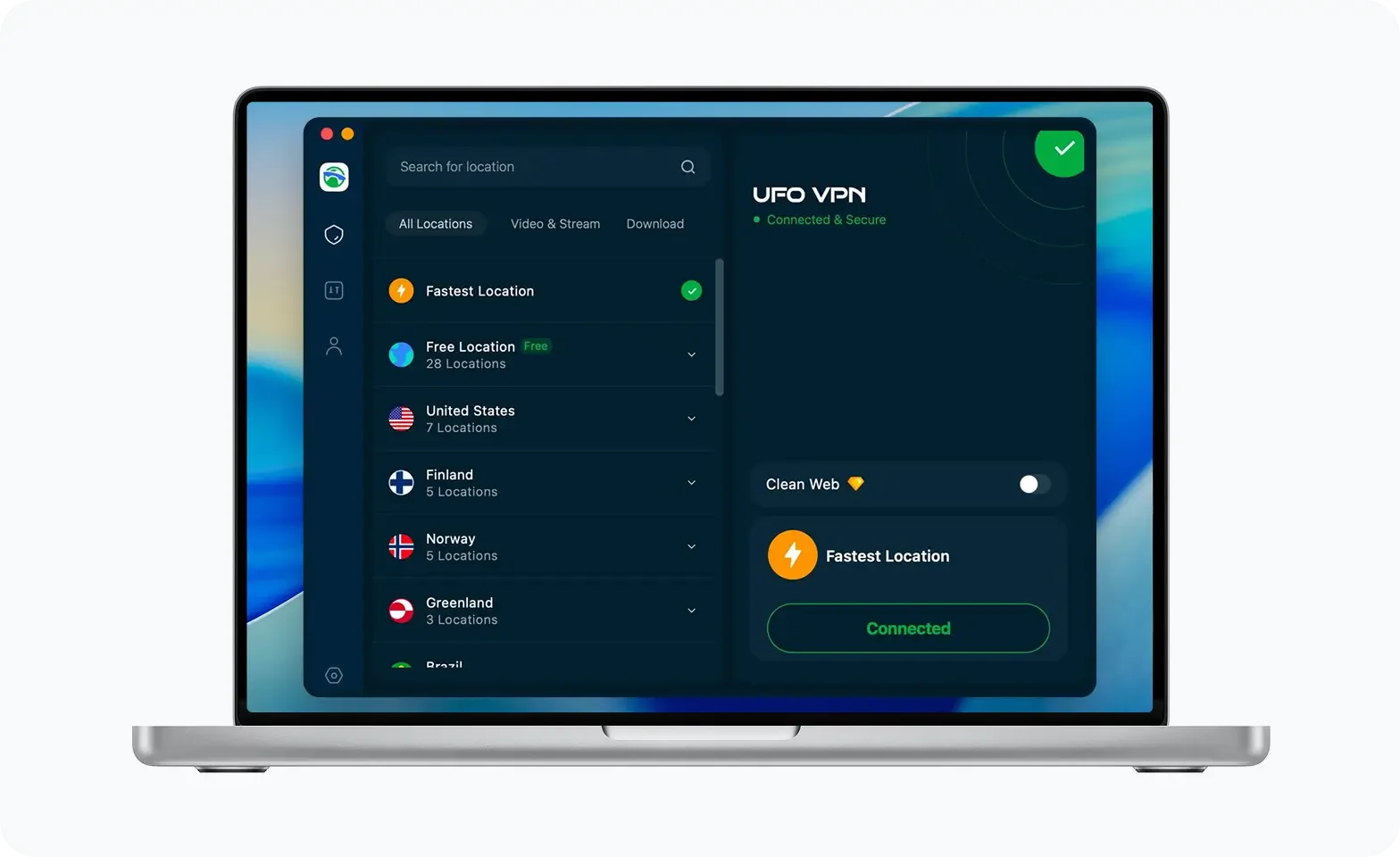
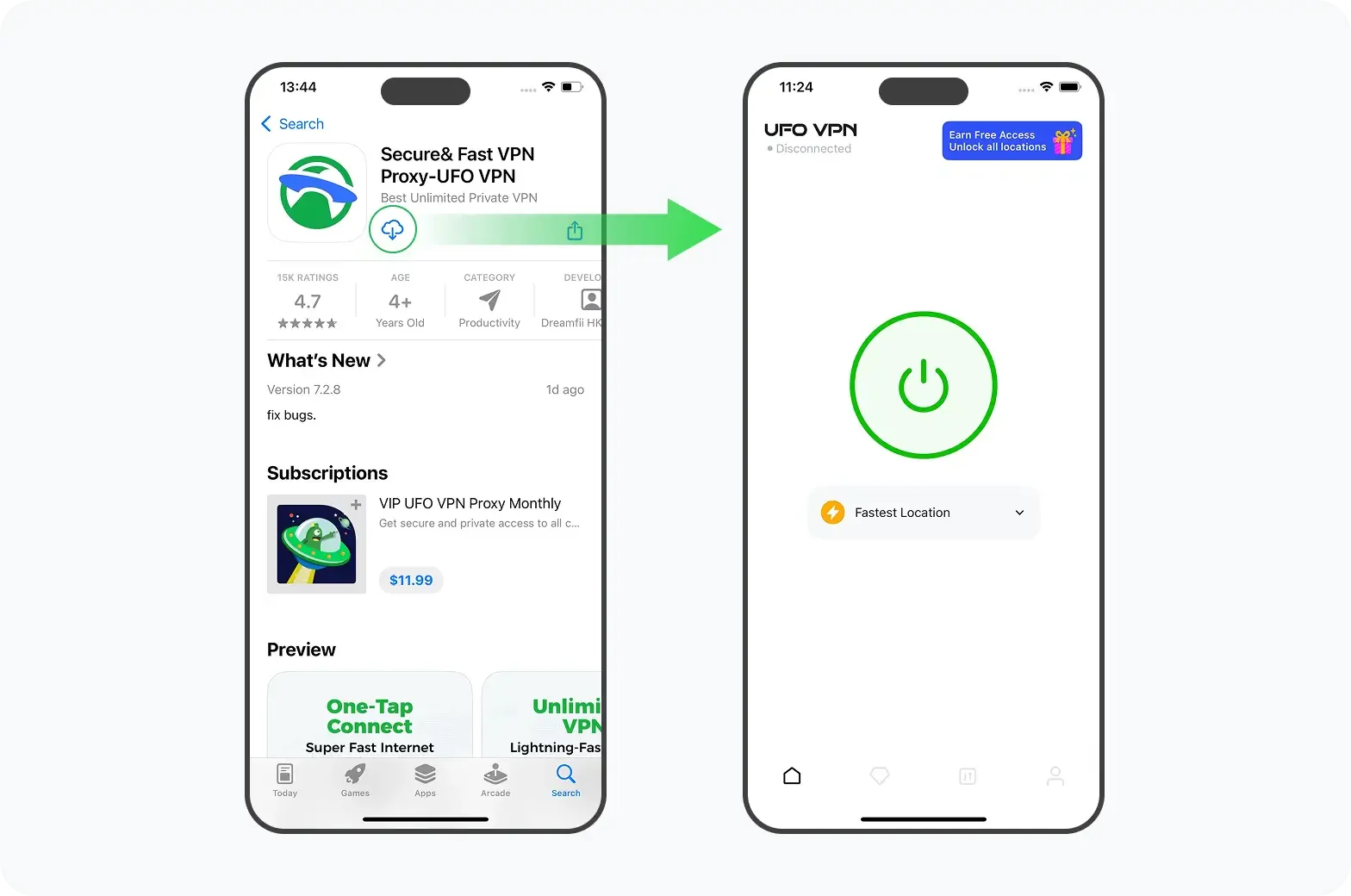
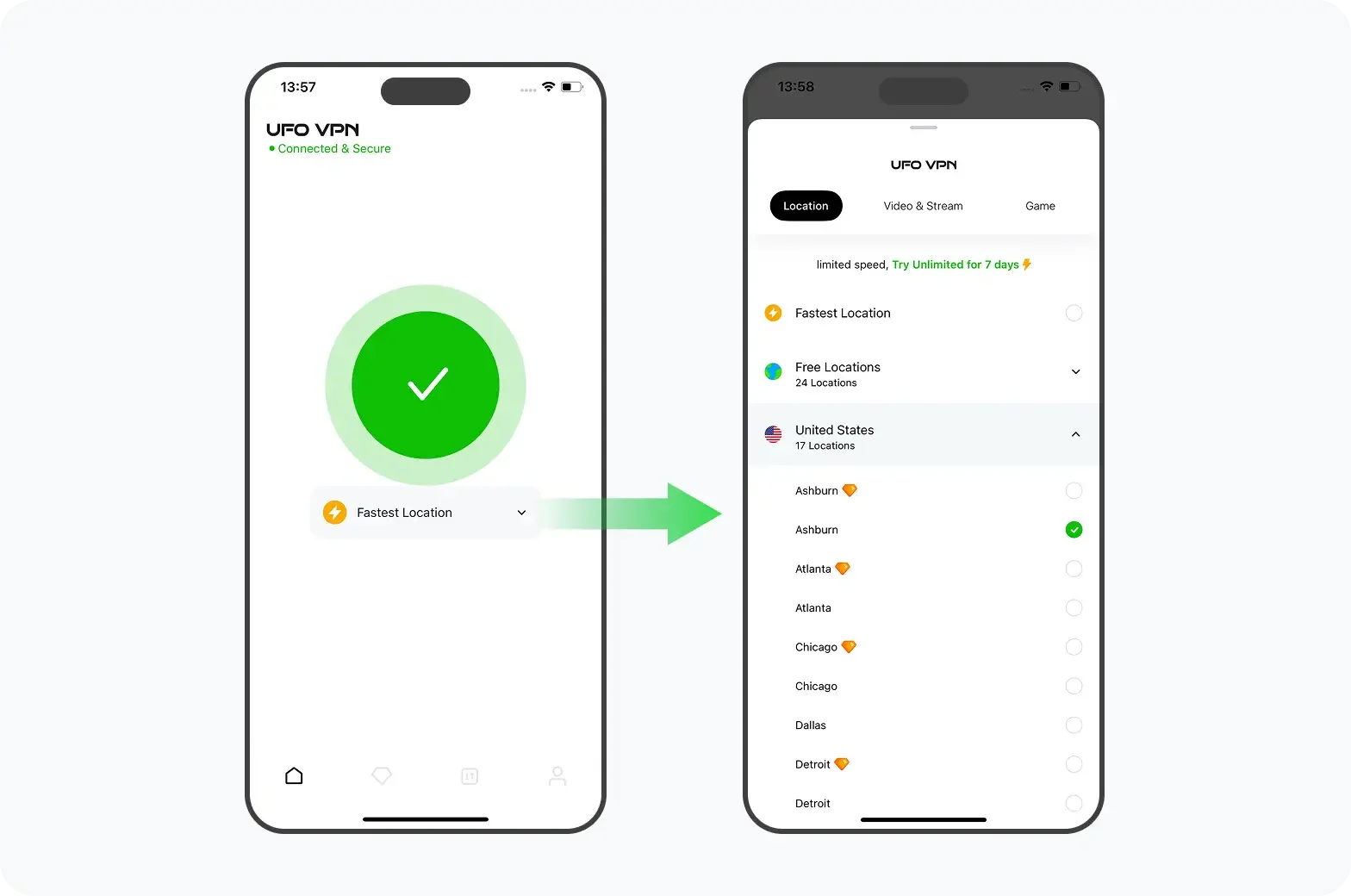
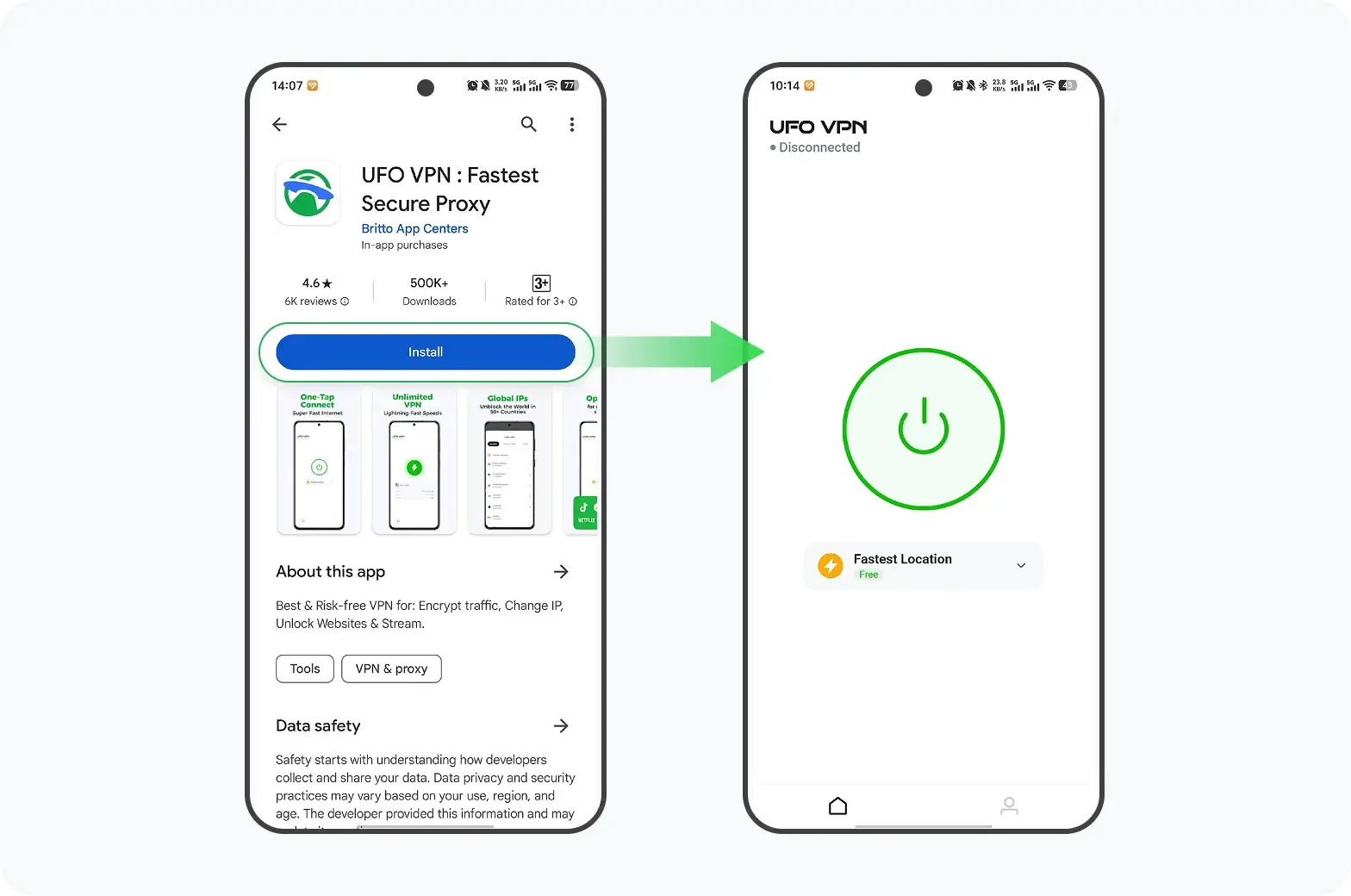
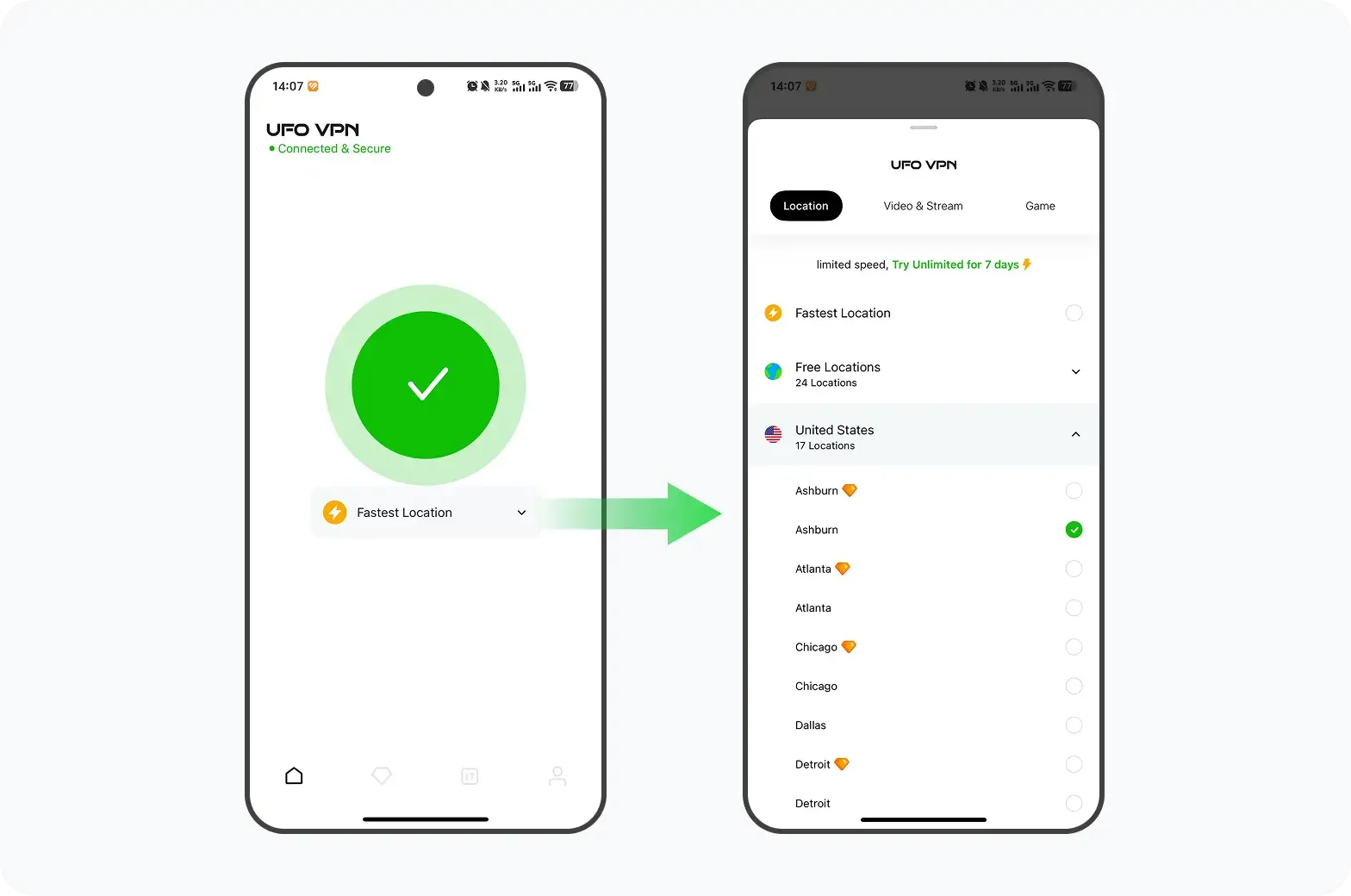
One option is UFO VPN, which offers mobile VPN connections, server selection, and free and paid plans. It works well to promote public Wi-Fi protection and offers several connection protocols.
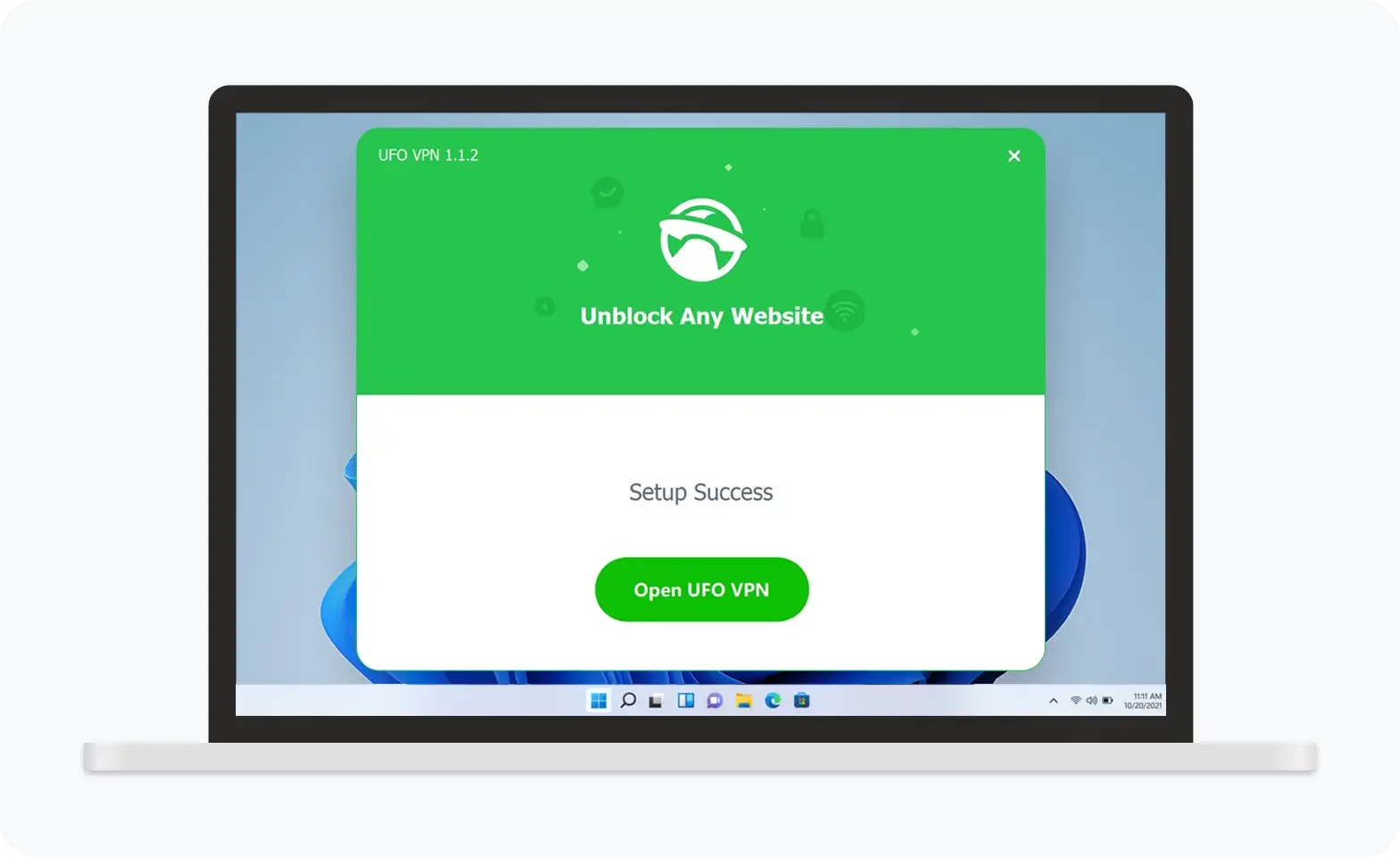
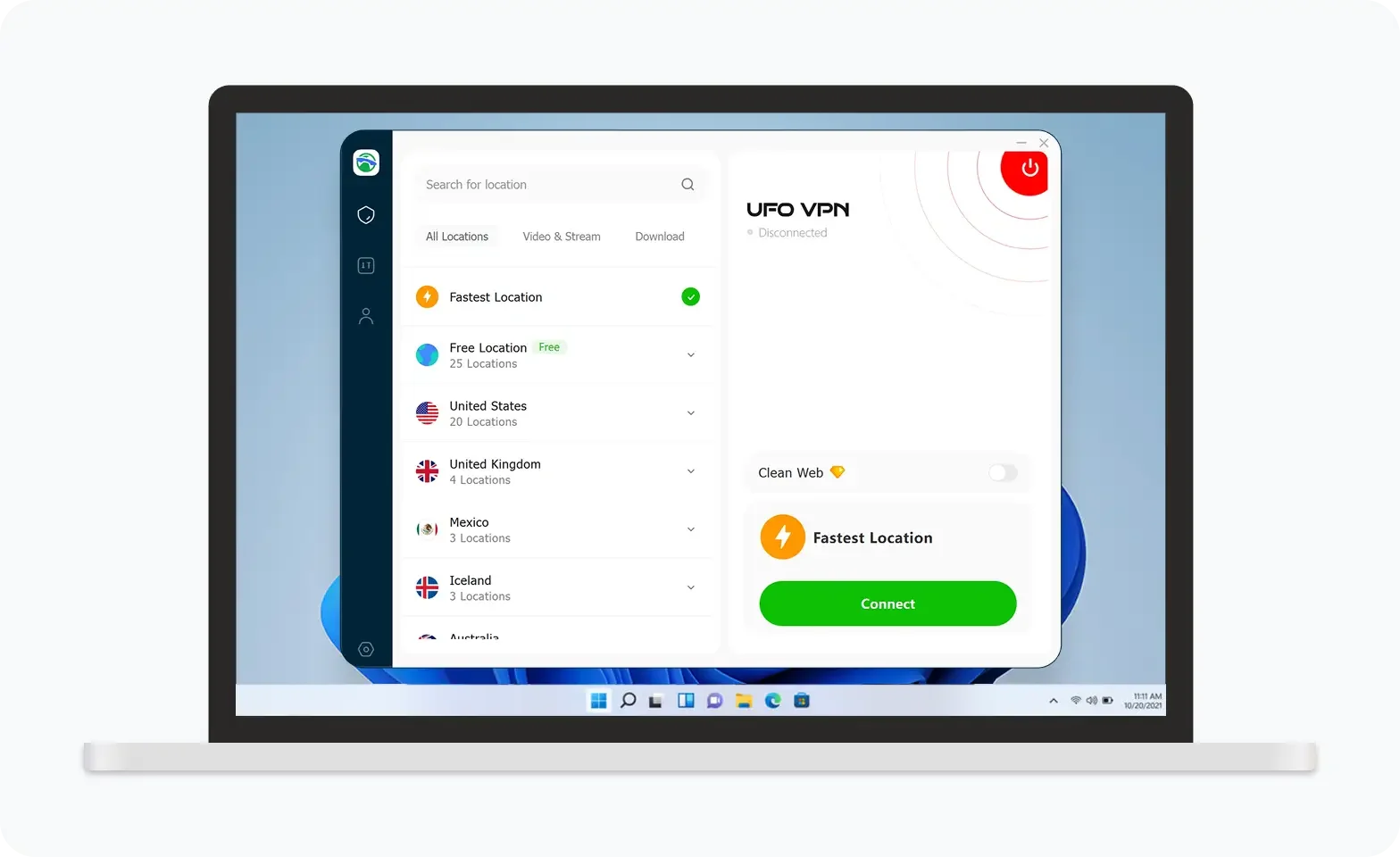
UFO VPN is an all-in-one VPN that offers unlimited access to 4K streaming like Netlfix, Disney Plus, no-ping gaming as PUBG, Roblox, CODM and social networking for YouTube, X, Facebook and more.
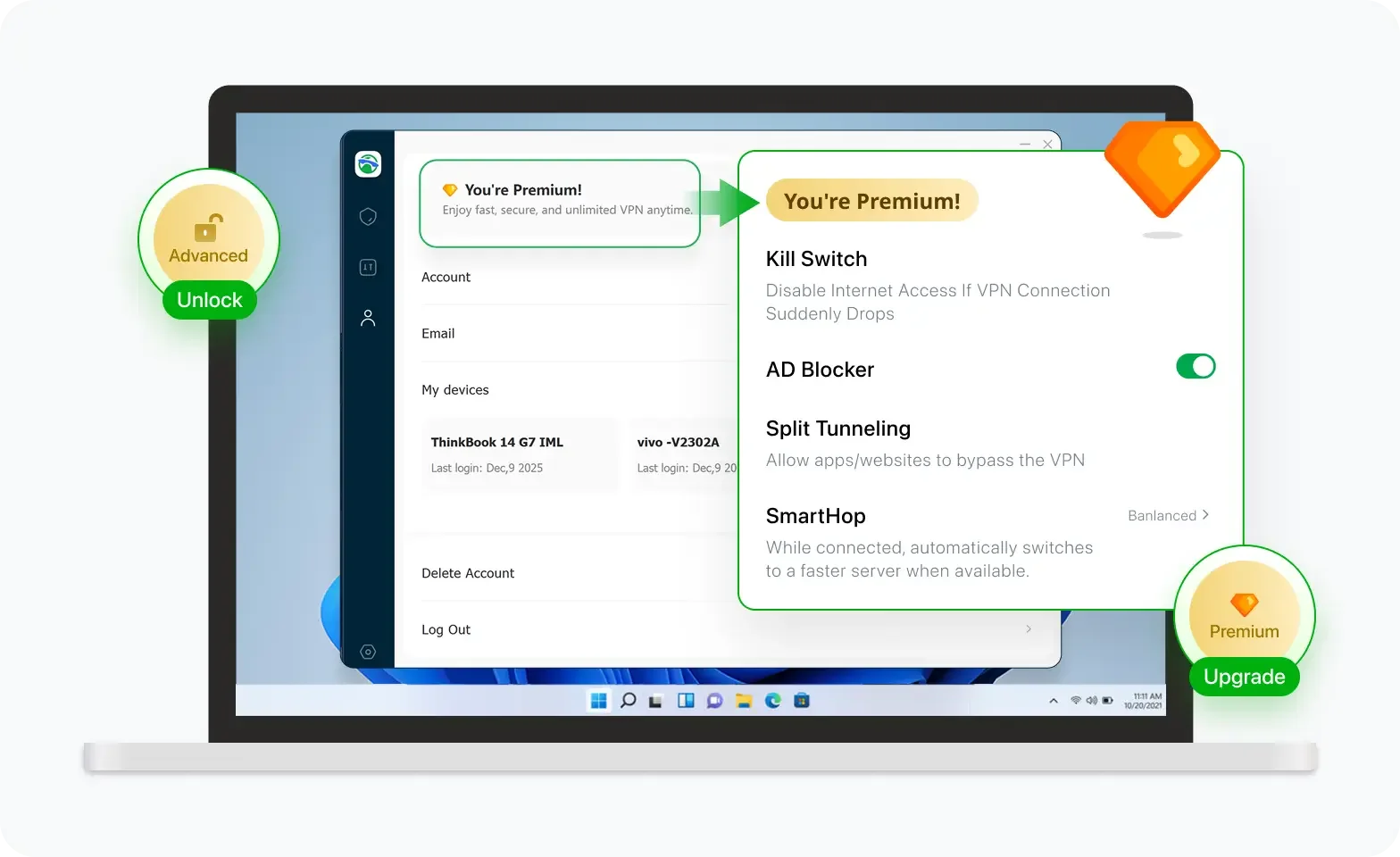
Unlock Pro Features
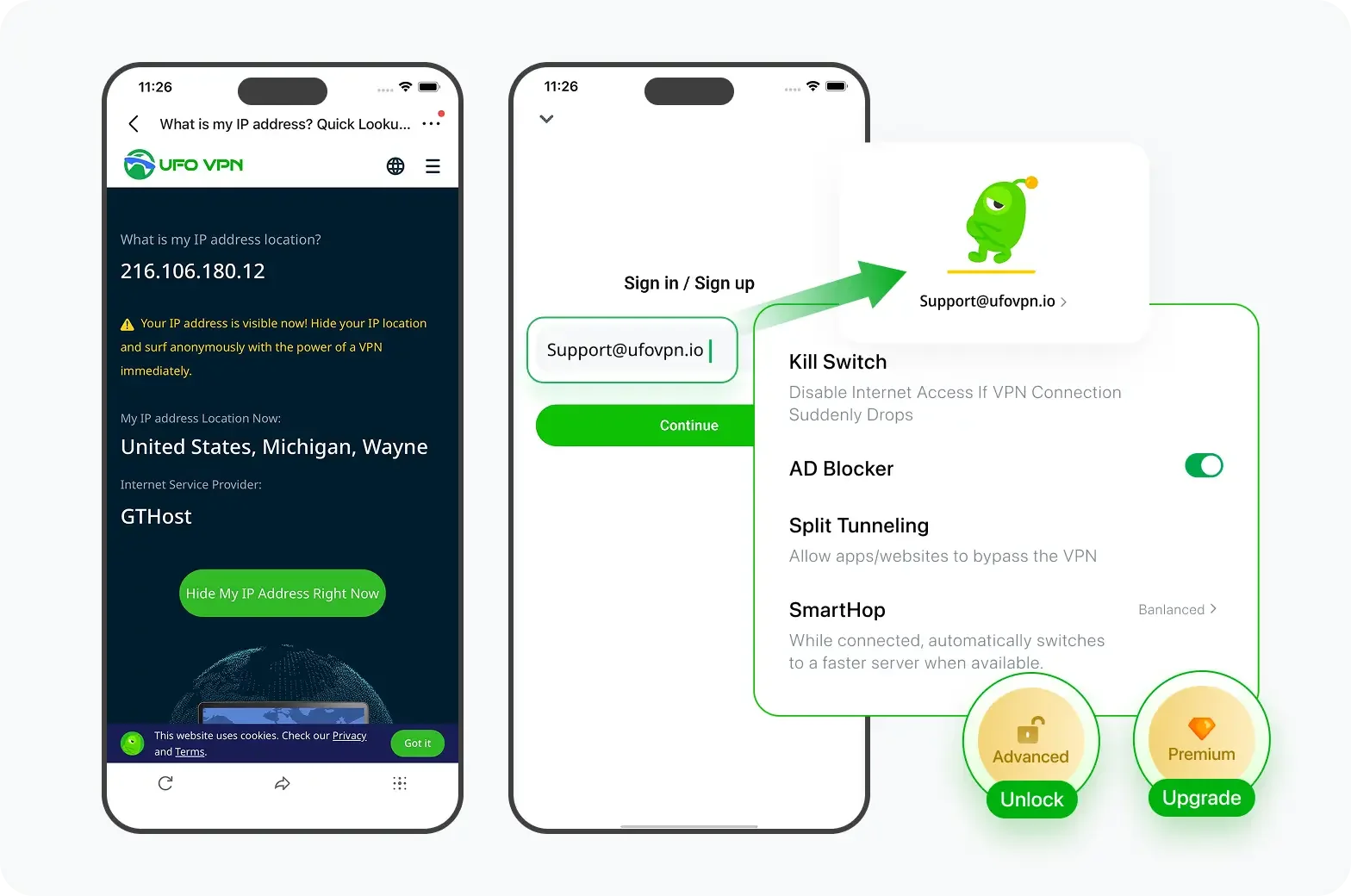
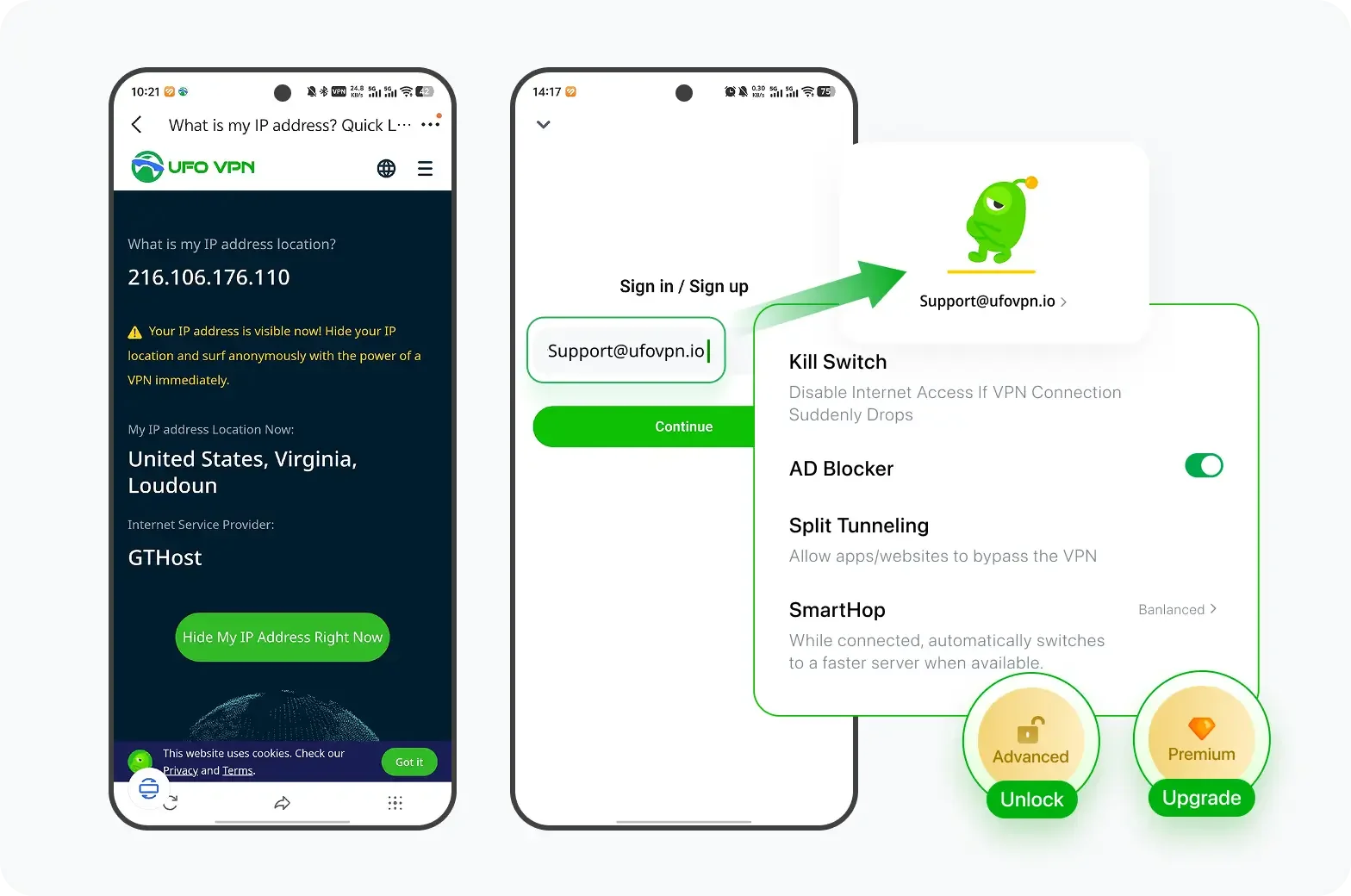
If you have upgraded to premium plan , feel free to enjoy premium servers for 4K streaming and advanced features like Kill Switch, Split Tunneling, and gaming acceleration. Your Mac is now fully optimized and protected. Inaddition to basic functions, we recommend you turn on

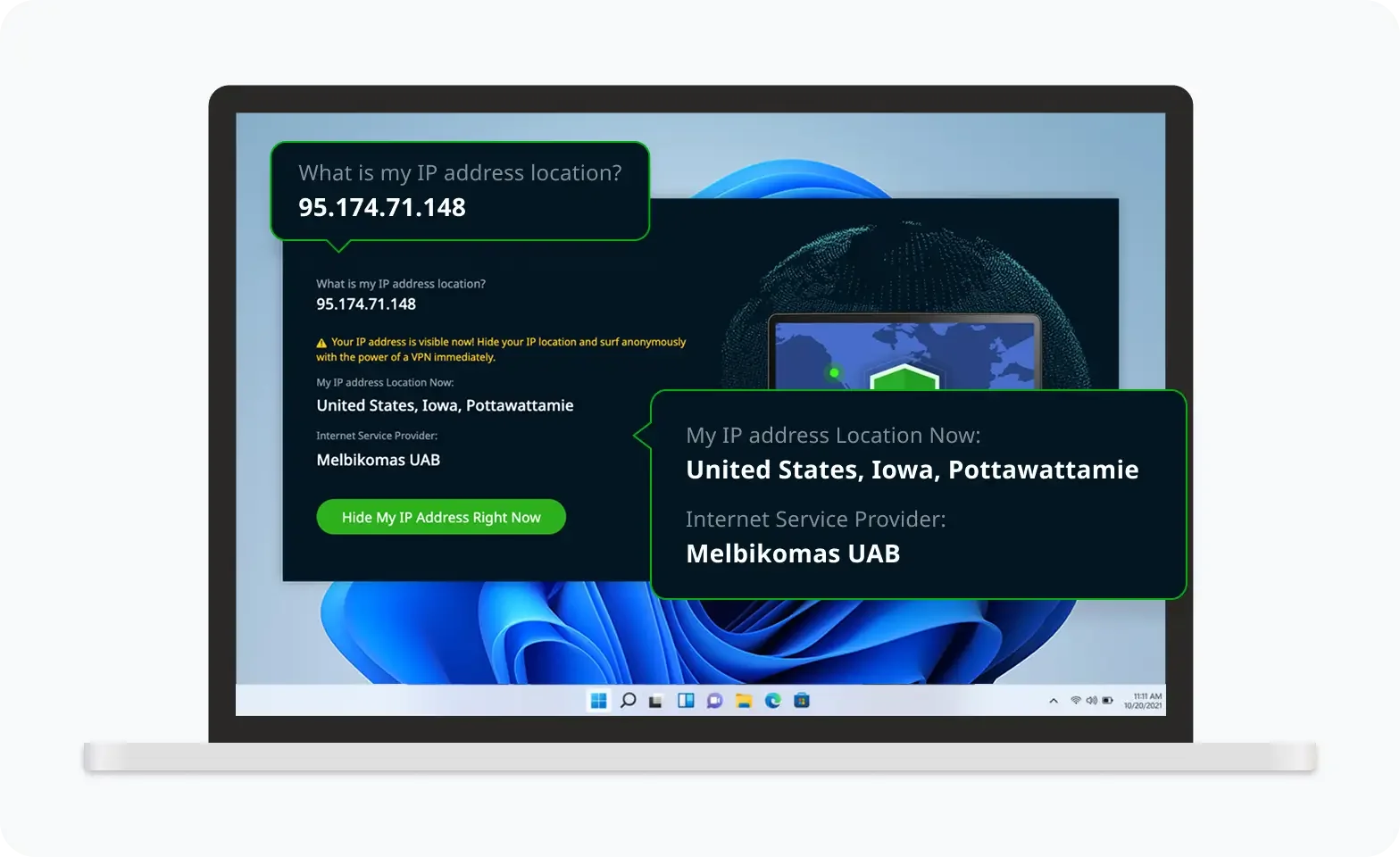
Verify Your IP Now
Use UFO VPN's " What is My IP " feature to see your new IP and location. This confirms your connection is secure, anonymous, and ready for safe browsing online anywhere at any time.

Restrict Access to Specific Recipients
When sharing private project files, consider using WeTransfer's restricted access option instead of leaving the transfer open to anyone with the link.
Restricted access allows specified email addresses to access a transfer after identity verification. This reduces the risk of an accidentally forwarded link exposing your files.
For sensitive projects, combine recipient restrictions with password protection.
Enable Two-Factor Authentication
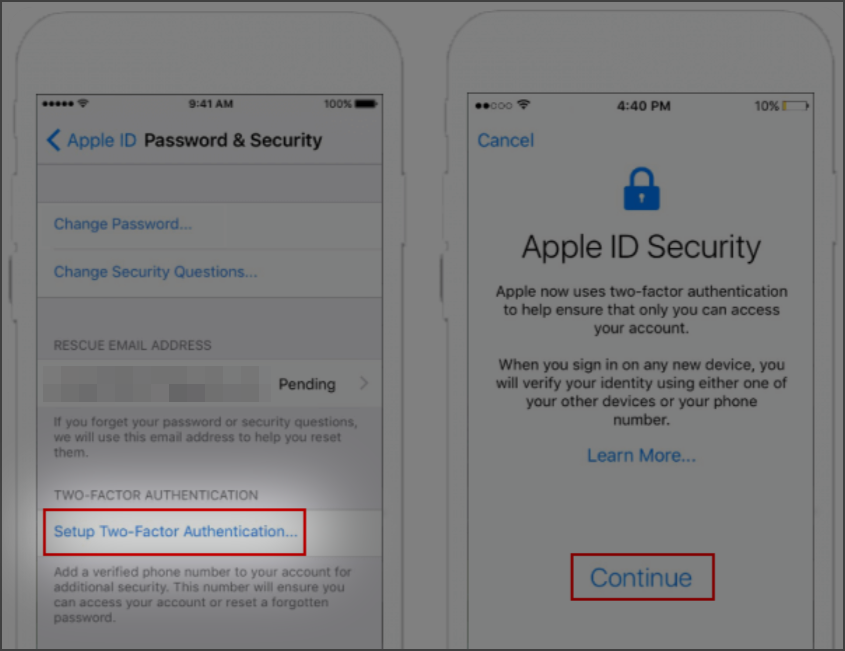
Protect your WeTransfer account with a strong, unique password and two-factor authentication (2FA).
2FA adds another verification step during login, reducing the risk of unauthorized access if your password is compromised.
You should also review account activity and sign out of devices you no longer use.
Delete Transfers You No Longer Need
Review your sent transfers periodically. If a recipient has finished downloading the required files, consider deleting the transfer instead of keeping its link active.
Deleting an active transfer revokes access through its WeTransfer link. However, it cannot erase copies that recipients have already downloaded.
For confidential projects, maintain separate backups in an approved storage location rather than relying on temporary transfers for long-term storage.

Similar Tools: WeTransfer Alternatives to Try
WeTransfer isn't your only option for sending large files. Depending on file size, collaboration needs, and how you prefer to share content, other services may be more convenient.
Here are several popular alternatives worth considering.
- Google Drive: Google Drive is a convenient choice for storing, organizing, and collaborating on documents. It's particularly useful for teams already using Google Workspace.
- Dropbox Transfer: Dropbox Transfer is designed to deliver files without giving recipients access to your working folders. It's useful for client handoffs and completed projects.
- SwissTransfer: SwissTransfer is a straightforward service for sharing large files, with free transfers of up to 50 GB. It's suitable for occasional large deliveries.
- Smash: Smash is a browser-based solution for sharing photos, videos, and other large files. Larger free transfers may be queued before processing.
- Send Anywhere: Send Anywhere supports sharing files across devices, including direct transfers and link-based delivery. It's useful when moving files between phones and computers.
These alternatives offer different approaches to storage, delivery, and collaboration. File-size limits, retention periods, and free-plan features can change, so check their current terms before choosing one.
Final Say
So, is WeTransfer safe? For everyday file sharing, it is generally a reasonable and convenient choice.
The more important question is how much control your particular situation requires. Sending holiday photos to a friend is very different from delivering a confidential client database.
As online collaboration becomes routine, digital security increasingly depends on informed decisions rather than any single tool. Choose services that match your files' sensitivity, understand the responsibilities involved, and keep control of your information throughout the sharing process.
FAQs
Is WeTransfer Free to Use?
Yes. WeTransfer offers a free plan with limits on transfer volume, file size, and retention time. Paid plans provide higher allowances and additional features. Check the official pricing page for current limits.
Does WeTransfer Compress Files or Reduce Their Quality?
WeTransfer generally preserves the original uploaded files. Downloading a collection as a ZIP archive does not normally reduce image resolution or video quality.
Can I Download a WeTransfer File Without an Account?
Yes. Recipients generally do not need a WeTransfer account to download shared files. However, password-protected or restricted transfers may require additional verification.
Can I Recover an Expired WeTransfer Transfer?
Sometimes. Recovery depends on the sender's plan and whether the Recoverable option was enabled. Otherwise, the sender may need to upload the original files again.
Can I Tell If Someone Downloaded My WeTransfer Files?
Yes. WeTransfer provides transfer status information, and certain access-control settings offer more detailed download activity. However, automated email security scanners can occasionally trigger activity notifications, so a download alert does not always mean a person opened the file.