1. Spotify Free: The Gold Standard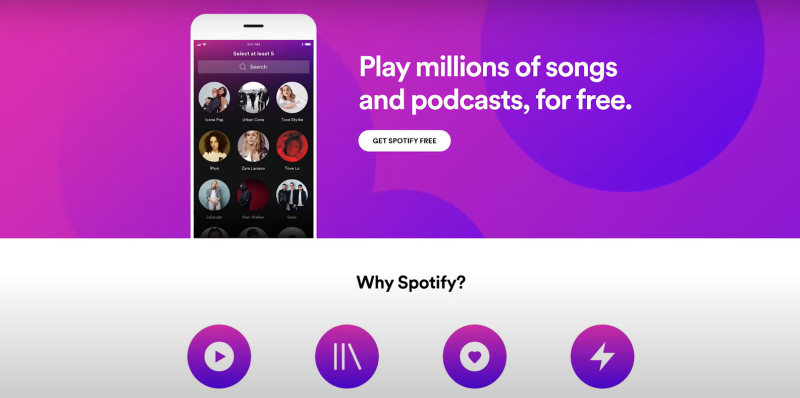
Spotify is arguably the most recognized name in the streaming world. Its free tier offers access to millions of tracks, personalized playlists, and the ability to discover new music effortlessly.
- Library Size: Over 100 million tracks, podcasts, and audiobooks.
- Features: Personalized playlists (Discover Weekly, Daily Mixes), shuffle play, and offline listening in mobile apps.
- Limitations: Ads every 15–20 minutes; no on-demand mobile skips.
Spotify’s platform continues to evolve, and with creative strategies like using a free Spotify VPN, you can enjoy uninterrupted access regardless of regional restrictions.
2. YouTube Music: Visuals Meet Versatility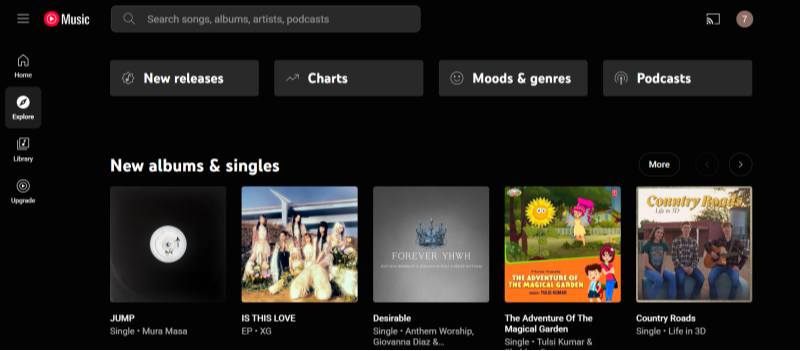
YouTube Music leverages the extensive library of YouTube, making it a strong contender in the free streaming market.
- Unique Perk: Access to live performances, remixes, and music videos.
- Ad-Supported Tier: Seamlessly switch between audio and video content.
- Limitations: The free version is ad-supported and may interrupt the listening experience.Background play and offline downloads are restricted to premium users.
3. SoundCloud: Indie Artist Haven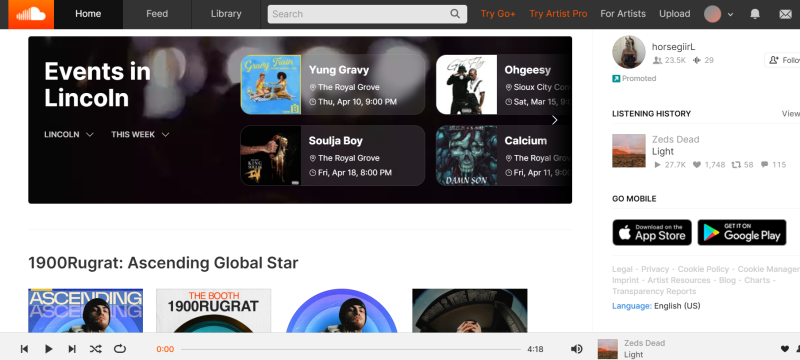
SoundCloud stands out as a platform that caters to independent artists and niche music communities.
- Niche Appeal: Discover emerging artists and underground tracks.
- Free Plan: Limited to 100+ million tracks with occasional ads.
- Limitations:The quality of content can vary widely since it’s user-generated.Discoverability can be a challenge due to the sheer volume of available content.
4. Pandora: The Radio Innovator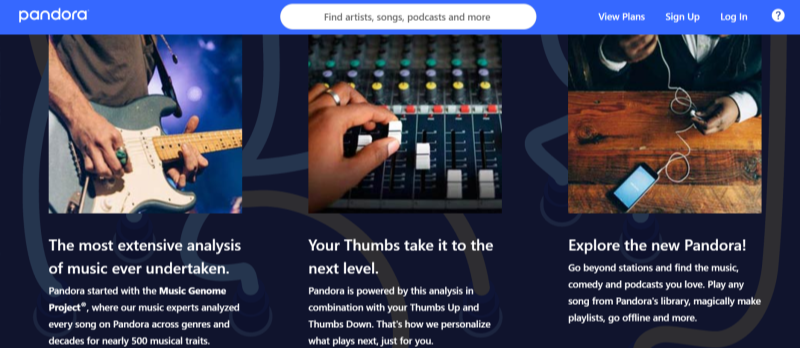
Pandora is well-known for its internet radio-style service that customizes stations based on your musical tastes.
- Music Genome Project: Hyper-personalized stations based on song attributes.
- Drawback: Limited on-demand listening without a subscription.
- Limitations: Limited song skips and less on-demand control compared to other services.Primarily focused on the U.S. market, which may require workarounds to access internationally.
5. Deezer Free: Global Beats, Local Flavors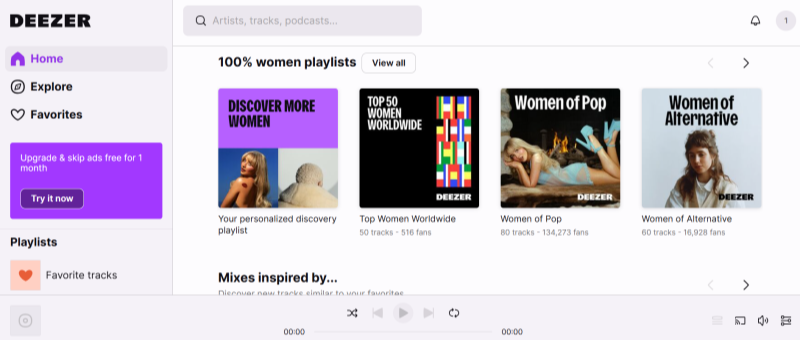
Deezer’s free tier is another excellent option, providing access to a diverse catalog of tracks while incorporating innovative features.
- Flow Feature: AI-generated playlists tailored to your mood.
- Regional Restrictions: Use a free Spotify VPN like UFO VPN to bypass geo-blocks.
- Limitations:Ad interruptions can detract from the listening experience.Some regions may experience limitations on song skips and on-demand playback.
6. Tidal Free (New Tier): High-Quality Audio
Features:
- High-fidelity audio streaming with lossless and Master quality options.
- Extensive library featuring millions of tracks, exclusive content, and music videos.
- Curated playlists and personalized recommendations, including artist-curated content.
limitations:
- Requires a paid subscription, which can be more expensive than other services.
- Limited free trial availability in some regions.
7. Amazon Music Free: For Prime Non-Subscribers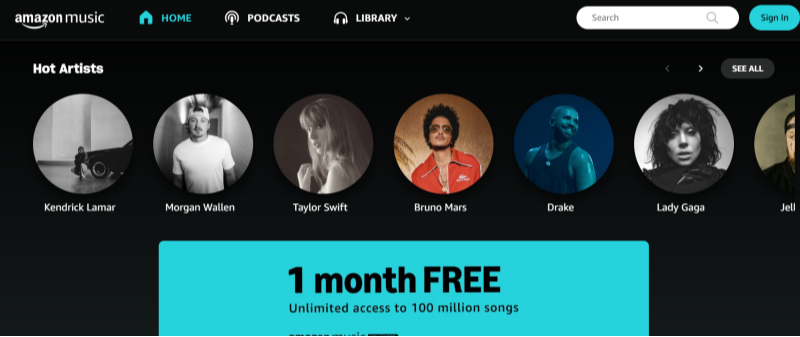
Features:
- Offers a limited selection of tracks and playlists at no extra cost.
- Curated playlists and stations tailored to user preferences.
- Seamless integration with Amazon devices and services.
Cons:
- Limited music library compared to the paid tier.
- Fewer features and lower audio quality than Amazon Music Unlimited.
8. iHeartRadio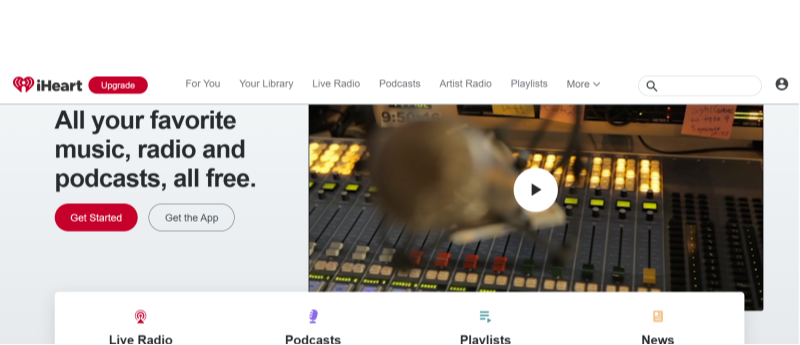
iHeartRadio is another popular free music streaming service, especially in North America, known for its live radio integration.
Features:
- Live radio channels and the ability to create personalized stations.
- Access to live events, interviews, and podcasts.
- Limitations:
- The service is primarily U.S.-focused, which might require additional tools to access globally.
- Some features are limited to premium subscribers.
9. Tunein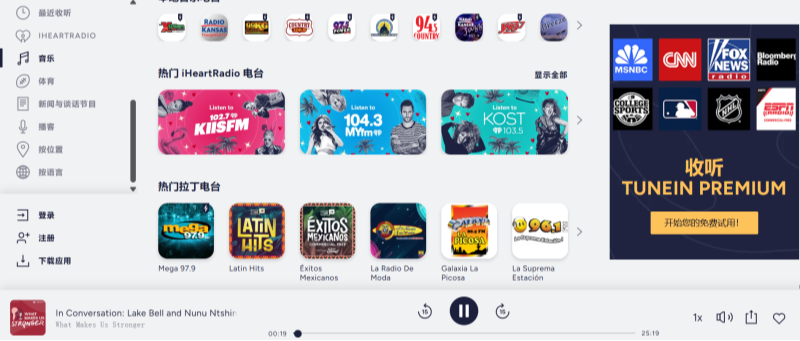
Features:
- Offers access to live radio stations, podcasts, and news from around the globe.
- Extensive directory featuring diverse genres and localized content.
- Supports both live streaming and on-demand playback of selected programs.
limitations:
- Some content may require a premium subscription for on-demand listening.
- Occasional ads can interrupt the streaming experience.
10. Accu Radio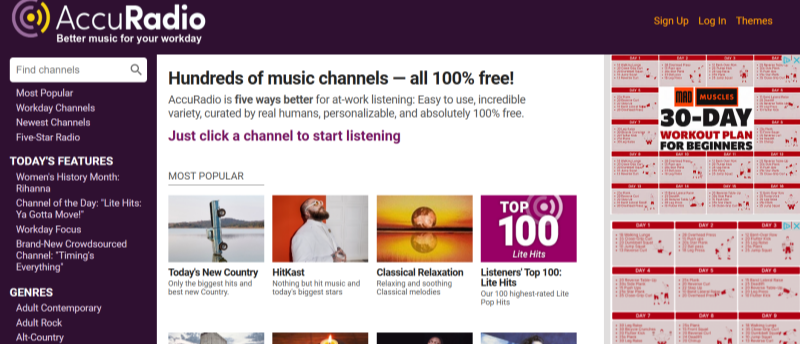
Features:
- Hand-curated radio stations across diverse genres.
- Unlimited skips and customizable radio stations.
- Free to use with occasional ads.
limitations:
- Limited on-demand song selection.
- Ads may occasionally interrupt streaming.
📖Related Reading
Benefits of Unblocking Music Streaming
Unblocking music streaming services allows you to:
- Access exclusive content available only in specific regions.
- Enjoy uninterrupted streaming of global hits.
- Discover music from diverse cultures and genres that might otherwise be inaccessible.
By leveraging these techniques, you can transform your listening experience and enjoy the unblock music streaming freedom you deserve.
How to Unblock Music Streaming Services Globally
While free services are abundant, geo-restrictions often lock out global hits. For instance, Spotify’s library varies by country—Japanese users get exclusive J-pop, while Brazilians enjoy regional Latin tracks. Follow these instructions to get Best free VPN:


UFO VPN is an all-in-one VPN that offers unlimited access to 4K streaming like Netlfix, Disney Plus, no-ping gaming as PUBG, Roblox, CODM and social networking for YouTube, X, Facebook and more.




Unlock Pro Features
If you have upgraded to premium plan , feel free to enjoy premium servers for 4K streaming and advanced features like Kill Switch, Split Tunneling, and gaming acceleration. Your Mac is now fully optimized and protected. Inaddition to basic functions, we recommend you turn on

Verify Your IP Now
Use UFO VPN's " What is My IP " feature to see your new IP and location. This confirms your connection is secure, anonymous, and ready for safe browsing online anywhere at any time.







Tips for Optimizing Your Streaming Experience
Maximizing your music streaming experience involves more than just choosing the right service. Here are some additional tips to help you enjoy your favorite tracks without interruption:
1. Check Your Internet Connection
A stable and fast internet connection is crucial for uninterrupted music streaming. Ensure that you have adequate bandwidth, especially if you’re using a VPN which might sometimes reduce your speed slightly.
2. Adjust Streaming Quality Settings
Most free music streaming services offer multiple quality settings. If you’re experiencing buffering issues, consider lowering the streaming quality to ensure smoother playback. Conversely, if you have a high-speed connection, opt for higher quality for the best audio experience.
3. Manage Your Device’s Resources
Streaming on older devices can sometimes result in performance issues. Close unnecessary applications and ensure that your device’s operating system is updated to optimize performance.
4. Regularly Clear Cache and Cookies
Your device’s cache and cookies can affect streaming performance over time. Regularly clearing them helps maintain a smooth and responsive streaming experience.
5. Explore Playlists and Recommendations
Take advantage of personalized playlists and recommendations offered by these services. They are designed to help you discover new music and can enhance your overall listening experience.
💖Bonus💖
FAQs
What is the Best Music Streaming Service Free?
The Best Music Streaming Service Free refers to platforms that offer access to extensive music libraries at no cost. These services typically rely on ad revenue to sustain their operations while delivering a wide variety of content to users.
How can I unblock music streaming services if I’m traveling or in a restricted region?
You can unblock music streaming services by using tools such as VPNs or proxy servers. A VPN like UFO VPN is particularly effective, as it masks your IP address and allows you to bypass geo-restrictions seamlessly.
What are the main differences between free and premium music streaming services?
Free services are supported by ads and may offer limited features such as restricted song skips or lower audio quality, whereas premium services provide an ad-free experience with additional features like offline listening and superior sound quality.
Can I use a free Spotify VPN to enhance my streaming experience?
Yes, using a free Spotify VPN can help bypass geo-restrictions and protect your privacy while streaming music. It allows you to enjoy uninterrupted access to Spotify’s vast library regardless of your location.
What should I consider when choosing a free music streaming service?
When selecting a free music streaming service, consider factors like the size of the music library, ad frequency, ease of use, and any regional restrictions that might affect access. Reading user reviews and comparing service features can also guide your decision.
How does a VPN improve my online music streaming experience?
A VPN enhances your streaming experience by providing increased privacy, allowing you to bypass geo-restrictions, and protecting your connection from potential ISP throttling. This ensures smoother and more reliable streaming.
Is it safe to use free VPNs for unblocking music streaming?
While some free VPNs offer reliable service, they might come with limitations such as slower speeds, data caps, or questionable privacy policies. It’s important to research and choose a VPN that prioritizes your security. For instance, UFO VPN is a trusted option that balances speed, security, and ease of use.
conclusions
Finding the best music streaming service free boils down to your needs: Spotify excels in personalization, YouTube Music blends audio and video, and SoundCloud champions indie artists. Pair these with a trusted VPN to unblock music streaming globally. For buffer-free access, try UFO VPN —your ticket to a borderless music journey.