Character AI Content Banning Explained
Character AI (often called C.AI) provides a platform where users can chat with AI-generated characters. While its conversational abilities are impressive, it applies strict content filters to prevent inappropriate, NSFW, or harmful topics. This content moderation helps maintain community standards and comply with legal and ethical guidelines, but it can frustrate users looking for more open-ended or adult conversations.
The filters may block entire topics or specific language, resulting in a limited chat experience. For some, this means the AI cannot respond freely, especially in contexts involving sensitive or controversial subjects. This leads users to search for “Character AI no filter” or “AI chats without filters” to find C.AI alternatives that allow more flexible and unrestricted conversations.
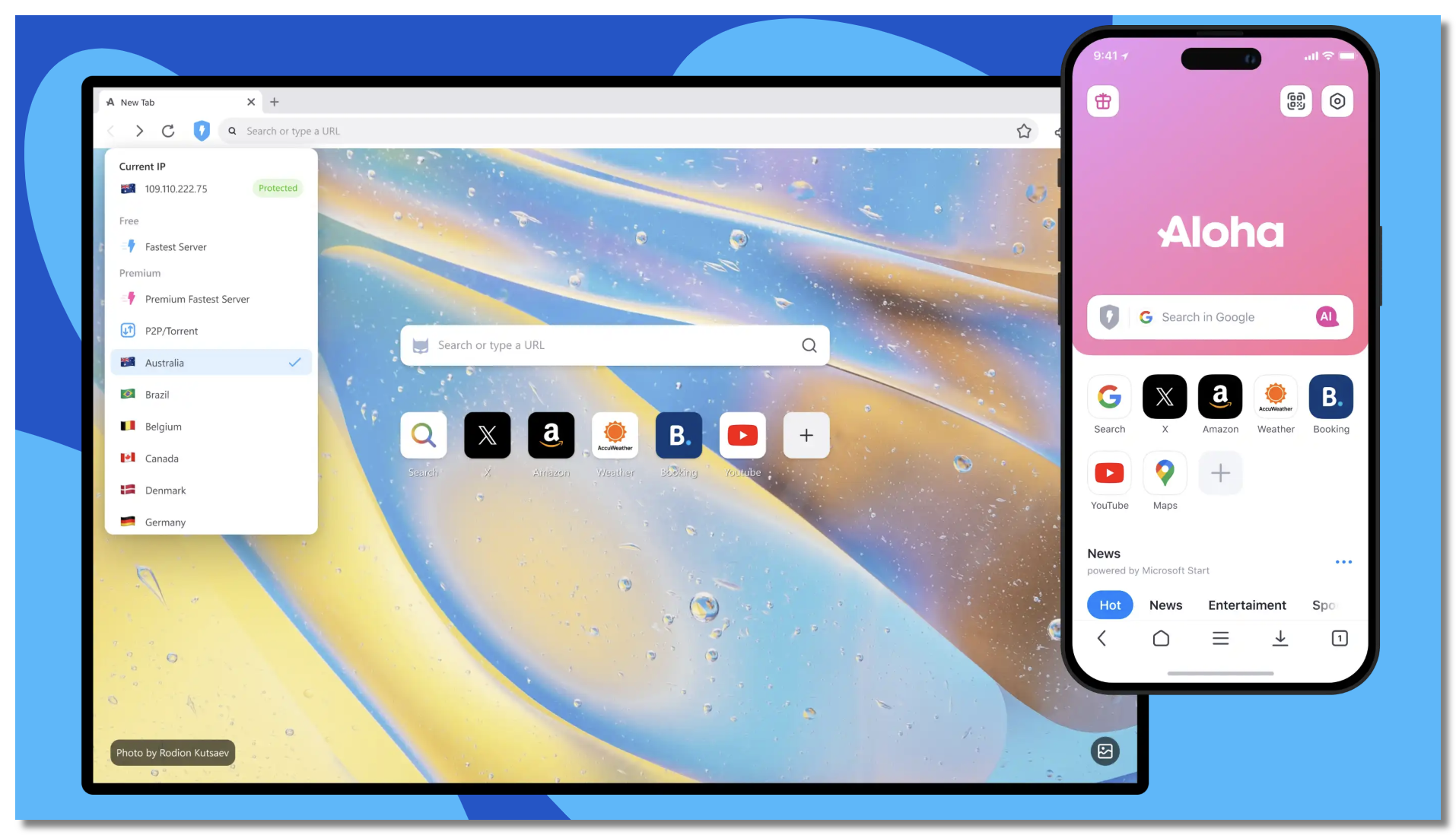
Using a secure and free proxy VPN in UFO VPN to connect through certain U.S. states or European countries may help reduce content restrictions on Character AI. This can provide a freer chat experience, but results may vary. Always use VPNs responsibly and follow the platform’s rules.
10 Best Character AI (C.AI) Alternatives
If you want AI chatbots like Character AI but without the strict filtering, here are ten great alternatives you can try. These platforms vary in features, openness, and accessibility, but they all offer more freedom in chat content.
1. Replika
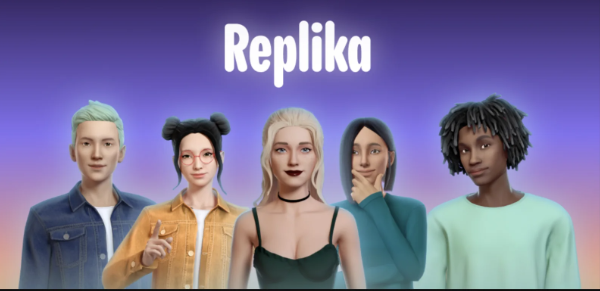
Replika is a popular AI chatbot designed for companionship and open conversation. While it has some moderation, it’s generally more flexible than Character AI. You can customize your AI friend’s personality and talk freely about many topics. Replika also offers free and premium plans.
2. AI Dungeon
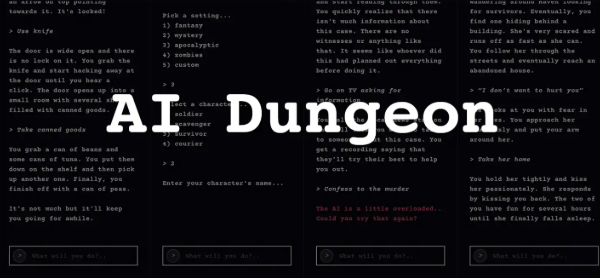
AI Dungeon is a text-based adventure game powered by AI, but it functions as a highly customizable chatbot. It is known for its minimal content filtering, especially in the “Dragon” model, which lets users create stories and dialogues without many restrictions. AI Dungeon is popular among users who want more creative freedom.
3. Chai
Chai is a platform hosting multiple AI chatbots with various personalities. Many bots on Chai have fewer content restrictions, making it a good alternative for users seeking no-filter AI chats. The app is free with optional upgrades and supports mobile use.
4. NovelAI
NovelAI started as a tool for creative writing but includes AI chat features that allow for unrestricted conversations. It offers detailed control over AI behavior and fewer content blocks, appealing to users wanting both storytelling and chat flexibility.
5. Botpress
Botpress is an open-source conversational AI platform where developers can build custom chatbots without heavy filtering. While it requires some setup, it offers complete control over content policies, making it ideal for users seeking tailored no-filter AI experiences.
6. ChatGPT with Custom Instructions
OpenAI’s ChatGPT allows users to provide custom instructions for the AI to behave in specific ways. Although OpenAI enforces content policies, tweaking instructions can reduce restrictions to some extent. Plus, third-party ChatGPT clients sometimes offer fewer filters, but users should be cautious about legality and safety.
7. Poe by Quora
Poe hosts several AI models, including some with fewer content restrictions. It provides a user-friendly interface to chat with various AI personalities. While it maintains content guidelines, it is less restrictive than Character AI on some topics.
8. Cleverbot
Cleverbot is a long-standing AI chatbot that learns from conversations. It has minimal content filtering and offers a raw conversational experience. It’s a straightforward alternative if you want unrestricted chats without a complex setup.
9. Simsimi
Simsimi is another chatbot that offers casual and open conversations. It has fewer content restrictions but uses a crowd-sourced learning model, so content quality and safety can vary.
10. Custom AI Bots on Discord
Many Discord servers host AI chatbots that users can interact with freely. These bots often have custom filters or none at all, depending on server rules. Joining AI-focused Discord communities can provide access to no-filter AI chat experiences.
How to Safely Access Websites like Character AI Without Filters
Many of the above platforms for Character AI might have regional restrictions or privacy concerns. For instance, some AI chatbots could be blocked or limited in certain countries due to legal policies or censorship.
Using a reliable VPN like UFO VPN allows you to:
-
Bypass geographical blocks and access these AI chatbots freely.
-
Protect your personal data from tracking or interception while chatting.
-
Maintain privacy when exploring AI content that might be sensitive or personal.
When choosing an AI chatbot with fewer filters, it’s important to stay safe online. VPNs add a layer of security and anonymity, reducing risks associated with data leaks or targeted ads.
You can get started with UFO VPN with the following steps:


UFO VPN is an all-in-one VPN that offers unlimited access to 4K streaming like Netlfix, Disney Plus, no-ping gaming as PUBG, Roblox, CODM and social networking for YouTube, X, Facebook and more.




Unlock Pro Features
If you have upgraded to premium plan , feel free to enjoy premium servers for 4K streaming and advanced features like Kill Switch, Split Tunneling, and gaming acceleration. Your Mac is now fully optimized and protected. Inaddition to basic functions, we recommend you turn on

Verify Your IP Now
Use UFO VPN's " What is My IP " feature to see your new IP and location. This confirms your connection is secure, anonymous, and ready for safe browsing online anywhere at any time.







FAQs
What does “no filter” mean in AI chatbots?
A: “No filter” means the AI does not heavily restrict or censor topics, allowing freer conversations, including sensitive or adult themes.
Are no-filter AI chatbots safe to use?
A: They can be, but users should be cautious, as less filtering means potentially inappropriate or harmful content. Using VPNs and safe browsing practices is recommended.
Is it legal to use AI chatbots with NSFW content?
It depends on local laws and platform policies. Always ensure your usage complies with regulations and terms of service.
Can I use these AI chatbots for free?
Many offer free tiers with optional paid upgrades for advanced features or less restrictive interactions.
How does UFO VPN help with AI chatbot access?
UFO VPN helps bypass restrictions and protects your privacy while you chat on AI platforms that may have region-based limitations.
Conclusion
For users seeking more freedom than Character AI’s strict content filtering, these top 10 Character AI alternatives provide excellent no-filter chatting experiences. Whether for creative storytelling, casual conversation, or NSFW topics, there’s an AI chatbot to suit your needs. Remember to stay safe by protecting your privacy and using tools like UFO VPN to access these platforms securely and privately. Explore these options and enjoy open, unrestricted AI conversations.