Key Takeaways
Downloading videos from Pornhub, Instagram, Facebook, and other sites for personal offline use is common and generally acceptable, but never redistribute or re-upload copyrighted content.
- Safety First: Always use ad blockers, a VPN like UFO VPN, avoid suspicious sites, and keep your browser updated.
- Quality Tip: Download in HD or 4K whenever possible for better viewing.
- Legal Reminder: Respect each platform’s Terms of Service and content creators’ rights. Use downloaded videos only for personal, non-commercial purposes.
[Tools] Best Free Video Downloader for Any Website in Mobile & Desktop
With so many platforms like Instagram, Facebook, Pornhub, and TikTok restricting downloads, having reliable free video downloaders is essential. Below is a carefully curated comparison of the best free video downloaders that work across almost any website in 2026.
| Tool Name | Overview | Platform | Best For | Max Resolution | Ease of Use | Safety | Ads | Overall Score |
|---|---|---|---|---|---|---|---|---|
| Video DownloadHelper | 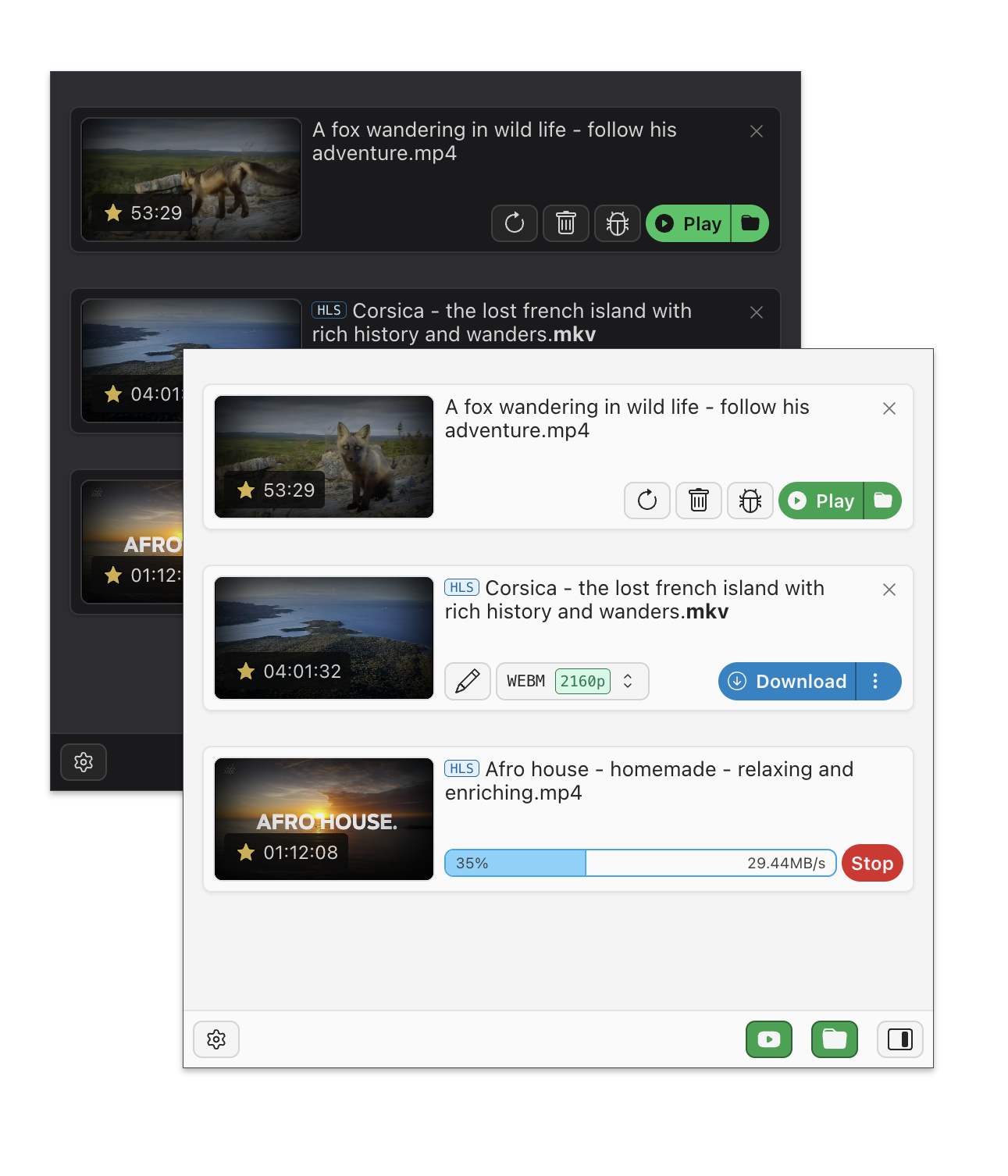 |
Desktop (Chrome/Firefox) | All websites (Pornhub, IG, FB, TikTok) | Up to 4K | Medium | High | Very Few | 9.5/10 |
| SaveFrom.net | 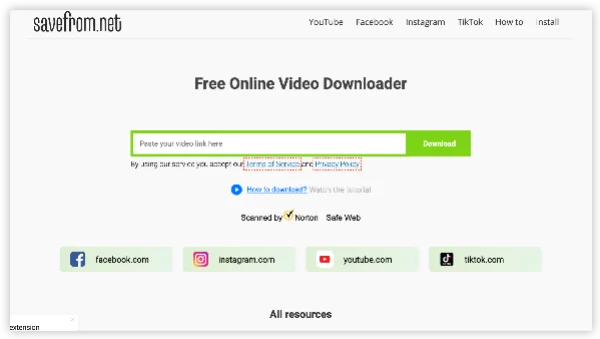 |
Desktop + Mobile (Web) | Pornhub, Instagram, Facebook, TikTok | Up to 4K | Very Easy | Medium | Many ads & pop-ups | 8.7/10 |
| SnapInsta | 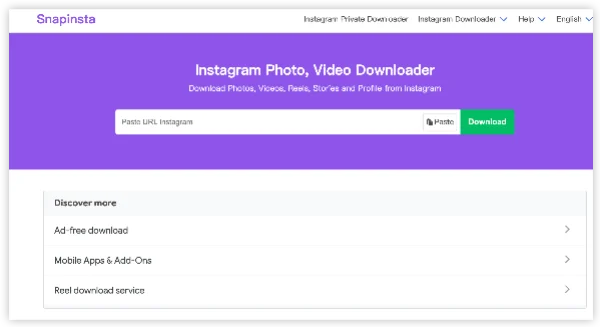 |
Desktop + Mobile (Web) | Instagram Reels, Posts & Stories | 1080p | Very Easy | Medium-High | Moderate ads | 8.8/10 |
| Savido.net | 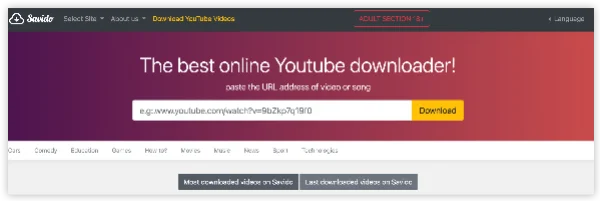 |
Desktop + Mobile (Web) | Pornhub & Adult Sites | Up to 4K | Easy | Medium | Ads (but cleaner than most) | 8.6/10 |
| SSSTikTok | 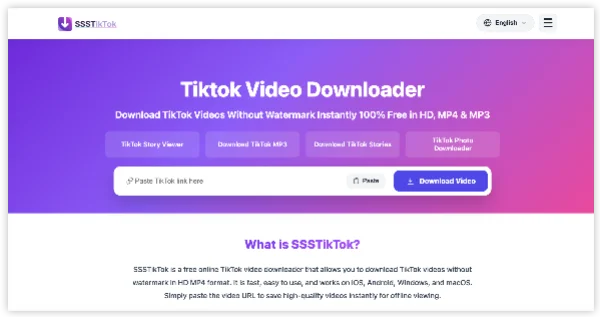 |
Desktop + Mobile (Web) | TikTok (No Watermark) | 1080p | Very Easy | High | Few ads | 9.0/10 |
| fbdown.net | 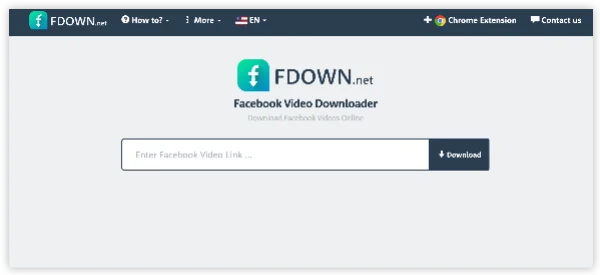 |
Desktop + Mobile (Web) | Facebook Videos | 1080p | Very Easy | Medium-High | Moderate ads | 8.5/10 |
| Cococut Video Downloader |  |
Desktop (Chrome) | All websites | Up to 8K | Easy | High | Minimal | 9.2/10 |
| 4K Video Downloader |  |
Desktop (Windows/Mac) | YouTube, Pornhub, TikTok, IG | Up to 8K | Easy | Very High | Free version has limits | 9.0/10 |
| yt-dlp |  |
Desktop (Command Line) | Almost Any Website | Up to 8K+ | Advanced | Very High | No ads (open source) | 9.6/10 |
| Downloader for Instagram |  |
Mobile + Desktop (Extension) | Instagram focused | 1080p | Easy | Medium-High | Few ads | 8.4/10 |
| StreamFab Free Version |  |
Desktop | Pornhub, Adult Sites & Mainstream | Up to 4K | Easy | High | Limited free downloads per day | 8.7/10 |
| NewPipe (Android) |  |
Mobile (Android only) | YouTube, Pornhub, many sites | Up to 4K | Easy | Very High | No ads (open source) | 9.1/10 |
| Videoder |  |
Mobile (Android) | Instagram, TikTok, Pornhub, FB | 1080p | Very Easy | Medium | Contains ads | 8.0/10 |
Part 1: Can You Really Download Pornhub Videos? Safety Risks Explained
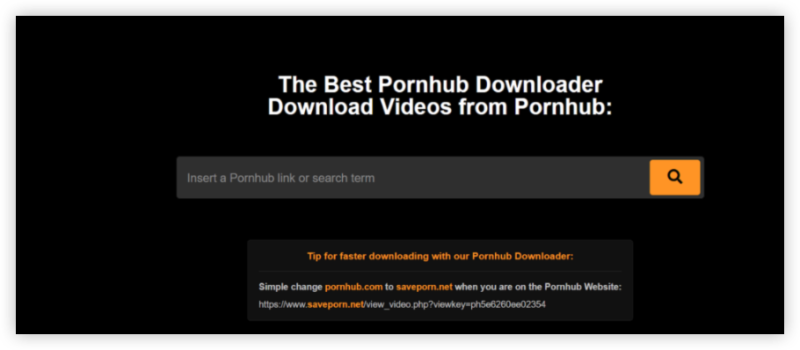
The short answer: Yes—with the right tools. Downloading videos from Pornhub is generally considered a low-risk activity if done responsibly, but there are real security, privacy, and legal considerations you should understand.
However, not all sites like Pornhub allow video downloading due to copyright, monetization, or technical limitations. Platforms like YouTube, Netflix, and Hulu encrypt their content to prevent easy access, while others may allow basic downloads (e.g., Vimeo, Dailymotion).
Downloading Pornhub videos is reasonably safe when you follow these practices:
- Always respect copyright laws.
- Use downloaded content for personal use only, and never distribute or commercialize copyrighted material without permission.
- Hide your real IP address with a trustworthy VPN - UFO VPN, in case of any potential risks.
- Prefer desktop software over random online websites.
- Avoid any site that asks you to complete surveys, install extensions, or log into your Pornhub account.
- Keep your browser and operating system updated.
How to Download Videos from Pornhub for PCs (Windows & Mac)
Best Pornhub Downloader for Videos on PC
When you're on a desktop or laptop, you have powerful tools at your disposal. Here are some of the most trusted ones:
| Tool Name | Device | Key Features | Free/Paid |
|---|---|---|---|
| 4K Video Downloader | Windows, macOS | Supports YouTube playlists, subtitles | Yes |
| JDownloader | Windows, macOS | Handles batch downloads, clipboard monitor | Yes |
| Internet Download Manager (IDM) | Windows | Fast multi-threaded downloads, integrates with browsers | Trial |
| VideoProc Converter | Windows, macOS | Built-in screen recorder and downloader | Yes (limited) |
Method 1: Use Online Pornhub Downloader
Recommended Tools: Savido.net, 6Buses Pornhub Downloader, PasteDownload
- Open Pornhub and find the video you want to download.
- Copy the full video URL from the address bar.
- Paste the URL into the search box and click Download.
- Select your preferred quality (up to 4K if available) and format (MP4 recommended).
- Click the download button and save the file.
👍Pros: No installation, works on mobile and desktop, very fast for single videos.
👎Cons: Ads may appear, daily limits on free sites, and lower success rate on premium/locked videos.
Method 2: Use Desktop Software (Recommended for HD/4K)
For better quality, batch downloading, and higher success rates, use dedicated desktop applications.
Top Recommendations:
- StreamFab Pornhub Downloader or KeepStreams (Best for 4K + VR)
- 4K Video Downloader
- yt-dlp (Free & most powerful)
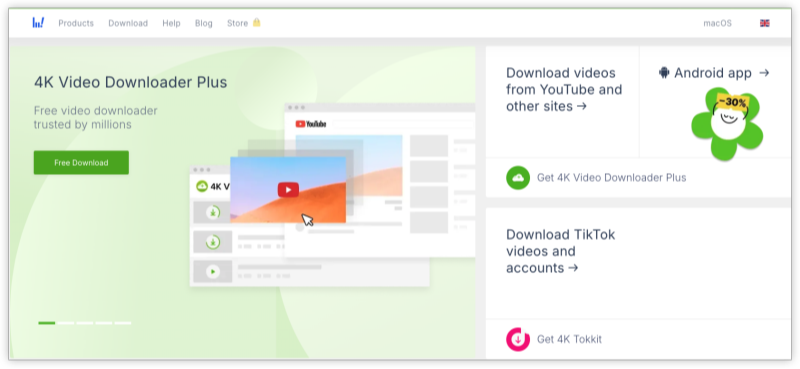
How to Use 4K Video Downloader for Pornhub Videos
-
Download and install from the official website.
-
Copy the video URL.
-
Open 4K Video Downloader and click "Paste Link."
-
Choose resolution and download.
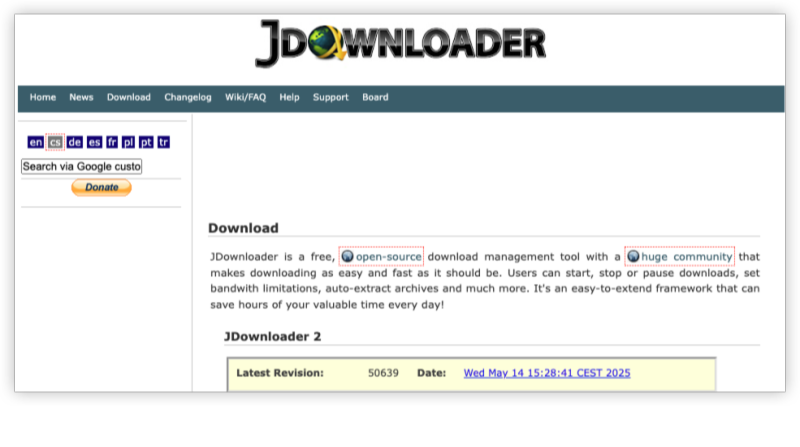
How to Use JDownloader to Download Pornhub Video
-
Download & install JDownloader from the official site.
-
Launch the program and keep it running in the background.
-
Copy the video URL from any site (e.g., YouTube).
-
JDownloader will automatically detect the link and show it in the “LinkGrabber” tab.
-
Select the desired file format and quality.
-
Click the Start All Downloads button to begin.
Tip: Use the settings to auto-start downloads and set output folders.
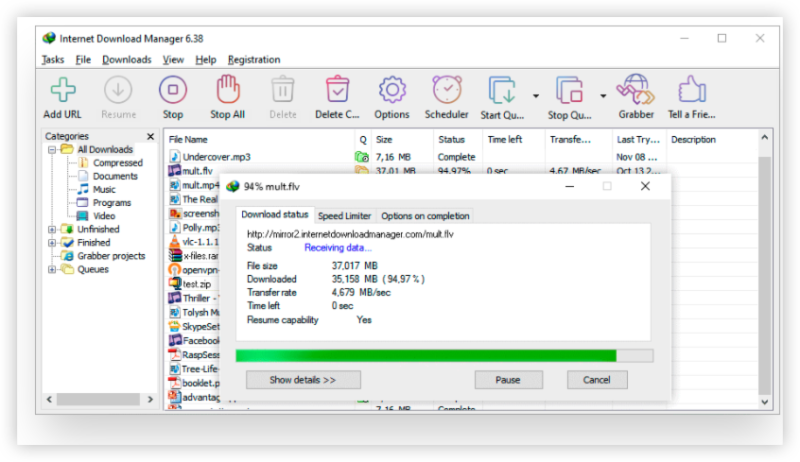
How to Use Internet Download Manager (IDM)
-
Download and install IDM from the official website.
-
After installation, IDM will integrate with your browser.
-
Visit the video you want to download. A “Download this video” button will pop up.
-
Click the button, choose format and resolution.
-
IDM will start downloading immediately or queue it based on your settings.
Tip: Ensure the IDM extension is enabled in your browser (Chrome, Firefox, Edge, etc.) for full functionality.
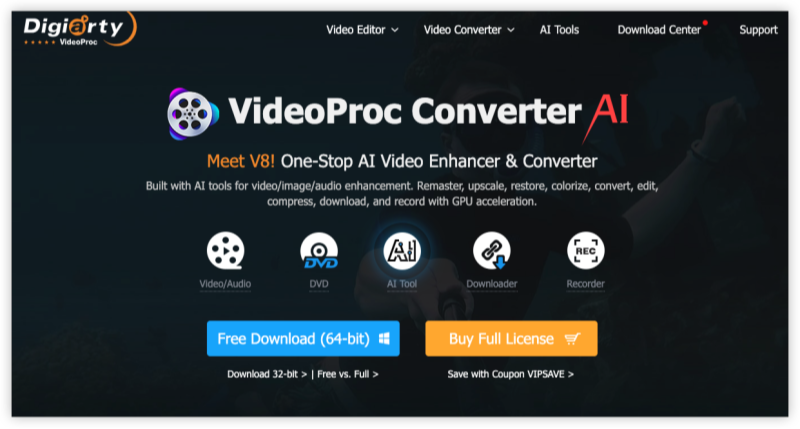
How to Use VideoProc Converter
-
Install VideoProc Converter on your PC or Mac from its official site.
-
Open the app and click the “Downloader” tab.
-
Click “+ Add Video” and paste the video URL.
-
Hit “Analyze”—VideoProc will fetch all available resolutions.
-
Choose your desired format and quality, then click “Download Now.”
Bonus: You can also use the built-in screen recorder to save protected streams.
For Advanced Users (yt-dlp):
- Install yt-dlp (open-source command-line tool).
- Open terminal/command prompt and run:
Method 3: Browser Extension Method
Best Tool: Video DownloadHelper (Chrome or Firefox)
Steps:
- Install Video DownloadHelper from the Chrome Web Store or Firefox Add-ons.
- Go to the Pornhub video page and play the video.
- Click the Video DownloadHelper icon — it will detect the video stream.
- Select the desired quality and download.
This method works very well for most Pornhub videos.
How to Download Pornhub videos on Android
Easiest Methods:
- Online Downloader: Savido.net or 6Buses
- Best App: Seal (open-source) or Videoder
Steps (Online Method):
- Open Chrome on your Android phone.
- Copy the Pornhub video URL.
- Paste it into Savido.net.
- Choose quality and tap Download.
Using Seal App (Recommended):
- Install Seal APK from its official GitHub.
- Paste the Pornhub link inside the app.
- Select resolution and download.
How to Download from Pornhub on iPhone/iPad
iOS is more restricted, but still possible using workarounds.
Best Methods:
- Documents by Readdle (Most Reliable)
- Safari + Online Downloaders
Step-by-Step Using Documents App:
- Download the free Documents by Readdle app from the App Store.
- Open the app and tap the browser icon (compass).
- Go to Pornhub, find your video, and copy the URL.
- Visit Savido.net inside Documents browser.
- Paste the link and download the video.
- The file will be saved in the Documents app (you can move it to Photos or Files later).
Alternative: Use Safari + Savido.net and tap the download arrow to save the file.
📝Pro Tips for All Devices
- Use a VPN for better privacy when downloading adult content.
- Prefer 1080p or 4K quality when available.
- Always use an ad blocker to avoid pop-ups and malicious ads.
- Never log into your Pornhub account on third-party sites.
Part 2: How to Download Instagram Videos
Instagram does not provide an official download option for most videos. Here are the best working methods to save Instagram Reels, feed posts, and Stories.
Recommended Tools:
- SnapInsta
- Inflact
- SaveFrom.net
- Downloader for Instagram (Browser Extension)
Step-by-Step Guide (Easiest Method – SnapInsta):
- Open Instagram (app or website) and find the video or Reel you want.
- Tap the three dots (⋯) → Select Copy Link.
- Go to snapinsta.app in your browser.
- Paste the copied link and tap Download.
- Choose HD quality and save the MP4 file.
For Browser Users:
- Install the Downloader for Instagram extension on Chrome or Firefox.
- Visit Instagram on your browser.
- Play the video — a download button will appear below it.
Pro Tips:
- Private accounts cannot be downloaded unless you have access.
- Stories can be downloaded using the same tools if you copy the story link quickly.
- Use this method for saving Reels without the Instagram watermark.
Part 3: How to Download Videos from Facebook
Facebook videos (public posts, Reels, and shared videos) are relatively easy to download.
Best Tools in 2026:
- fbdown.net
- Getfvid.com
- FDownloader.net
- SaveFrom.net
Step-by-Step Guide (Using fbdown.net):
- Open Facebook and locate the video.
- Click the three dots (⋯) on the post → Select Copy Link.
- Go to fbdown.net.
- Paste the video URL and click Download.
- Choose HD or Normal quality and save the file.
Alternative Method (Browser Extension): Install Video DownloadHelper on Chrome/Firefox. Play the Facebook video and click the extension icon to download.
This works best for public videos. Private or friends-only videos usually cannot be downloaded without proper access.
Part 4: How to Download Youtube Videos
YouTube is one of the most downloaded platforms. While YouTube Premium offers official offline downloads, many users prefer free tools.
Best YouTube Downloaders:
- 4K Video Downloader
- yt-dlp (most powerful)
- SaveFrom.net
- NewPipe (Android)
- Video DownloadHelper (Extension)
Step-by-Step Guide (Using 4K Video Downloader – Best for Most Users):
- Download and install 4K Video Downloader from its official website.
- Open YouTube and copy the video URL.
- Paste the link into the 4K Video Downloader.
- Select quality (up to 4K or 8K) and format (MP4 recommended).
- Click Download.
Quick Online Method (No Software):
- Copy the YouTube video link.
- Paste it into SaveFrom.net or y2mate.com.
- Choose desired quality and download.
Pro Tips:
- YouTube Premium is the safest and most convenient official option.
- Always download in 1080p or 4K for better quality.
- Use NewPipe app on Android for fast, no-watermark downloads.
Quick Fixes: I Can't Download Videos from Websites Online
Many users face problems when trying to download videos from Pornhub, Instagram, Facebook, or YouTube. Here are the most common reasons and quick fixes:
Common Problems & Solutions:
- Video Not Downloading / “No Video Detected”
- Cause: The downloader site is outdated or the platform updated its protection.
- Fix: Try a different downloader (e.g., switch from SaveFrom.net to Savido). Clear browser cache or try incognito mode.
- Download Button Greyed Out or Not Working
- Fix: Play the video for 5–10 seconds before copying the link. Use a browser extension like Video DownloadHelper instead of online tools.
- “This Video is Not Supported” or Low-Quality Output
- Fix: Use desktop software (4K Video Downloader, StreamFab, or yt-dlp) — they are more powerful than online sites.
- Too Many Ads / Redirects / Survey Loops
- Fix: Install uBlock Origin ad blocker. Avoid any site that forces surveys or downloads.
- Private or Age-Restricted Videos
- Fix: These are harder to download. Log into your account on the platform first, or use desktop programs that support login.
- Mobile Download Issues
- Fix: On Android, use the Seal app. On iPhone, use Documents by Readdle.
- Downloader Site is Blocked or Not Loading
- Fix: Use UFO VPN. Many downloader websites are blocked by ISPs, schools, offices, or certain countries.
Pro Tip: If one tool fails, switch between online downloaders, browser extensions, and desktop apps. Tools frequently stop working due to platform updates, so having multiple options is essential.
(Recommended) Legal Alternatives to Video Downloaders
While third-party downloaders are convenient, there are completely legal and official ways to save or watch videos offline without violating platform terms.
Why Choose Legal Alternatives?
- No risk of malware or account bans.
- Better video quality and reliability.
- Supports creators and respects copyright.
- Avoids legal gray areas.
While third-party downloaders remain popular for personal use, using official premium services is the safest and most ethical long-term solution.
Best Legal Alternatives:
- YouTube Premium
- Official offline downloads for all YouTube videos.
- Includes background play and ad-free experience.
- Best legal option for YouTube content.
- Pornhub Premium
- Official downloads for videos available to premium users.
- Higher video quality and faster streaming.
- Safest way to download from Pornhub.
- Instagram / Facebook Built-in Features
- Save posts to your “Saved” collection (not true download but easy access).
- Use Instagram’s “Save” feature for Reels you want to revisit.
- Platform Official Apps
- TikTok allows saving some videos to your device (when permitted by creator).
- Facebook and Instagram offer limited offline caching in their apps.
- Creator-Official Sources
- Many creators upload the same content on their own websites, Patreon, or Gumroad with official download options.
- Support creators directly and get high-quality, legal downloads.
- Public Domain & Creative Commons Content
- Use websites like Pixabay, Pexels, or YouTube’s Creative Commons filter for fully legal downloadable videos.
Conclusion
Downloading videos from Instagram, Facebook, Pornhub, and more has never been easier in 2026, thanks to powerful online tools, extensions, and desktop software. Whether you need a quick Pornhub downloader session or want to save your favorite Instagram Reels and more, the methods above will get the job done reliably.
FAQs
Is it legal to download videos from Pornhub?
It depends. If the video is publicly available and not protected by copyright, it’s usually okay for personal use. For copyrighted content, always get permission.
What if a website like Pornhub blocks downloads?
Use screen recorders or tools like JDownloader that support complex scripts. A free VPN for Pornhub like UFOVPN can also help bypass regional locks.
Which format should I choose for downloaded videos?
MP4 is the most widely supported format and is recommended for most users.
Do these downloaders work with streaming platforms like Netflix or Hulu?
No. These platforms use DRM protection. You’ll need their official apps and plans for legal offline viewing.
Can I download videos on school or public Wi-Fi?
Yes, but it’s best to use a VPN like UFOVPN to keep your activity private and bypass network restrictions.