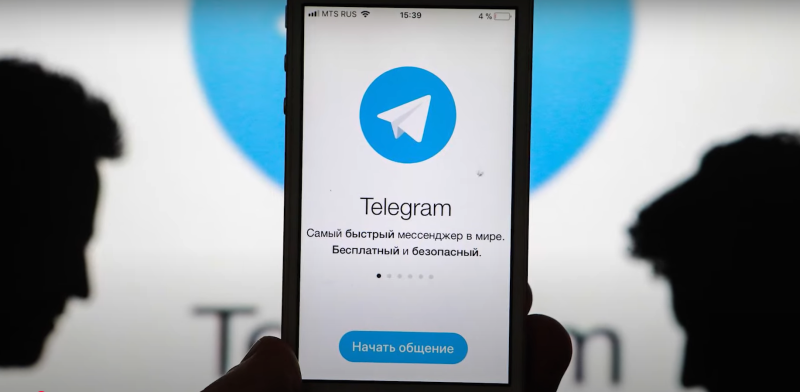
Why Are You Not Getting Telegram Verification Code?
Telegram sends a one-time password (OTP) via SMS or call to verify your identity. If that message doesn’t reach you, the problem might lie in any of the following areas:
1. Wrong Phone Number
This is the most likely reason why the Telegram SMS doesn’t arrive. It sounds simple, but a typo (like an incorrect country code) in your number can completely block verification.
2. Unstable Internet Connection
Even though the code comes via SMS, Telegram sometimes uses in-app delivery methods requiring internet, especially if you're already signed in on another device.
3. Geo-Blocking Issues
Certain countries or regions may block the Telegram server or restrict code delivery services. This is common in countries with strict digital surveillance or censorship.
If you're in a restricted region or facing issues receiving the verification code, using a VPN — like UFO VPN — can help.
Connect to a stable server (such as a Russian VPN server) to bypass blocks and verify your account smoothly.
👉 Download UFO VPN iOS — your free and fast VPN for iPhone.
4. Denied SMS Sending by Carrier and Filter
Some mobile operators block SMS from certain short-codes or international services. In addition, you may have enabled SMS filtering settings on your device, which might also result in Telegram not sending the SMS code.
5. Too Many Code Requests
It’s understandable to try many code attempts when encountering the problem of the Telegram code not reaching your device. However, requesting the code multiple times within a short window may temporarily block further attempts.
6. Device or App Issues
Outdated apps, bugs, or device-specific issues can interfere with SMS reception.
7. Virtual Number Not Accepted
Telegram may reject virtual or VoIP numbers from services like Google Voice or TextNow.

How to Fix: Telegram Code Not Sending
Here are 12 effective solutions to resolve the issue:
Fix 1. Check Your Phone Number Carefully
Make sure you've entered the correct country code and phone number—no extra spaces or typos.
Fix 2. Use a VPN
If Telegram is blocked in your region, a trusted VPN like UFO VPN can help bypass restrictions. This is especially useful in countries like Iran, China, and Pakistan.


UFO VPN is an all-in-one VPN that offers unlimited access to 4K streaming like Netlfix, Disney Plus, no-ping gaming as PUBG, Roblox, CODM and social networking for YouTube, X, Facebook and more.




Unlock Pro Features
If you have upgraded to premium plan , feel free to enjoy premium servers for 4K streaming and advanced features like Kill Switch, Split Tunneling, and gaming acceleration. Your Mac is now fully optimized and protected. Inaddition to basic functions, we recommend you turn on

Verify Your IP Now
Use UFO VPN's " What is My IP " feature to see your new IP and location. This confirms your connection is secure, anonymous, and ready for safe browsing online anywhere at any time.








Fix 3. Diagnose Your Network Connection
If you're relying on Wi-Fi or mobile data for Telegram access, ensure your connection is stable. For example, you can move closer to the router or switch between Wi-Fi and mobile data to see if it works. Alternatively, you can also switch to a different network provider.
Fix 4. Restart Your Device
A simple reboot can refresh your network and app settings, which will resolve potential temporary software or network issues. Then, you can try to reconnect to the network and request the verification code again.
Fix 5. Reset SMS Filtering
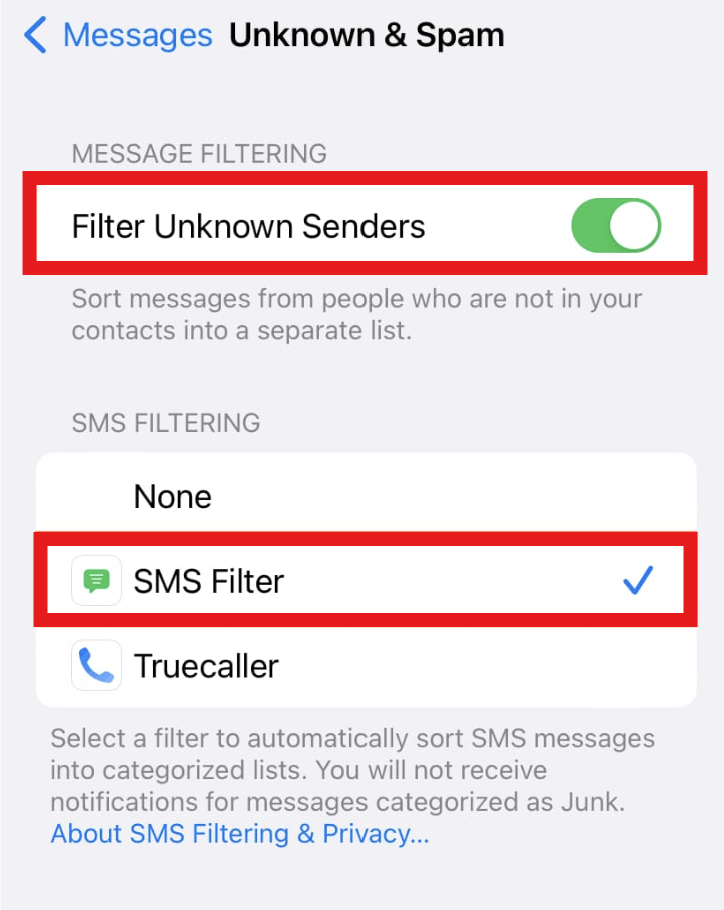
Some filtering features may block important messages like SMS codes. For instance, iPhones may block unknown senders if you have enabled this feature. You can go to Settings > Messages > Unknown & Spam and disable filters.
If it doesn’t work on your phone, you can directly contact your internet provider. Call their customer support or visit the official website. Explain your situations where you can’t receive a verification code from Telegram, and ask for help or solutions.
Fix 6. Receiving Codes from Other Devices
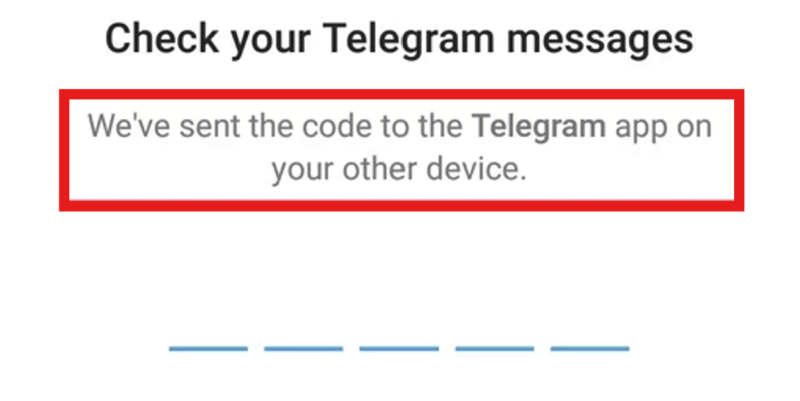
If you're signed into Telegram on another device, check that account—it may have received the code internally.
Fix 7. Use the Call Me Option
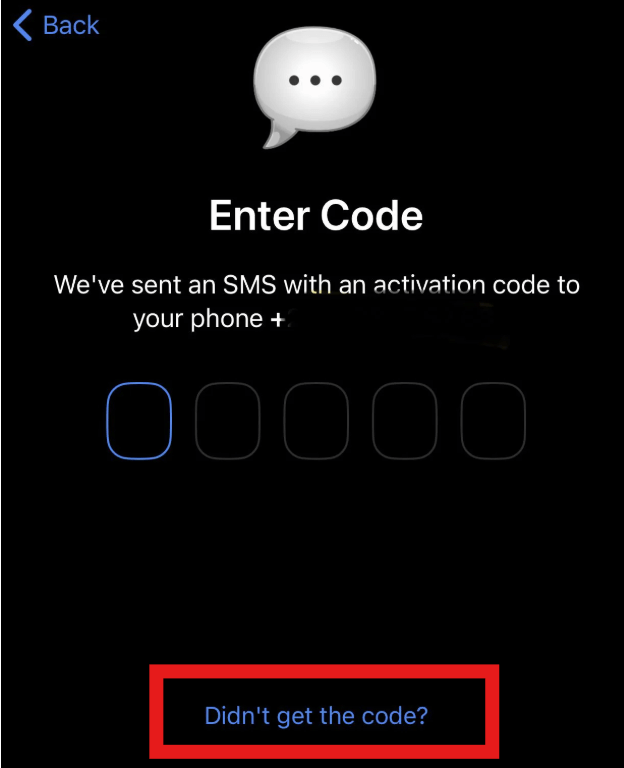
If SMS doesn’t work, Telegram offers a voice call to deliver the code. Tap the Call Me option and wait for Telegram’s call to your phone. Listen to the call carefully and note down the provided SMS code.
Fix 8. Waiting Before Requesting Again
Sometimes, it takes time for Telegram to send SMS to you. Be patient and wait for a while. Avoid spamming the "resend code" button because it may be spotted as a fraudulent activity. Rest 5-10 minutes before reattempting to check if you’ve gained any delayed verification message from Telegram.
Fix 9. Check the Updates
An outdated app can interfere with message delivery. You can go to your app store and check if there are any updates available for Telegram. Also, if your phone’s operating system is ready to update, do it. You can try getting the verification code again after updating.
Fix 10. Reinstall Telegram
For a more direct approach, uninstalling and reinstalling the app can resolve some configuration or permission issues.
Fix 11. Try Telegram X
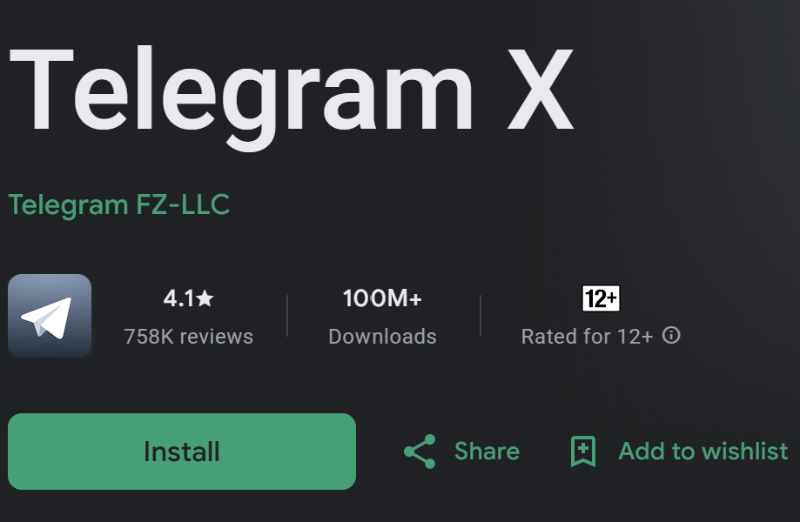
Telegram X is an official alternative app developed by the Telegram team. It offers improved speed and performance, and may work better on certain devices where the standard Telegram app has bugs or glitches. Switching to Telegram X has helped some users receive verification codes more reliably.
You can download Telegram X from the Google Play Store or trusted APK providers.
Fix 12. Contact Telegram Support
If you are still stuck, visit Telegram Support and report your issue.
How to Make the Most of Telegram
Once you’ve regained access to Telegram, here are a few practical tips to help you stay secure, connected, and make full use of what Telegram offers:
1. Link Telegram Across Devices
Telegram lets you use the same account across multiple devices. Just log in once on desktop, tablet, or browser to stay synced.
2. Enable Two-Step Verification
Add an extra layer of security by setting a password for your Telegram account. This protects you even if someone else gains access to your SMS codes.
3. Use a VPN to Unlock Full Access
If you're in a region where Telegram is restricted or slows down, a reliable VPN ensures stable, private, and uninterrupted access, whether for messaging, calls, or channels.
Conclusion
If Telegram is not sending your verification code, don’t panic. The issue is usually temporary and can often be resolved with a few strategic steps, starting with checking your number, network, and device settings.
However, if you're located in a region with internet censorship or restrictions, using a VPN like UFO VPN can be a game-changer. It not only helps receive your verification code but also ensures uninterrupted access to Telegram in the long run.
FAQs
1. Can I use a virtual number for Telegram verification?
Telegram typically does not support virtual numbers (VoIP services) like Google Voice or TextNow for verification purposes. These numbers are often blocked to prevent spam or fraudulent accounts. If you're not receiving your code, try using a real SIM card number or switch your IP address using a VPN to see if that helps.
2. How long does it take to receive a Telegram code?
Telegram codes usually arrive within a few seconds to 1 minute. However, depending on your network quality, country restrictions, or server load, it may take longer. If you haven’t received the code within 2–3 minutes, you should try resending it or switching to a different network.