Key Takeaways
- FikFap is an adult-oriented short-video platform designed around user-uploaded content and mobile viewing experiences.
- FikFap access problems are often caused by network restrictions, browser issues, DNS problems, or temporary outages.
- FikFap is not available through major official app stores, so users should be careful when downloading unofficial APK files.
- A VPN cannot guarantee access to every website or replace local laws and platform policies, but it can help encrypt your connection and improve privacy on public networks.
- UFO VPN helps protect your online activity with encrypted connections when browsing from hotels, cafés, airports, or other public Wi-Fi environments.
What Is FikFap?
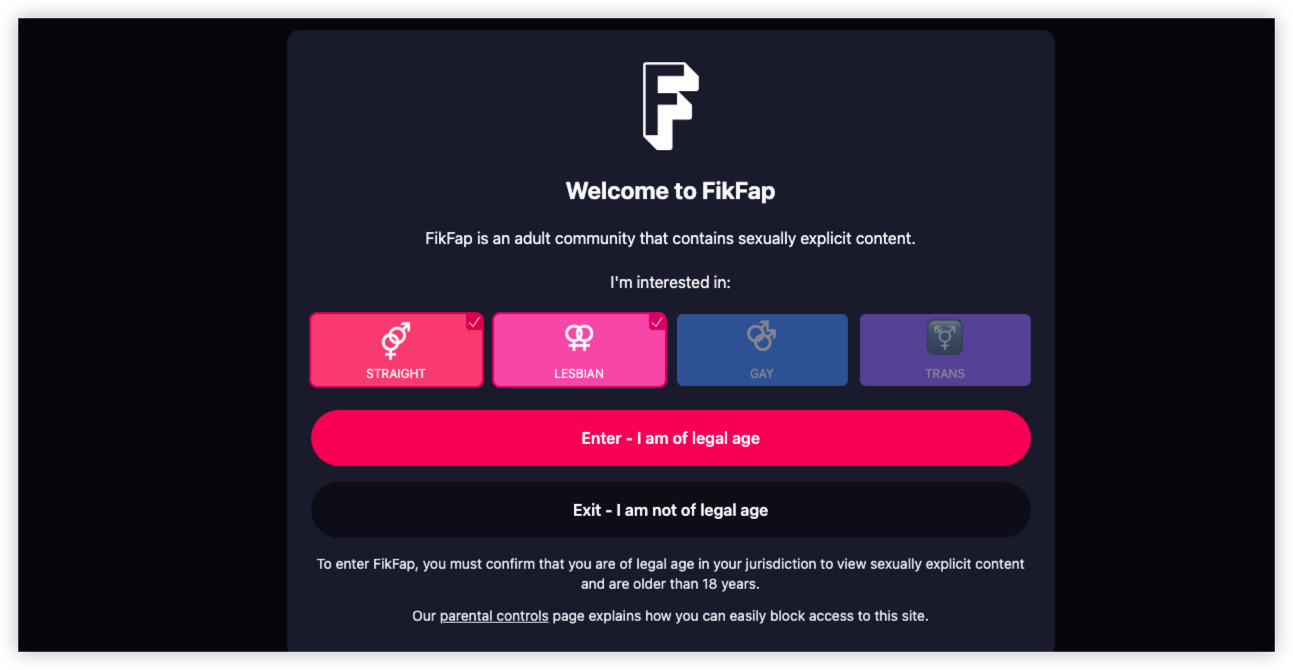
FikFap is an adult-focused short-video platform that allows users to browse and share explicit 18+ content. It is often compared with short-video apps because of its swipe-based browsing experience, but its content category is different from mainstream platforms like TikTok or Instagram.
How Does FikFap Work?
Similar to other short-video platforms, FikFap typically focuses on:
- Short-form video browsing
- User-generated uploads
- Mobile-friendly viewing
- Creator and viewer interactions
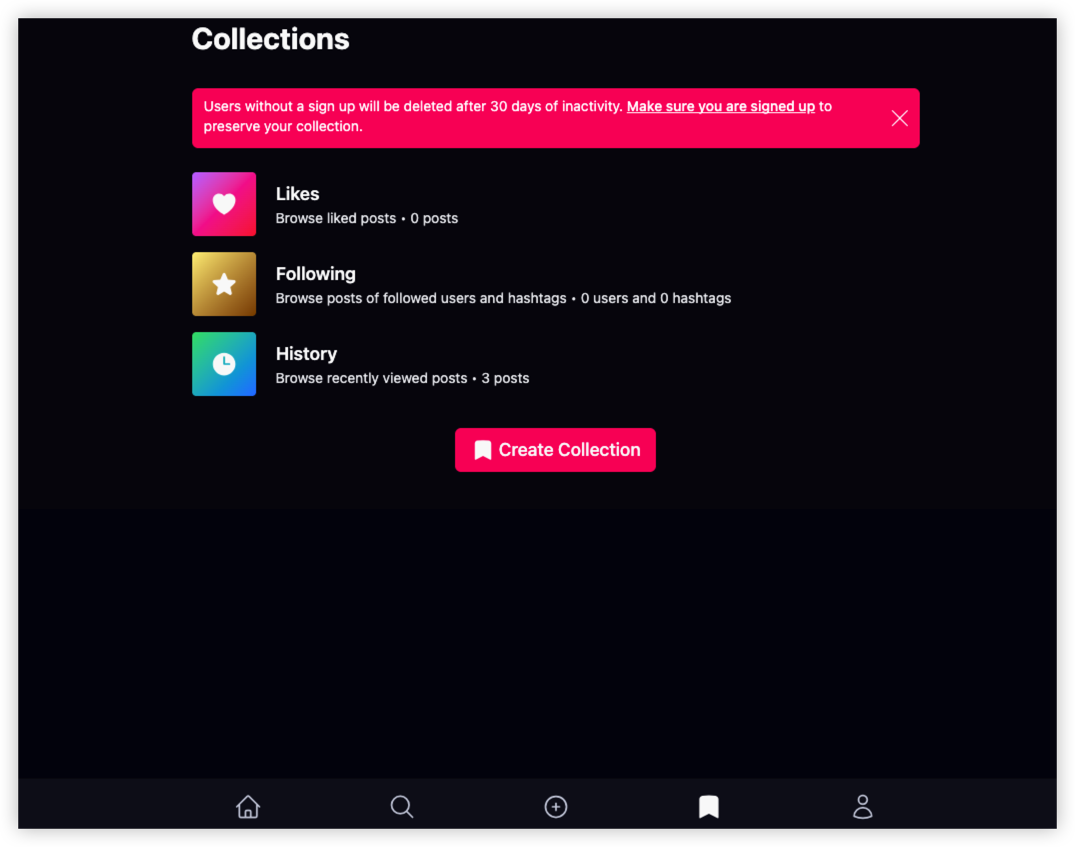
FikFap Website vs FikFap App
| Feature | FixFap Website | FixFap App/APK |
|---|---|---|
| Access method | Browser | Download package |
| Device support | PC, Mac, mobile browsers | Mainly Android |
| Installation required | ❌ | ✅ |
| Security risk | Lower | Depends on download source |
| App store availability | Not applicable | Usually unavailable on major app stores |
Because adult-content apps are commonly restricted by Apple App Store and Google Play policies, users should be cautious about unofficial download sources.
FixFap Availability Check: Can I Watch FixFap in My Country?
FikFap availability depends on your country, internet provider, and local regulations. Unlike mainstream video platforms, adult-content websites are often subject to stricter rules, meaning access can vary significantly between regions.
If you can open FikFap in one country but not another, it does not always mean the website is down. The issue may be related to local restrictions, ISP filtering, or network policies.
| Region | Availability | Common Access Issues | Quick VPN Pass |
|---|---|---|---|
| United States | Varies by state and network | Some networks or regions may restrict adult websites | |
| United Kingdom | Available with possible restrictions | Age verification requirements may affect access | |
| European Countries | Varies by country | Local regulations and ISP policies may impact availability | |
| Canada | Generally available | Network-level restrictions may apply | |
| Australia | Varies | Online safety regulations may affect access | |
| Middle East | Often restricted | Local internet filtering may block adult websites | |
| Asia-Pacific | Depends on country | ISP filtering and regional policies may affect access | / |
Notes: Availability can change over time as countries introduce new online safety regulations or internet policies. Always check your local laws and the platform's terms before accessing age-restricted content.
🔍Quick Checklist: Is FikFap Available for Me?
✓ Check whether the website loads
✓ Confirm your internet connection works normally
✓ Try another browser or device
✓ Test another network
✓ Check local regulations and age requirements
✓ Use secure browsing practices when connecting through public Wi-Fi
How to Unblock FixFap: Access FixFap Easily
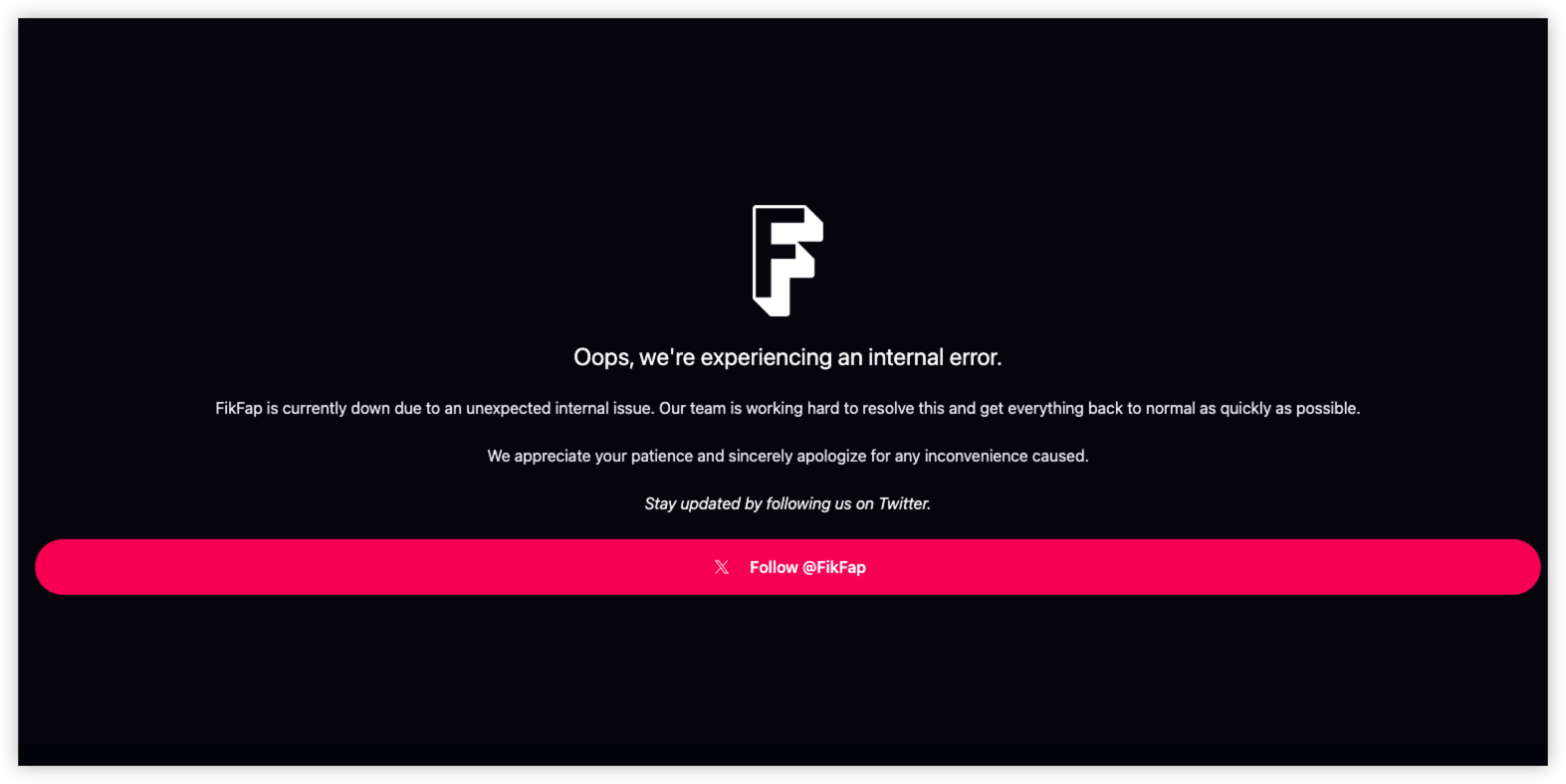
If FikFap is not loading, you may wonder whether the website is down or blocked on your network. In many cases, access problems are caused by network restrictions, browser settings, DNS issues, or regional availability, rather than the platform itself.
Before trying advanced solutions, identify the cause of the problem and use safe troubleshooting steps.
1. Check If FikFap Is Actually Down
The first step is to confirm whether the issue affects everyone or only your connection.
Try:
- Opening FikFap on another device.
- Switching from Wi-Fi to mobile data.
- Checking whether other websites load normally.
- Waiting and trying again later if the service is experiencing temporary issues.
If FikFap is down globally, changing your settings will not fix the problem until the service is restored.
2. Try a Different Browser or Device
Sometimes browser-related problems prevent websites from loading correctly.
You can try:
- Switching between Chrome, Firefox, Safari, or Edge.
- Updating your browser to the latest version.
- Opening the website in private/incognito mode.
- Disabling extensions that may block website scripts or content loading.
If FikFap works on another browser, the issue is likely related to your original browser settings.
3. Clear Browser Cache and Cookies
Old cached files can sometimes cause websites to display errors or fail to load.
To fix this:
- Open your browser settings.
- Find the privacy or browsing data section.
- Clear cached files and cookies.
- Restart your browser.
- Try accessing FikFap again.
4. Switch Your Internet Connection
If FikFap works on mobile data but not your home or workplace Wi-Fi, the problem may be caused by network-level filtering.
Try:
- Switching to another Wi-Fi network.
- Using mobile data temporarily.
- Restarting your router.
- Checking whether your network administrator applies website restrictions.
This is especially common on:
- Office networks
- School or university Wi-Fi
- Hotel internet
- Public hotspots
5. Check DNS Settings
DNS problems can prevent your device from finding or connecting to websites correctly.
Possible fixes:
- Restart your router.
- Refresh your network connection.
- Check your device's DNS settings.
- Try a different trusted DNS provider if appropriate.
If other websites work normally but FikFap does not, DNS or filtering issues may be involved.
6. Use a Secure VPN Connection
If you are traveling or using public Wi-Fi, connection problems may happen because of network restrictions or unstable internet environments.
A VPN like UFO VPN can help improve your online privacy by:
- Encrypting your internet connection.
- Protecting your data on public Wi-Fi.
- Providing a more secure browsing experience while traveling.


UFO VPN is an all-in-one VPN that offers unlimited access to 4K streaming like Netlfix, Disney Plus, no-ping gaming as PUBG, Roblox, CODM and social networking for YouTube, X, Facebook and more.




Unlock Pro Features
If you have upgraded to premium plan , feel free to enjoy premium servers for 4K streaming and advanced features like Kill Switch, Split Tunneling, and gaming acceleration. Your Mac is now fully optimized and protected. Inaddition to basic functions, we recommend you turn on

Verify Your IP Now
Use UFO VPN's " What is My IP " feature to see your new IP and location. This confirms your connection is secure, anonymous, and ready for safe browsing online anywhere at any time.







Is FikFap Safe & Legal?
Potential Safety Concerns of FixFap
1. Unofficial FikFap APK Downloads
A common risk comes from downloading applications from unofficial websites.
Unknown APK files may contain:
- Malware
- Hidden tracking software
- Unnecessary permissions
- Fake applications designed to collect information
If you choose to download any application, always verify the source and avoid suspicious third-party websites.
2. Privacy and Data Protection
When using any online platform, consider:
- The information you share
- Account security settings
- Browser tracking
- Website permissions
Avoid sharing unnecessary personal details and use strong passwords for online accounts.
3. Public Wi-Fi Security Risks
Imagine this situation:
"I'm traveling and using hotel Wi-Fi to browse FikFap. Can someone monitor my connection?"
Public networks in hotels, airports, cafés, and other shared spaces are convenient but may not always provide strong security.
Using a VPN such as UFO VPN can help:
- Encrypt your internet traffic
- Protect your connection on public Wi-Fi
- Reduce exposure when accessing online services while traveling
Factors That Affect FikFap Legality
1. Local Laws and Regulations
Different countries have different rules regarding adult websites.
Some regions may:
- Allow access with age verification requirements.
- Restrict or block adult websites.
- Require platforms to follow specific online safety regulations.
Before accessing any age-restricted website, users should check the laws that apply in their location.
2. Age Requirements
FikFap is intended for adult users only.
Users should:
- Meet the minimum legal age required in their country.
- Follow any age verification requirements that apply.
- Avoid accessing adult content if they are under the legal age limit.
3. User-Generated Content Rules
Like other platforms that rely on user uploads, the legality of content depends on whether it follows applicable laws and platform policies.
Users should avoid:
- Uploading content without proper consent.
- Sharing illegal or prohibited material.
- Violating copyright or privacy rights.
Using a VPN is legal in most countries and is commonly used for online privacy and security. However, A VPN does not make illegal activities legal. And users must follow local laws and website policies.
(Pro) Is FikFap Down or Just Me? Fix FixFap Not Working
In many cases, a FikFap access problem is not caused by a global outage. It may be related to your browser, device, internet connection, DNS settings, or regional network restrictions.
Common Signs That FikFap May Be Down
You may notice one or more of these issues:
- The FikFap homepage won't load.
- Videos fail to play or keep buffering.
- The website shows server errors.
- The page loads slowly or times out.
- You can access other websites normally, but FikFap is unavailable.
If multiple users are experiencing the same problem, the issue may be related to a temporary server outage or maintenance.
FikFap Down: Common Causes and Fixes
1. Server Outage
What happens:
The website itself is experiencing downtime.
What to do:
- Wait and try again later.
- Check official updates if available.
- Avoid repeatedly refreshing the page.
2. Network Restriction
What happens:
Your ISP, workplace, school, or public Wi-Fi network may restrict access.
What to do:
- Try another network.
- Check your network settings.
- Use a secure connection when browsing on public Wi-Fi.
3. DNS Problems
What happens:
Your device cannot correctly resolve the website address.
What to do:
- Restart your router.
- Refresh your network connection.
- Check DNS settings.
4. Device or Browser Issues
What happens:
Cached files, outdated software, or browser extensions interfere with loading.
What to do:
- Clear browser data.
- Update your browser.
- Try another device.
Sites Like FikFap: Free FikFap Alternatives
If FikFap is unavailable, some users look for similar platforms with short-form video experiences or adult-oriented content categories. The right alternative depends on what you are looking for, such as short videos, creator content, or a larger content library.
| Platform | Content Style | Best For | Key Features |
|---|---|---|---|
| Pornhub | Adult video platform | Large content library | Extensive categories, creator uploads, search features |
| XVideos | Adult video platform | Wide variety of user-uploaded videos | Large global user base |
| XHamster | Adult entertainment platform | Community-focused browsing | Videos, live content, user profiles |
| OnlyFans | Creator subscription platform | Supporting individual creators | Paid subscriptions and exclusive content |
| ManyVids | Creator marketplace | Independent creators | Video sales, custom content, creator stores |
Final Tips
FikFap access problems are usually caused by network restrictions, browser issues, DNS problems, or temporary service interruptions. If you are searching for FikFap unblocked, the safest approach is to focus on secure browsing habits, avoid suspicious downloads, and protect your connection—especially when using public Wi-Fi.
FAQs
Can a VPN unblock FikFap?
A VPN is primarily a privacy and security tool. It can encrypt your connection and help protect your data while using public networks, but users should always follow local laws and website policies.
Is there a FikFap app?
FikFap availability varies by platform. Because adult apps are restricted by many official app stores, users should be careful when downloading applications from third-party sources.