Is Unblocked Games G+ Closed in 2026?
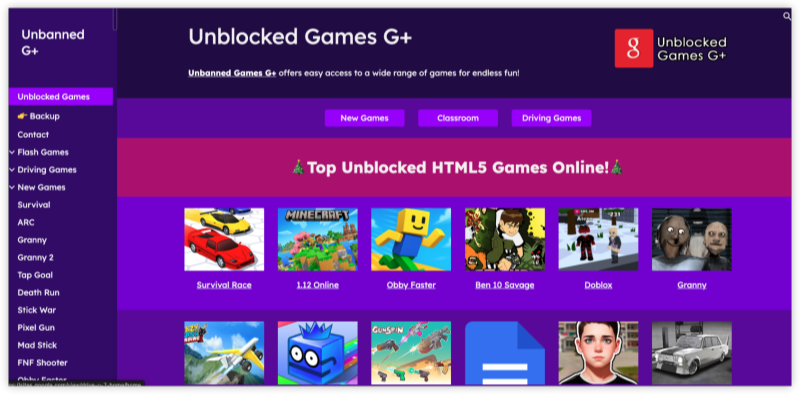
Yes, the original Unblocked Games G+ website is no longer accessible for most users and is considered closed or discontinued.
In most cases, the original Unblocked Games G+ platform is unavailable due to:
-
DMCA takedowns for hosting copyrighted content
-
School and workplace firewall restrictions
-
Hosting changes or domain expiry
-
Removal of Google Sites-based pages
Countries where Unblocked Games G+ is Blocked
The original G+ and similar portals are often blocked in:
-
United States (public schools, offices)
-
UK and Canada (school districts with firewall policies)
-
Australia (via web filters like Smoothwall)
-
UAE, Saudi Arabia, India (government restrictions)
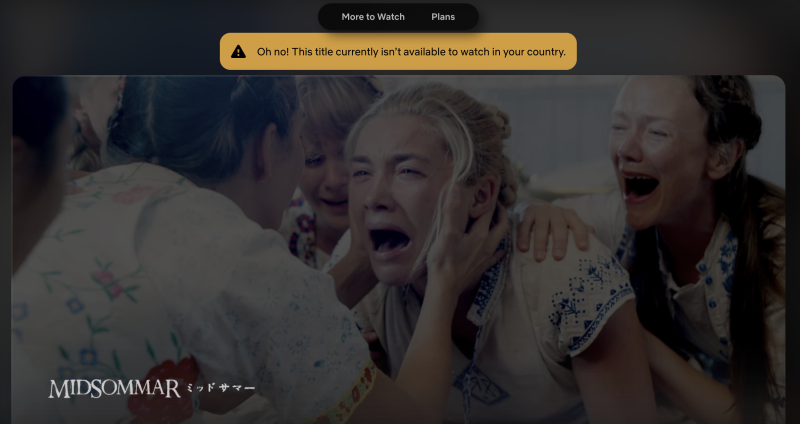
Generally, your government or school/classroom management locks these unblocked games websites based on your IP location. It's helpful to use a free proxy VPN to change your IP address to an unblocked server so you can continue your gameplay.
Try these free servers for gaming: Singapore VPN free, Japan VPN free, Brazil VPN free, etc.
Is Unblocked Games on G+ Safe to Play?
Since the original platform is no longer maintained, most unblocked sites using the "G+" name today are unofficial.
Potential risks of these unblocked G+ websites include:
- Pop-up ads and redirects
- Tracking scripts or unknown third-party content
- Fake download buttons or misleading links
- Lack of security updates or moderation
To keep your online gaming safe from harmful purposes, here are some dos and don'ts for you:
Use well-known and trusted unblocked game platforms instead of random G+ mirrors
Keep your browser and device updated for basic security protection
If you access game sites in restricted networks, use a reliable VPN for safer and more stable access
Stick to browser-based games that do not require downloads or installation
Don’t download files or extensions from unknown “G+” mirror sites
Don’t enter personal information such as email, passwords, or school credentials
Don’t click on suspicious pop-ups or “fake play” buttons
Don’t rely on unverified APKs or third-party game apps claiming to be G+
How to Access Unblocked Games G+ in 2026?
Even though the Unblocked Games G+ is no longer active, there are still ways to access similar games depending on your network restrictions.
1. Use a Secure VPN for Unblocked Games (Working at Classroom/Work)
A reliable VPN like UFO VPN encrypts your internet connection and reroutes it through servers in other regions, letting you bypass the blocks of classroom management or the office.
Best for: Bypassing firewalls at school or in restricted regions.
🔒 UFO VPN for G+ sites offers:
-
Fast connection for browser games
-
Windows, macOS, iOS, and Android support
-
Free and premium plans
-
No logs, ensuring privacy
✅ Works great for accessing classroom management unblocked games G+ and backup sites
Play Unblocked Games safely with UFO VPN→ Follow the setup steps below:


UFO VPN is an all-in-one VPN that offers unlimited access to 4K streaming like Netlfix, Disney Plus, no-ping gaming as PUBG, Roblox, CODM and social networking for YouTube, X, Facebook and more.




Unlock Pro Features
If you have upgraded to premium plan , feel free to enjoy premium servers for 4K streaming and advanced features like Kill Switch, Split Tunneling, and gaming acceleration. Your Mac is now fully optimized and protected. Inaddition to basic functions, we recommend you turn on

Verify Your IP Now
Use UFO VPN's " What is My IP " feature to see your new IP and location. This confirms your connection is secure, anonymous, and ready for safe browsing online anywhere at any time.







2. Use Unblocked Games G+ Google Sites Mirrors
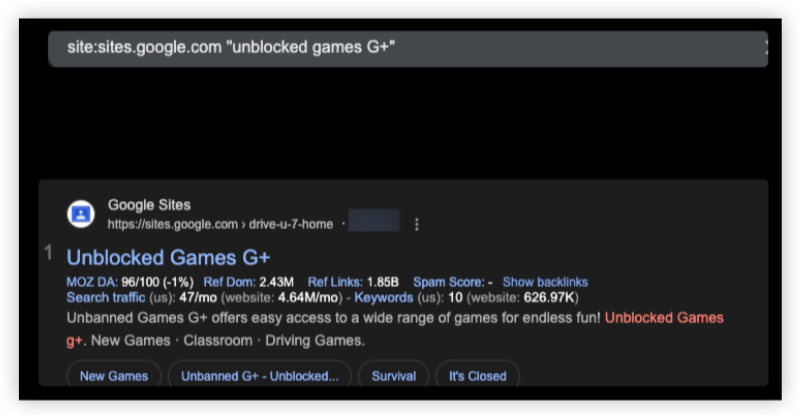
Some unblocked game G+ collections still exist on Google Sites, its mirror sites, or GitHub Pages.
Best for: Finding active versions or clones of G+ games.
Steps:
1. Go to Google and search for: site:sites.google.com "unblocked games G+ backup site"
2. Check results that include Google-hosted game hubs.
3. Similar unblocked games G+ Google sites might include (*Copyable):
- sites.google.com/site/drive-u-7-home
- sites.google.com/site/unblockedgames76
- sites.google.com/site/yourunblockedgames
4. Click and explore various games, including action, racing, and puzzle titles.
These are unofficial mirrors but often have the same content library as Unblocked Games G+.
3. Try Unblocked Games G+ Proxy Sites
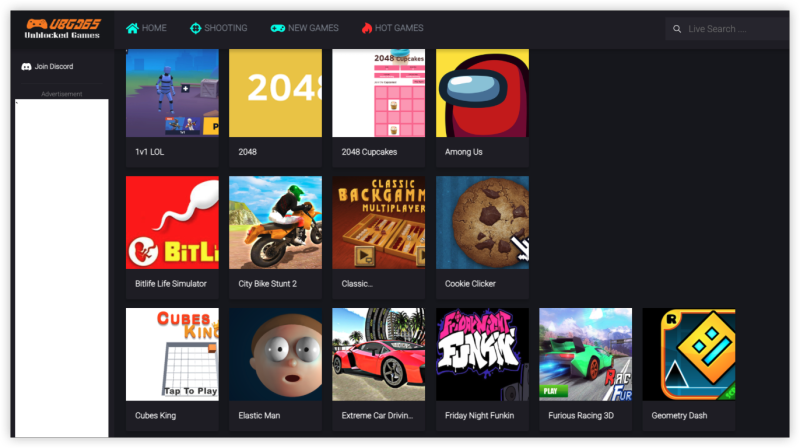
Best for: Quick play without downloads or VPN.
Steps:
1. Visit proxy-friendly unblocked game websites like:
- unblocked-games.s3.amazonaws.com
- ubg365.github.io
2. These sites are often hosted on GitHub or AWS, making them harder to block.
3. Use the search bar to look for G+ alternatives or categories like car games, shooting games, etc.
🟥 Warning: Avoid entering personal info on these sites as they're often hobby projects without strong privacy protection.
4. Browser Extensions (for Chrome & Edge)
Best for: On-the-go access without changing system settings.
🟩 Pros: Lightweight and doesn't slow down your computer.
🟥 Cons: Not all extensions are reliable—stick to those with high ratings.
Steps:
-
Open Chrome Web Store.
-
Search for “Unblocker for game sites” or install trusted VPN extensions.
-
Activate the extension, choose a working region, and refresh the game page.

5. Use Mobile Apps or APKs
Best for: Android users in restricted networks.
Steps:
-
Go to trusted APK platforms like APKPure or APKMirror.
-
Search for “Unblocked Games G+ app” or general “unblocked games browser”.
-
Download and install.
-
Open the app and play games without using a browser.
🟨 Note: Always scan APKs with antivirus tools before installing.
6. Download HTML5 Game Files to Play Offline
Best for: Playing without internet restrictions.
🟩 Benefit: 100% firewall-proof.
🟥 Limitation: No multiplayer or leaderboard features.
Steps:
-
Visit GitHub repositories like
ubg100.github.io. -
Right-click on the game → Save page as HTML.
-
Open the file locally in your browser.
Bonus: Best Alternatives to Unblocked Games G+
Here are reliable platforms to play games like those on Unblocked Games G+:
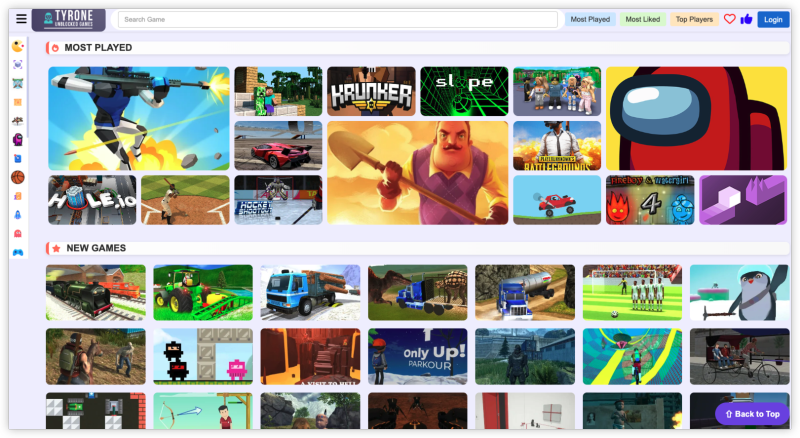
1. Tyrone’s Unblocked Games
-
Support OS: Windows, macOS, ChromeOS
-
Game Type: Arcade, puzzle, shooting
-
Why Choose: Simple interface and regularly updated titles
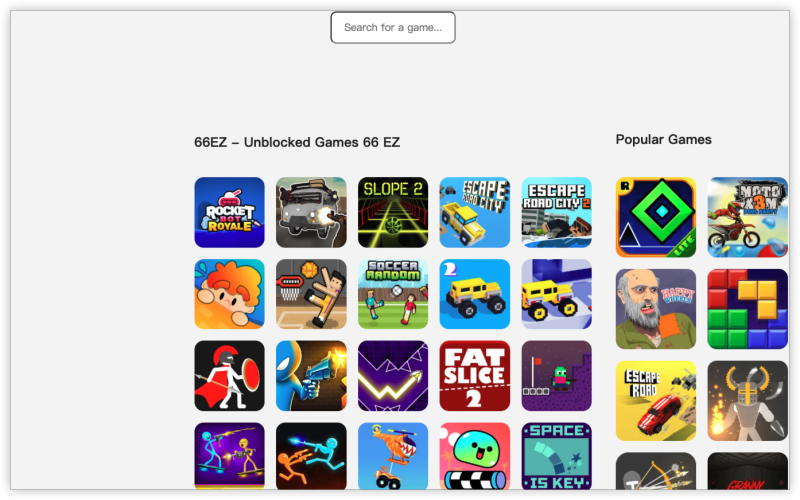
2. Unblocked Games 66 EZ
-
Support OS: Windows, Chromebooks
-
Game Type: IO games, Minecraft, and car games
-
Why Choose: Clean layout and high-speed load times
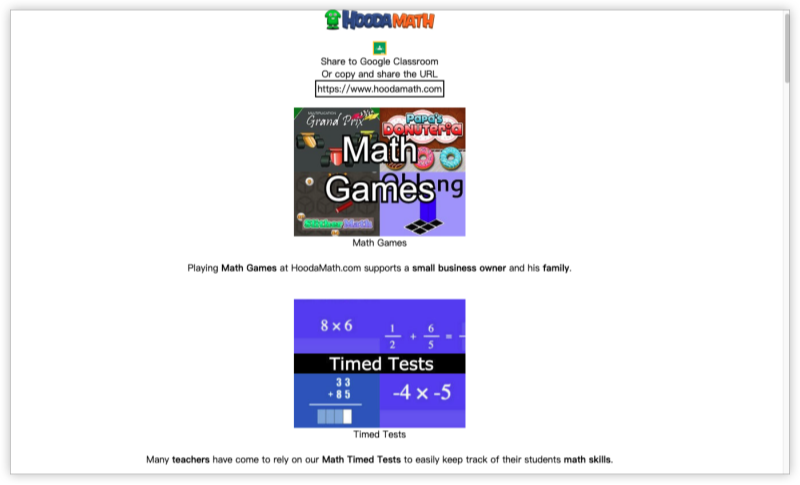
3. Hooda Math
-
Support OS: All platforms (even mobile browsers)
-
Game Type: Math-based puzzles and educational games
-
Why Choose: Great for learning while playing
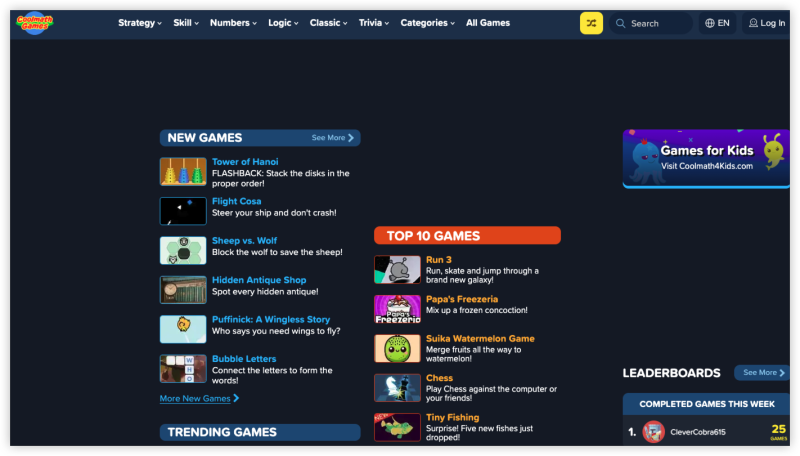
4. CoolMathGames.com
-
Support OS: Desktop, tablets
-
Game Type: Strategy, logic, math
-
Why Choose: Highly school-friendly and still unblocked on many networks
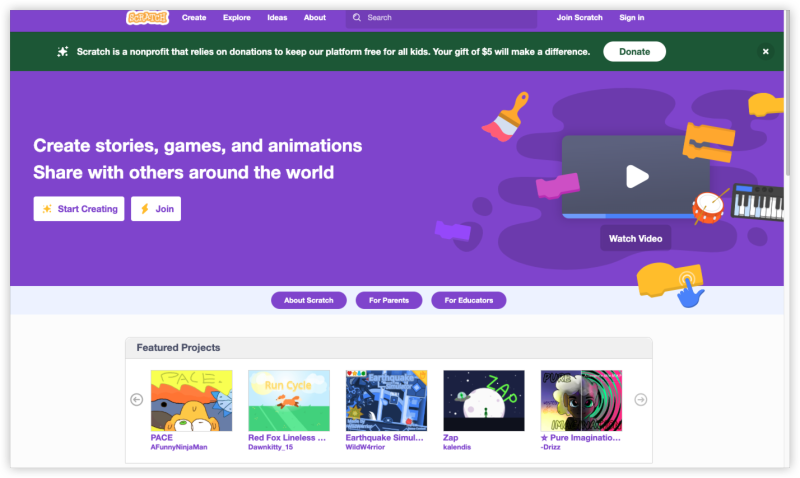
5. Scratch (by MIT)
-
Support OS: All (Web-based)
-
Game Type: User-generated games
-
Why Choose: Build or play — a great coding intro too
6. Poki
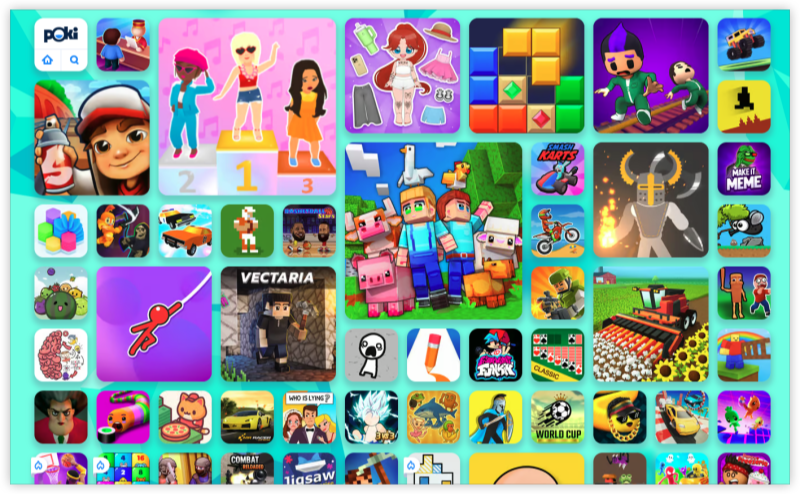
-
Support OS: Windows/macOS
-
Game Type: Casual, 3D, mobile-style games
-
Why Choose: Intuitive UI, mobile-friendly interface
| Features | G Plus | Tyrone's | 66 EZ | Poki |
|---|---|---|---|---|
| Simple UI | ✅ | ✅ | ✅ | ✅ |
| Regular updates | ❌ | ✅ | ✅ | ✅ |
| Still accessible | ❌ | ✅ | ✅ | ✅ |
| Heavy content variety | ✅ | ✅ | ✅ | ✅ |
| VPN required in restricted areas | ✅ | ✅ | ✅ | ✅ |
Conclusion
While the original Unblocked Games G+ is no longer available, the world of unblocked gaming is far from dead. With safe tools like UFO VPN, and reliable alternative sites, you can continue playing your favorite browser games — even on restricted networks.
Whether you’re into car games, puzzles, or retro arcade shooters, the options are open — you just need to know where to look.
FAQs
Why is Unblocked Games G+ not working?
The site is likely closed due to hosting issues or blocked by school/office networks.
Are there mirror sites of G+ available?
Currently, no official mirror exists, but sites like Tyrone’s and 66 EZ offer similar content.
Can I use a VPN to access these games on G Plus Unblocked Games?
Yes. VPNs like UFO VPN help bypass restrictions safely.
Is it legal to use VPNs at school for Unblocked Games?
VPN usage is not illegal, but may violate school policy. Always use responsibly.
What’s the best site for unblocked games now?
Tyrone’s Unblocked Games and Unblocked 66 EZ are top alternatives in 2026.