Why Are Games Blocked at School?
Schools use various methods to block gaming websites, including:
-
Content filters: Sites categorized under “Gaming” are automatically blocked if they match banned keywords or URLs.
-
Firewalls: Block access to gaming ports or servers, preventing multiplayer or streaming games.
-
DNS filtering or IP blacklisting: Even typing the direct IP address won’t work if the school filters it at the DNS level.
-
Managed device policies: Chromebooks may block installation of apps/extensions, restrict developer mode, or enforce browser-level filters.
Think before You Jump to Gaming
Unblocking games at school carries risks—breaking device agreements, triggering disciplinary action, or exposing you to malware.
-
Avoid tampering with school policy or device software (e.g., developer mode).
-
Understand your school’s Acceptable Use Policy.
-
Use safe websites; avoid sketchy pop-ups or downloads.
-
If unsure, request permission during break or study hours.
Method 1: VPNs for School Computers & Chromebooks
⭐️⭐️⭐️⭐️⭐️
Pros: Effective for both websites and apps, encrypts traffic, works around most filters.
Cons: Some schools monitor/block VPN traffic, and VPNs may reduce internet speed.
✅ How VPN Works for Unblocked Games
A free proxy VPN like UFO VPN encrypts your connection and routes traffic through remote servers. This masks both your IP address and the websites you visit, bypassing DNS filtering, IP blocking, and firewalls.
✅ Steps to Unblock Games on School Computer or Chromebook


UFO VPN is an all-in-one VPN that offers unlimited access to 4K streaming like Netlfix, Disney Plus, no-ping gaming as PUBG, Roblox, CODM and social networking for YouTube, X, Facebook and more.




Unlock Pro Features
If you have upgraded to premium plan , feel free to enjoy premium servers for 4K streaming and advanced features like Kill Switch, Split Tunneling, and gaming acceleration. Your Mac is now fully optimized and protected. Inaddition to basic functions, we recommend you turn on

Verify Your IP Now
Use UFO VPN's " What is My IP " feature to see your new IP and location. This confirms your connection is secure, anonymous, and ready for safe browsing online anywhere at any time.







Games like “car games unblocked for school” should now load without being blocked.
Method 2: Proxy Websites & Browser Extensions

⭐️⭐️⭐️⭐️
Pros: Easy to use, no device-wide installation needed.
Cons: Easily detected by administrators, less secure than full VPN.
✅ Web Proxy Sites
Proxy sites like proxysite.com or hide.me/proxy fetch banned pages on your behalf, bypassing DNS/IP blocks
✅ Browser Extensions
Extensions such as Hotspot Shield, ZenMate, or Touch VPN are lightweight alternatives that route only browser traffic through a remote server
Steps:
-
Install via Chrome Web Store or side‑load the CRX file.
-
Enable the extension and select a location where game sites are permitted.
-
Navigate to your favorite unblocked games site (e.g. car games unblocked site).
Method 3: Mobile Hotspot or Tethering
⭐️⭐️⭐️⭐️
Pros: Simple and effective, no school network involved.
Cons: May depreciate your data plan and can be costly.
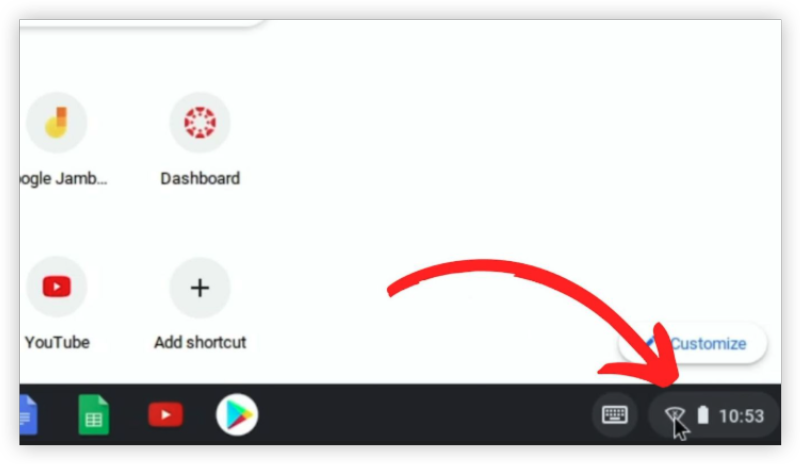
If school Wi-Fi is restrictive, use your phone’s mobile data to bypass filters:
-
Turn on your personal hotspot or USB tethering.
-
Connect your computer or Chromebook to your phone’s data network.
-
Access game sites, including car games unblocked for school.
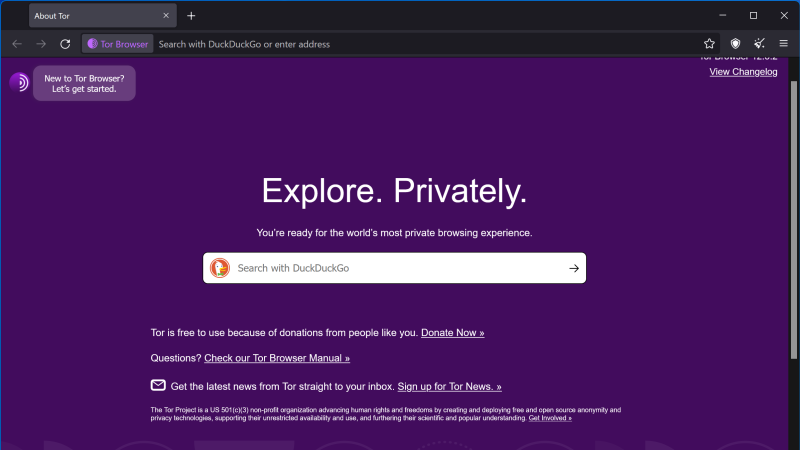
Method 4: Tor Browser (Advanced Option)
⭐️⭐️⭐️
Pros: Very secure and anonymizing.
Cons: Slow loading, may not support real-time games.
The Tor Browser uses multiple encrypted layers to anonymize your traffic and bypass firewall filters.
Steps:
-
Download and install Tor Browser.
-
Launch it and access the game site through Tor’s network.
Method 5: DNS Changes and IP Access
⭐️⭐️⭐️
Pros: Simple, no installation needed.
Cons: Rarely successful against advanced filters.
Switch your Wi-Fi or Ethernet DNS to Google DNS (8.8.8.8 / 8.8.4.4) or Cloudflare DNS (1.1.1.1)
✅ Using IP Addresses
Googling a website’s IP, then entering that in your browser may work if DNS is blocked based on domain name only
Method 6: Remote Desktop or Virtual Machines
⭐️⭐️⭐️
Pros: Bypass all local restrictions.
Cons: Requires good internet, can be laggy, may need access to remote hardware.
Another approach is to use a remote machine that's outside school restrictions:
Remote desktop apps – Stream games from your home computer using services like TeamViewer, Moonlight, or Steam Remote Play.
Web-based virtual machines – Platforms like Rollapp or Shadow let you run games via a cloud instance.
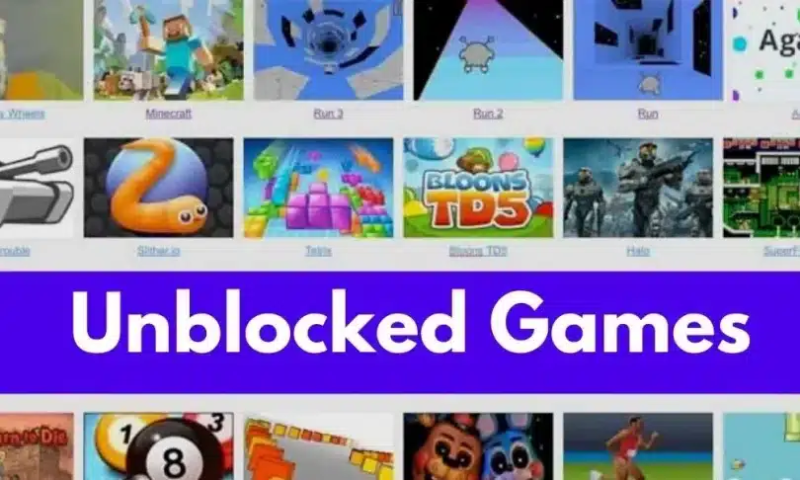
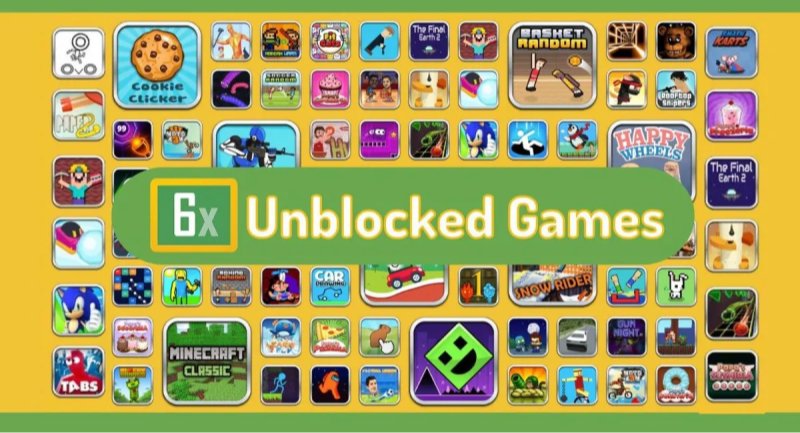
Bonus: How to Play Pop Unblocked Games on School (Car Games)
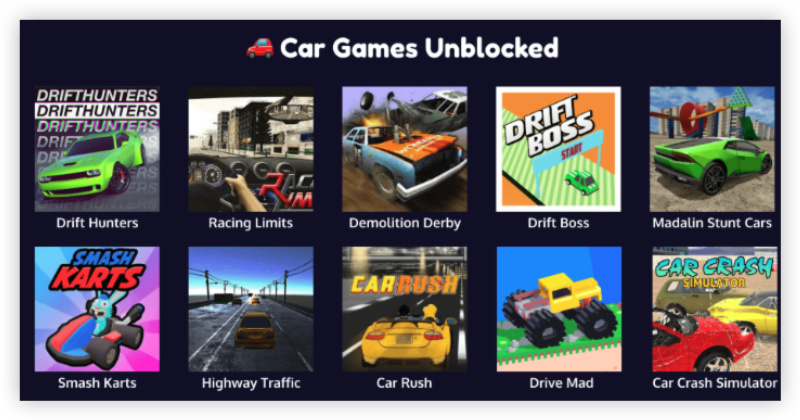
Playing Pop unblocked games—especially car games—on school computers can be surprisingly easy if you know the right tools and methods. Even games labeled “math” or “educational” may have hidden car driving minigames within them. Here’s a step-by-step guide tailored for beginners using school Chromebooks, Windows PCs, or Macs.
Step 1: Use a Safe & Reliable VPN
Most school networks restrict gaming websites. To bypass this safely, you’ll need a VPN (Virtual Private Network). A good VPN masks your location and encrypts your activity, letting you access blocked content without alerting school firewalls.
Step 2: Choose a Trustworthy Unblocked Games Website
Some websites that host unblocked games can carry malware or adware. Stick to trusted sites known for safe content, especially for car games.
-
Trusted Pop Unblocked Game Sites:
-
Tyrone’s Unblocked Games
-
CarGamesUnblocked (for racing & driving simulations)
-
Step 3: Search for Your Favorite Car Games
Use the built-in search bar on unblocked game sites to find titles like:
-
Madalin Stunt Cars
-
Drift Hunters
-
Moto X3M
-
Highway Racer
-
Top Speed Racing 3D
These are optimized to run smoothly even on school laptops.
Step 4: Enable Flash or Use HTML5-Compatible Games
Most school computers block Flash. If the game requires it:
-
Use a Flash emulator like Ruffle.
-
Or focus on HTML5 car games, which require no installation and run directly in your browser.
Step 5: Use Incognito Mode for Privacy
To avoid leaving traces on school devices:
-
Launch games in Incognito Mode (Chrome:
Ctrl+Shift+N). -
Avoid logging into personal accounts unless you're on a secured VPN connection.
Step 6: Bookmark the Games You Like
To access your favorite car games later:
-
Press
Ctrl+Dto bookmark. -
Store in a folder labeled something non-suspicious like “Math Tools”
FAQs
1. Is it safe to unblock games at school?
There’s risk: policy violation, disciplinary action, or device suspension. Always use discretion and know your school’s rules.
2. Will a VPN always work for Unblocked Games at schools?
Not always. Some schools detect and block VPN traffic. Obfuscated VPNs like UFO VPN may work better.
3. Can proxies or browser extensions be trusted to unblock games?
They are easy but less secure—they don’t encrypt traffic, and your activity can still be visible to admins.