Key Takeaways
- All students: Get $10/month off for 6 months on Sling Orange, Blue, or Orange + Blue — verified via Student Beans.
- International/Desi students: Get 50% off Desi TV packs for a full year at sling.com/studentsaver.
- Sling is US-only: Traveling breaks your access — UFO VPN connects you to a US server to unblock Sling and keep your connection secure anywhere.
Does Sling TV Have a Student Discount in 2026?
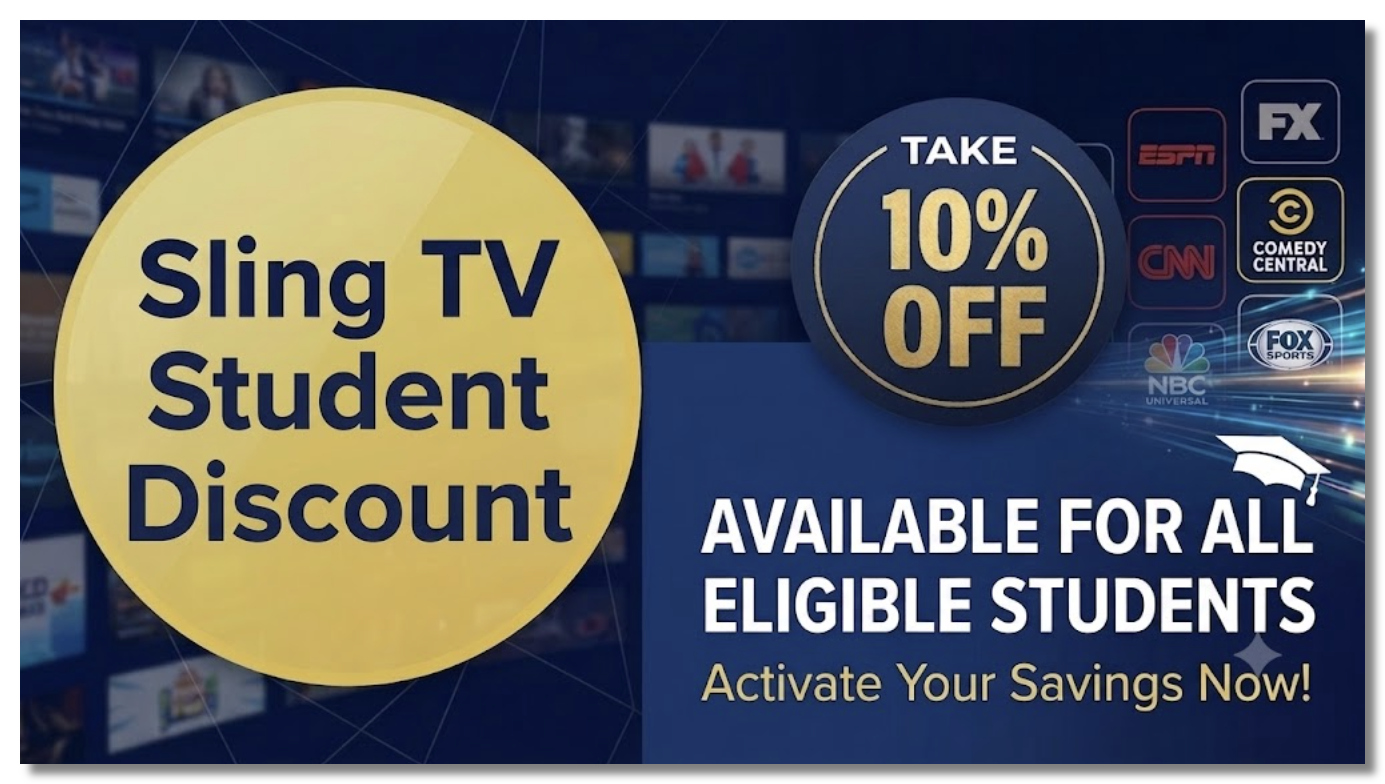
Yes. Sling TV offers students $10 off per month for the first 6 months - a total saving of about $60. It applies to Sling Orange, Sling Blue, or the combined Sling Orange + Blue plan, and it’s available to new customers in the US. (If you're abroad, use a free proxy VPN to get a US IP now.)
🚨One important clarification: Because a lot of coupon sites get this wrong: the official student discount is verified through Student Beans, not ID.me. You’ll see ID.me listed as a Sling partner for general cashback, but the genuine student pricing runs through Student Beans.
And there’s no secret “free Sling student code” floating around — anything promising 100% free access is a fake or expired code. The real, legitimate deal is the $10-off-for-6-months offer below. There’s also a second, separate offer for international students that’s worth even more — we’ll cover that next.
Qualifications for the Sling TV Student Discount
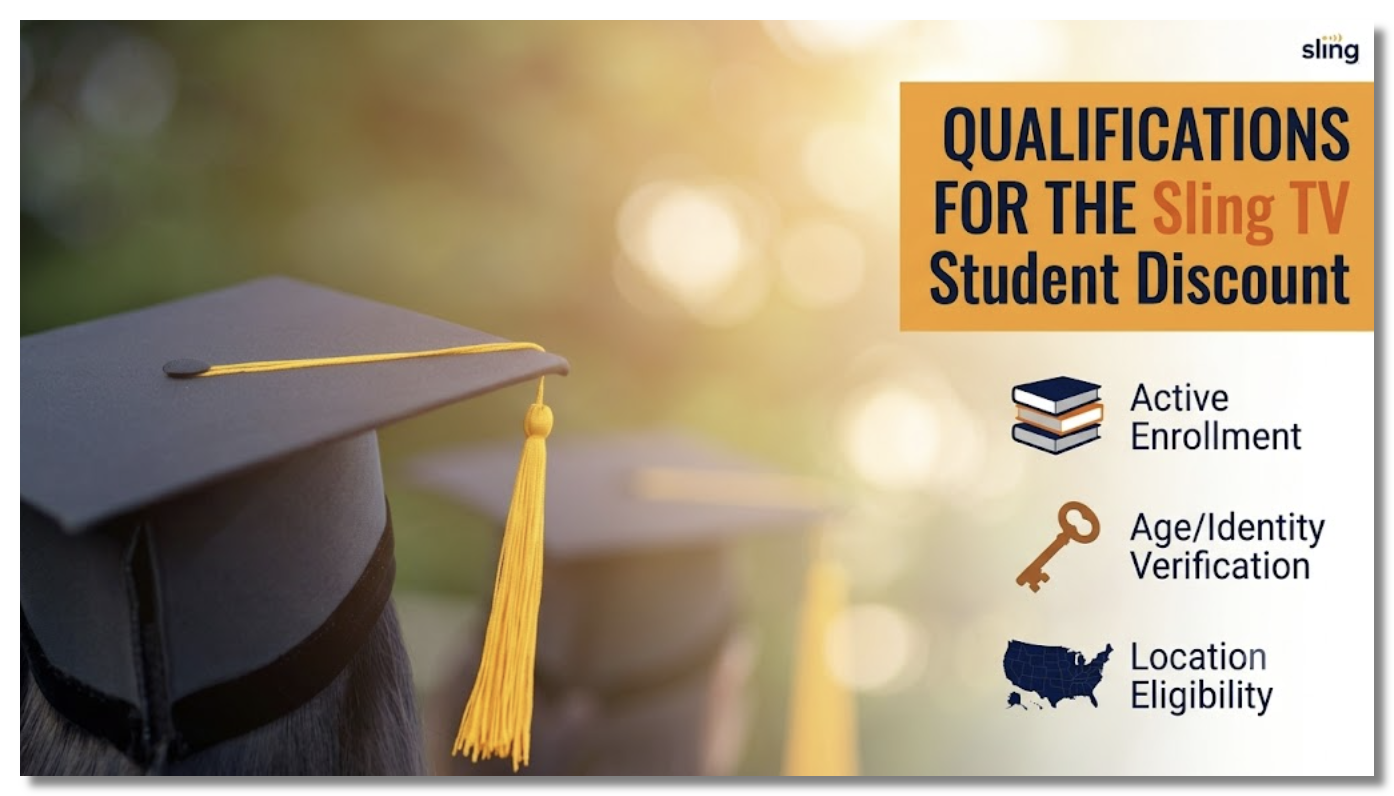
Before you sign up, make sure you meet Sling’s student eligibility requirements. To qualify for the student discount, you must:
- Be enrolled in full-time education. The offer is open to anyone aged 16 or older in university, college, high school, sixth form, or an apprenticeship program.
- Verify your student status through Student Beans. Sling confirms eligibility via a valid Student Beans account — not ID.me. You’ll need a student email or enrollment details to complete verification.
- Be a new Sling customer. The $10-off-for-6-months discount applies to new accounts only, one per customer.
- Be located in the United States. Sling streams exclusively within the US, so you’ll need a US-based account and connection to sign up and watch. 👉Get a free USA VPN.
- For the Desi Student Saver (50% off): be an international student studying in the US, and sign up through sling.com/studentsaver from within the country.
If you check these boxes, you’re eligible — here’s exactly what you get and how to claim it.
How to Claim the Sling TV Student Discount (Step by Step)
Getting the Sling TV student discount on Student Beans takes about five minutes:
Step 1. Go to Student Beans (https://www.studentbeans.com/) and create a free account (or log in).
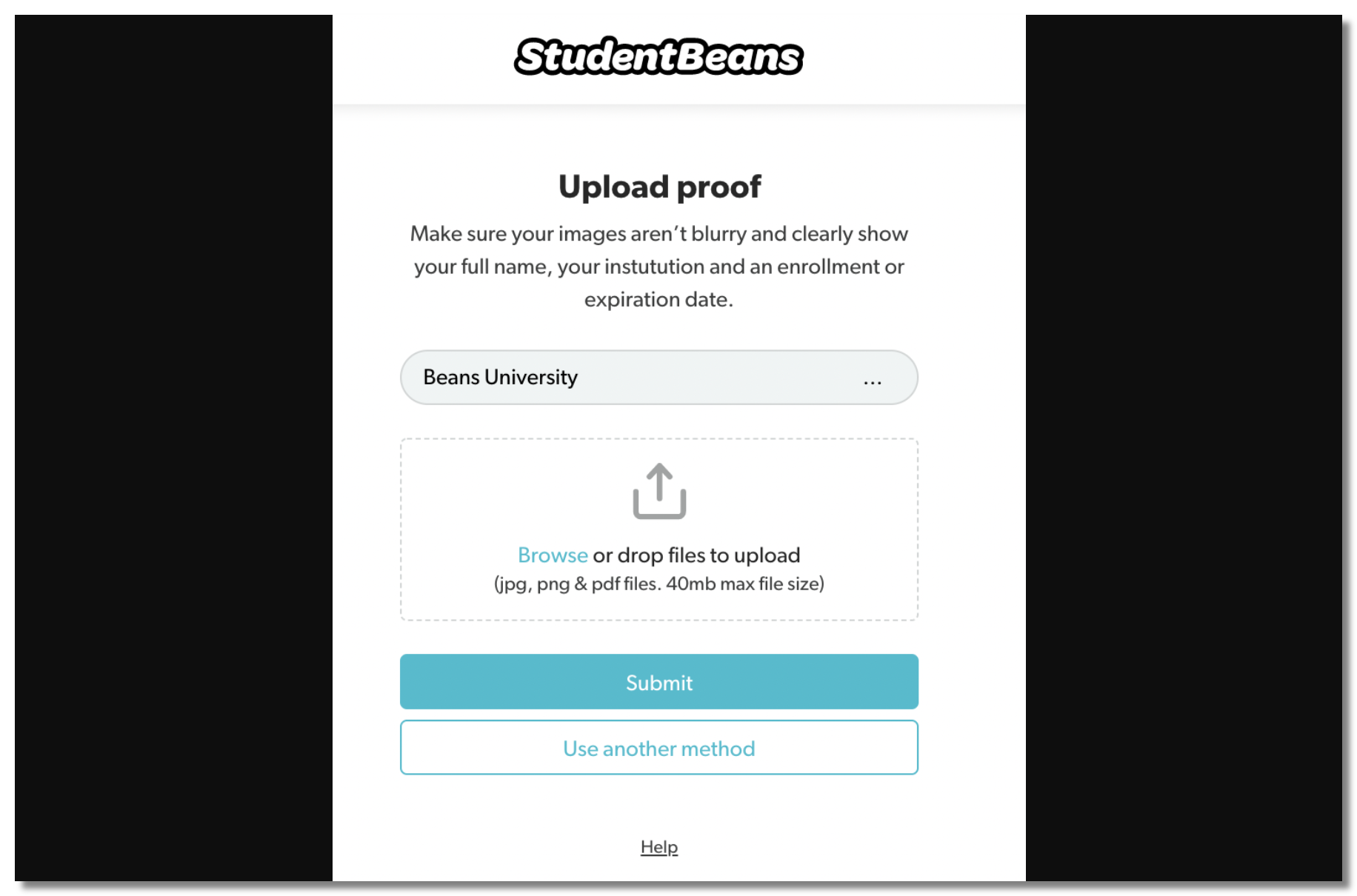
Step 2. Verify your student status. Anyone 16 or older in full-time education — university, college, high school, or an apprenticeship — is eligible. Verification usually takes seconds with a student email or enrollment details.
Step 3. Unlock the Sling TV student offer in the Student Beans app or website to reveal your discount.
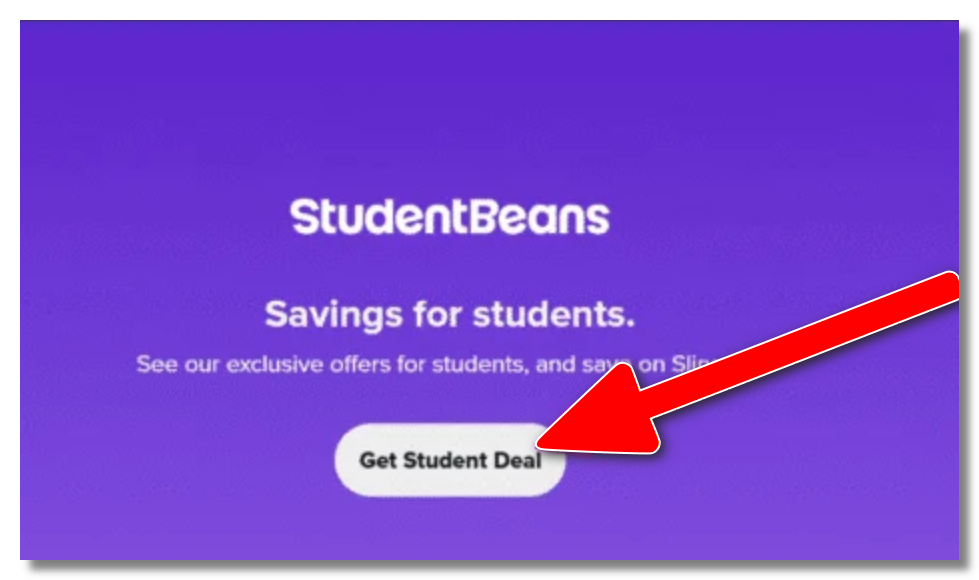
Step 4. Sign up for Sling using the offer and choose your plan — Orange, Blue, or Orange + Blue.
Step 5. Enjoy $10 off each month for 6 months. After that, standard pricing applies (from $45.99 for a single plan or $60.99 for the combined package), so set a reminder to review or cancel before the promo period ends if you want to avoid the full rate.
That’s the entire process — no promo code hunting required. The discount is tied to your verified Student Beans account.
Sling TV Desi Student Discount: 50% Off for International Students

If you’re an international student in the US — especially one who watches South Asian content — this is the bigger deal. Through sling.com/studentsaver, eligible students get 50% off Sling’s Desi TV packs for the entire first year (12 months):
- Desi Binge Plus: $180 $90 for 12 months (or $10 for your first month)
- Dakshin Flex: $120 $60 for 12 months (or ~$10/month)
Both include 3 simultaneous streams and live cricket via Willow HD — ideal for sharing with roommates.
Steps to claim:
- Go to sling.com/studentsaver from a device located in the US.
- Verify you’re an international student studying in the US as prompted.
- Choose your Desi pack — for example, Desi Binge Plus ($180 → $90 for 12 months) or Dakshin Flex ($120 → $60 for 12 months).
- Create your account and check out to apply the 50% first-year discount automatically.
- Start streaming Sling TV with your desi offer!
One catch to know upfront: the sign-up page is only accessible from within the US, due to Sling’s content-licensing rules. That matters the moment you travel — which brings us to a problem almost every international student hits (and how to solve it) a little further down.

Find More Ways for Students to Save on Sling TV

Even beyond the student offers, Sling is already one of the cheapest live-TV services. Stack these to save more:
1. Discounted First Month for New Customers
Sling frequently runs a reduced-price first month for new subscribers — check sling.com/deals before signing up. (Note: Sling generally offers a discounted first month rather than a 30-day free trial, so don’t count on a month of totally free service.)
2. Pick the Smaller Base Plan
Sling Orange and Sling Blue each carry different channels; choose the one that actually has what you watch instead of the pricier combined pack.
3. Pause Instead of Paying over Summer
Going home for break? You can pause or cancel and resubscribe later, so you’re not paying for months you’re not watching — a huge saver on a student budget.
4. Watch for Seasonal Promos
Back-to-school, Black Friday, and NFL-season deals often bring extra discounts (handy if you searched “Sling TV NFL student discount”).
Combine the Student Beans $10-off with a discounted first month and a right-sized plan, and your effective cost drops well below the sticker price.
Watch Sling TV with Your Student Discount Anywhere (Even Abroad)
Here’s the problem almost every student subscriber runs into: Sling only works inside the US. The moment you fly home for winter break, head abroad for a semester, or go back to your home country after finals, Sling geo-blocks you — you’re suddenly paying for (or sitting on a great student deal for) a service you can’t open.
Remember that Desi Student Saver page that only loads inside the US? The same restriction applies to watching, not just signing up.
This is the one situation where a reliable VPN like UFO VPN genuinely helps. Connect to UFO VPN and get a USA IP address, so your Sling student subscription keeps working from anywhere, exactly as it does on campus.
Steps:
- Install and open UFO VPN and connect to a US server.
- Turn on the Kill Switch first — if the VPN briefly drops mid-episode, it cuts the connection instead of exposing your real location and interrupting the stream.
- Launch Sling TV and watch as normal.
Because UFO VPN has a budget-friendly free tier, it won’t blow the tight budget that brought you to this article in the first place. It’s also handy on locked-down or throttled dorm and campus Wi-Fi, where the encrypted connection keeps streaming from being singled out and slowed.
Activate it right now👇:


UFO VPN is an all-in-one VPN that offers unlimited access to 4K streaming like Netlfix, Disney Plus, no-ping gaming as PUBG, Roblox, CODM and social networking for YouTube, X, Facebook and more.




Unlock Pro Features
If you have upgraded to premium plan , feel free to enjoy premium servers for 4K streaming and advanced features like Kill Switch, Split Tunneling, and gaming acceleration. Your Mac is now fully optimized and protected. Inaddition to basic functions, we recommend you turn on

Verify Your IP Now
Use UFO VPN's " What is My IP " feature to see your new IP and location. This confirms your connection is secure, anonymous, and ready for safe browsing online anywhere at any time.







💡One honest caveat: a VPN does not make Sling cheaper. Ignore any “hack” claiming you can use a VPN to buy Sling at a lower overseas price — Sling bills only in the US at one flat rate, so no VPN changes the price. What a VPN does is protect access to the deal you already earned.
Explore Streaming Services with Student Discounts (Alternatives)
If Sling isn’t the right fit, several other services offer student pricing worth comparing:
- Hulu (Student): One of the best-known student streaming deals, at a heavily reduced monthly rate.
- Spotify + Hulu student bundle: Music plus streaming for one low student price.
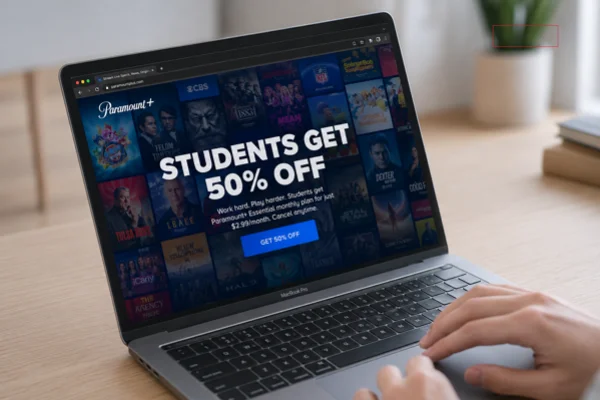
- Paramount+, FuboTV, Peacock, and others periodically run student or seasonal promos.
👉Read More: Streaming Services with Student Discounts - Where & How to Access
Sling still stands out for live TV and sports at a low base price — and with the student discount, it’s one of the most affordable ways to watch live channels without a cable contract.
Final Words
So, does Sling TV have a student discount? Absolutely — $10 off for 6 months via Student Beans for everyone, plus 50% off Desi packs for a full year for international students through sling.com/studentsaver. Verify your status, pick the right plan, and stack a discounted first month to save the most.
And since your subscription only works inside the US, keeping UFO VPN on hand means the student deal you signed up for keeps streaming wherever your studies take you — without paying a cent more for the privilege.
FAQs
What’s the cheapest way to get Sling TV?
Combine the Student Beans student discount ($10 off for 6 months) with a discounted first-month promo and the smaller single plan (Orange or Blue). International students can go further with 50% off Desi packs for a year via sling.com/studentsaver.
Does Sling TV have a student discount code?
There’s no code to type — the discount is unlocked by verifying your student status through Student Beans, which links the $10-off offer to your account automatically.
Is there a free Sling TV student discount?
No. Any offer promising Sling completely free for students is fake. The legitimate deal is $10 off per month for 6 months, or 50% off Desi packs for international students.