What Is Unblocked Games G+?
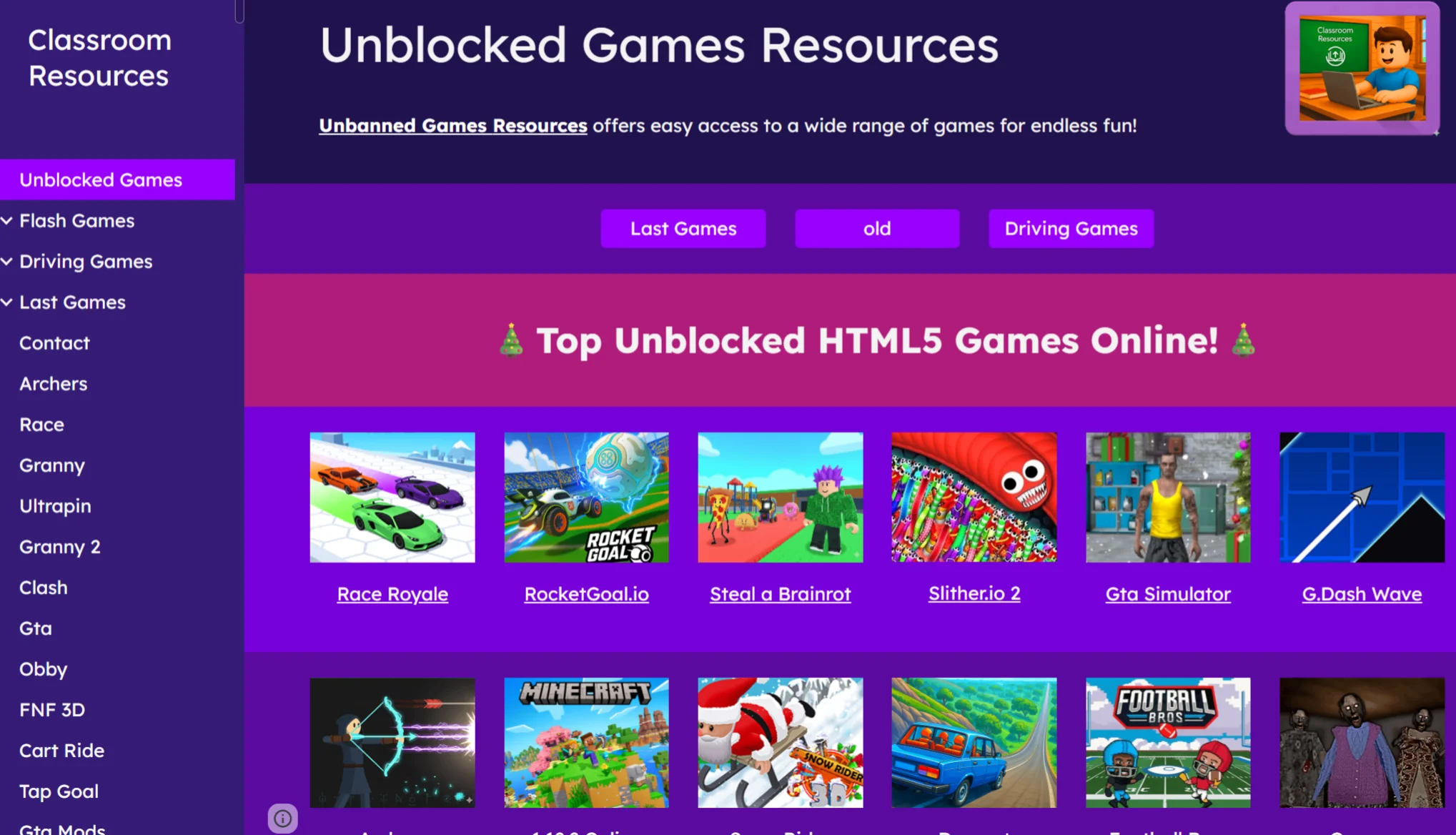
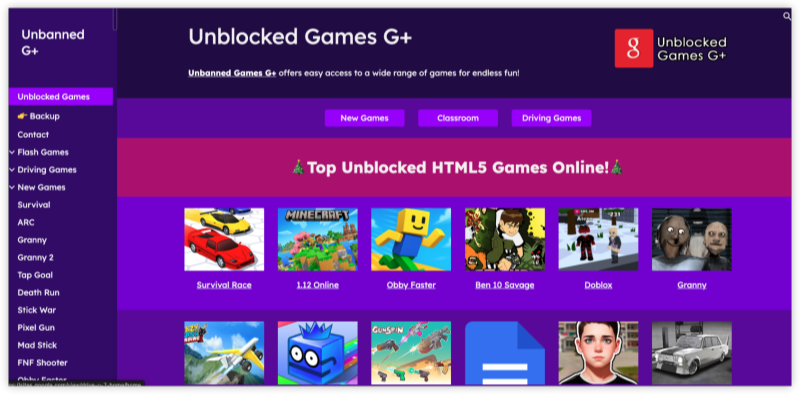
Unblocked Games G+ is a browser-based gaming platform that hosts free online games designed to bypass network restrictions commonly found in schools, libraries, and workplaces.
Key Features of Unblocked Games G+
-
No downloads or installations required
-
Runs directly in a web browser
-
Includes classic, arcade, puzzle, and action titles
-
Accessible on restricted networks
-
Lightweight and fast-loading games
Because these games are hosted on simplified or mirrored domains, they are often accessible where traditional gaming sites are blocked.
Why Students are so Obsessed with Unblocked Games G+?
Unblocked Games G+ has become especially popular among students—not because the games are revolutionary, but because the platform fits perfectly into the real constraints of school life. Several practical and psychological factors explain this obsession.
1. It Works on School Networks (When Most Sites Don’t)
Most gaming websites are blocked by school firewalls, but Unblocked Games G+ is often hosted on simple domains that slip past basic filters.
For students, that alone makes it feel “special” or exclusive—even when the games themselves are basic.
When options are limited, access becomes the value.
2. Instant Play, Zero Setup
Students don’t need:
-
Accounts
-
Downloads
-
Installations
-
Personal devices with admin rights
Most games run directly in the browser, which is crucial on school-issued Chromebooks with heavy restrictions. One click and the game loads—no friction, no trace.
3. Short Games Fit Break-Time Behavior
Classes, lunch breaks, and free periods are short.
Unblocked Games G+ games are designed for:
-
Fast loading
-
Simple controls
-
Quick wins or restarts
This makes them ideal for 5–10 minute sessions, unlike complex PC or console games that require commitment.
4. Low-Stress Escape from Academic Pressure
Students use these games as:
-
A mental reset between classes
-
Stress relief during exam periods
-
A way to regain focus after intense lessons
The simplicity matters. There’s no ranking pressure, no competitive toxicity—just quick entertainment.
5. Social Currency Among Students
Knowing which games still work on the school network becomes shared knowledge:
-
“This one still isn’t blocked.”
-
“Try this link, it works today.”
That word-of-mouth effect spreads Unblocked Games G+ rapidly within schools, especially when other sites get taken down.
6. Safe Enough (Compared to Random Game Sites)
Compared to sketchy pop-up-heavy gaming sites, Unblocked Games G+ is often seen as:
-
Cleaner
-
Less aggressive with ads
-
Easier to close quickly
For students trying not to get caught, that matters more than game quality.
How to Safely Play Unblocked Games G+?
While Unblocked Games G+ is convenient, safe access should always come first. Follow the steps below to minimize risks and ensure smooth gameplay.
Use a VPN
A free proxy VPN in UFO VPN is one of the most effective tools to safely play Unblocked Games G+ in 2026.


UFO VPN is an all-in-one VPN that offers unlimited access to 4K streaming like Netlfix, Disney Plus, no-ping gaming as PUBG, Roblox, CODM and social networking for YouTube, X, Facebook and more.




Unlock Pro Features
If you have upgraded to premium plan , feel free to enjoy premium servers for 4K streaming and advanced features like Kill Switch, Split Tunneling, and gaming acceleration. Your Mac is now fully optimized and protected. Inaddition to basic functions, we recommend you turn on

Verify Your IP Now
Use UFO VPN's " What is My IP " feature to see your new IP and location. This confirms your connection is secure, anonymous, and ready for safe browsing online anywhere at any time.







Use Official Mirrors
Not all Unblocked Games G+ sites are equal. Many unsafe copies exist.
How to Identify Official or Safe Mirrors
Clean interface with minimal ads
No forced downloads
HTTPS-secured URLs
Games load directly in browser
Avoid sites that:
Ask you to install extensions
Redirect you to unrelated pages
Request login credentials
Use School- or Work-Approved Browsers
Some browsers are better suited for restricted environmentssssss.
Recommended Browser Practices
-
Use updated versions of Chrome, Edge, or Firefox
-
Enable built-in security features
-
Disable unnecessary extensions
-
Clear cache regularly
📖Related Reading
- 1 Unblocked Games WTF: How to Access & Best Titles to Play
- 2 What Is Unblocked Games 76 and How to Access It
Best Games on Unblocked Games G+
One of the biggest reasons players return is the wide variety of best games available. Below are popular categories and examples commonly found on Unblocked Games G+.
| Type | Name |
|---|---|
| Action |
|
| Puzzle & Strategy |
|
| Sports & Racing |
|
| Classic & Retro |
|
Conclusion
Unblocked Games G+ remains one of the easiest ways to enjoy online gaming in restricted environments in 2026. By following proper safety steps—using a VPN, sticking to official mirrors, and choosing secure browsers—you can safely play your favorite titles without unnecessary risks.
FAQs
Is Unblocked Games G+ legal?
Yes, browsing and playing free browser games is generally legal. However, always follow your school or workplace internet usage policies.
Do I need to download anything before using Unblocked Games G+?
No. Unblocked Games G+ games run directly in your browser.
Can a VPN get me in trouble when accessing Unblocked Games G+?
A VPN improves privacy, but always check local rules before using one on school or work networks.