What Happened to Discord?
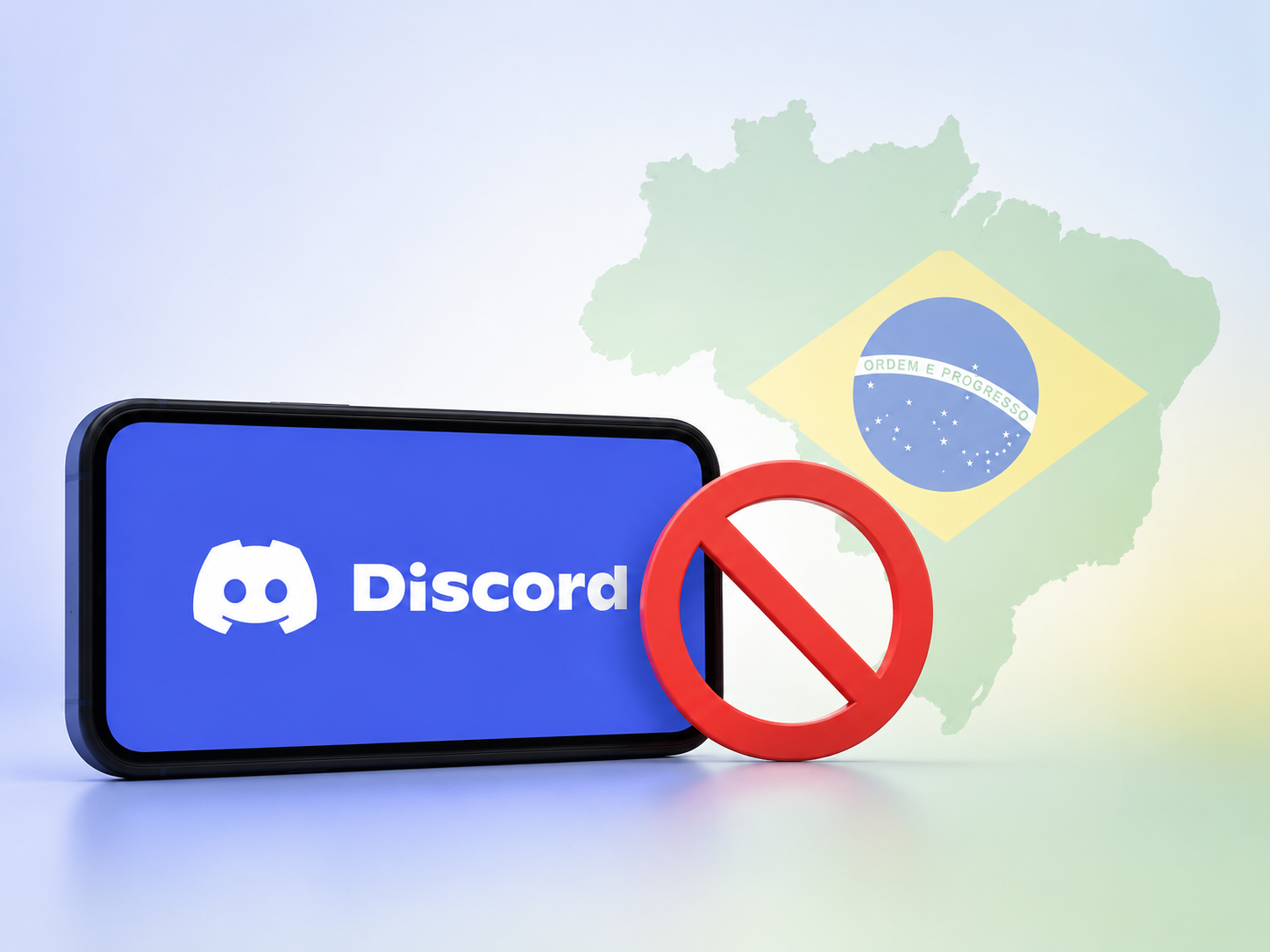
Is Discord banned in Brazil? If you’re in Brazil, you may have run into this issue recently. Discord has been restricted in Brazil following action from the country’s National Data Protection Authority (ANPD), mainly due to concerns about how the platform protects children and teenagers from harmful content and interactions.
The restriction is primarily IP-based. When Discord detects a Brazilian IP address, certain video-related features may be unavailable. This significantly affects:
- Video features: Go Live, video calls, and related video-sharing features may be restricted.
- Voice chat: Voice communication remains available.
- Text chat: You can still send messages and communicate through text channels.
- Reason for the restriction: Brazilian authorities are seeking stronger child-safety and age-protection measures from Discord.
However, a regional restriction isn't the only reason Discord may stop working. Temporary server issues, network problems, or other technical failures can also make the platform unavailable. When this happens, you may naturally wonder, is Discord down?
The two situations are quite different. But given the current situation, if you're using a Brazilian IP and can't access Discord or certain features, you're more likely to be affected by the Brazil-specific restriction rather than a general outage.
Discord Availability Beyond Brazil (Get a Usable IP)
If you're affected by Brazil’s current regional restrictions, you can still access Discord easily. An easy way is to switch to another network environment via a different IP location. In this area, it's highly recommended to activate a free VPN for Discord.
For a different IP, these are some commonly used Discord locations to consider:
| Country | Status | Discord Features | Get an IP |
|---|---|---|---|
| United States | Full access available | Communities, voice channels, video calls, Go Live, screen sharing | |
| United Kingdom | No known regional blocks | Servers, DMs, voice chat, video calls, streaming | |
| Canada | Core and video features available | Text chat, voice channels, video, screen sharing | |
| Germany | Regular Discord access | Communities, DMs, voice chat, video calls | |
| France | Video and voice access available | Servers, text chat, voice and video communication | |
| Japan | Broad feature availability | Voice channels, video calls, screen sharing, communities | |
| Singapore | No major access restrictions | DMs, servers, voice chat, video communication | |
| Australia | Standard access supported | Communities, voice channels, video calls, Go Live | |
| Netherlands | Full platform access | Text chat, voice and video calls, streaming |
Normally, you don't need complicated settings to try different country servers. A VPN such as UFO VPN can change your IP address and route your connection through another location. Its current service supports multiple platforms and advertises a global server network.
Quick steps:


UFO VPN is an all-in-one VPN that offers unlimited access to 4K streaming like Netlfix, Disney Plus, no-ping gaming as PUBG, Roblox, CODM and social networking for YouTube, X, Facebook and more.




Unlock Pro Features
If you have upgraded to premium plan , feel free to enjoy premium servers for 4K streaming and advanced features like Kill Switch, Split Tunneling, and gaming acceleration. Your Mac is now fully optimized and protected. Inaddition to basic functions, we recommend you turn on

Verify Your IP Now
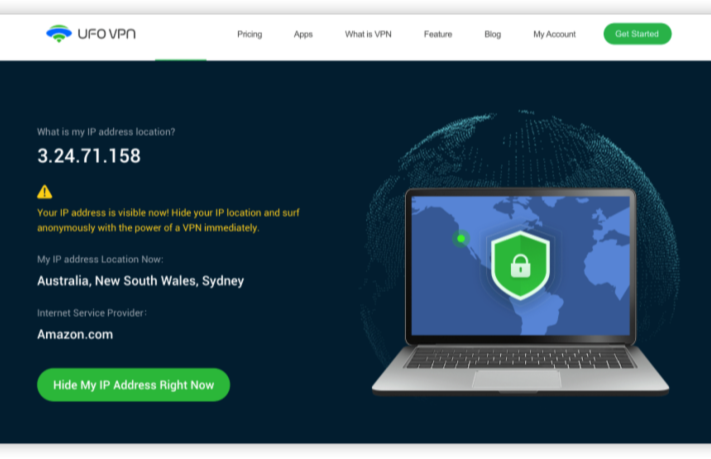
Use UFO VPN's " What is My IP " feature to see your new IP and location. This confirms your connection is secure, anonymous, and ready for safe browsing online anywhere at any time.







Common Problems of Using Discord & Quick Solutions
Switching to another server doesn't always mean everything will work perfectly. You may still run into loading errors, connection drops, notification issues, or problems with specific Discord features. To get a smoother experience, check the following common problems and try the corresponding quick fixes.
1. Discord Won't Open
Discord may fail to launch, freeze on the loading screen, or close unexpectedly. This can happen because of a temporary app error, outdated files, background processes, or an unstable connection.
💡 Quick fix: Fully close Discord from your device's background processes and open it again. If that doesn't help, restart your device and check whether Discord is experiencing a wider outage. You can also update the app or reinstall it if the problem continues.
2. Discord Messages Won't Send
Your messages may remain stuck, fail to load, or appear to send without actually reaching the server. A weak connection, temporary Discord issue, or VPN-related network problem can cause this.
💡 Quick fix: First, check Discord's status to see whether messaging is affected. If everything looks normal, switch between Wi-Fi and mobile data to test your connection. If you're using a VPN, try another server with a more stable connection.
3. Discord Voice Chat Is Not Working
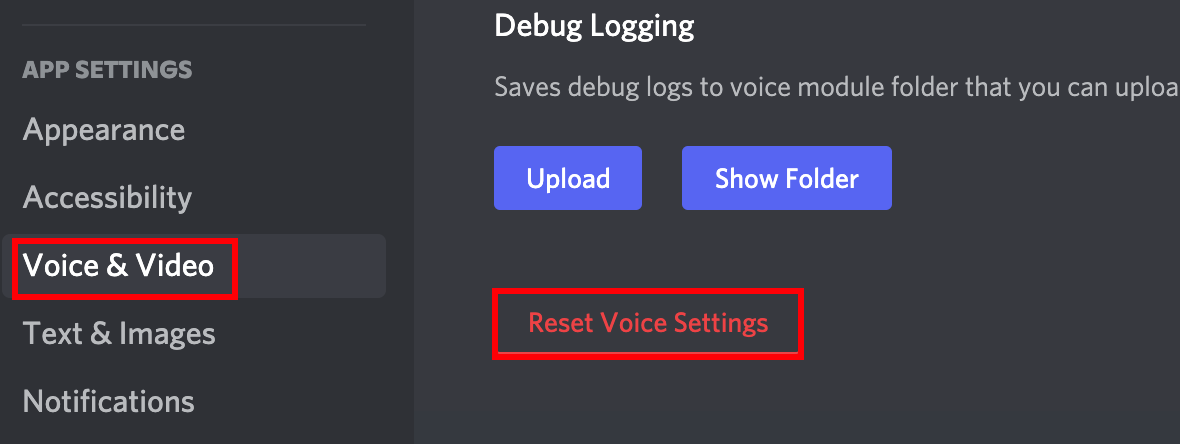
You may be unable to join a voice channel, hear other people, or use your microphone properly. Network instability, incorrect audio settings, microphone permissions, or Discord-side problems can all be responsible.
💡 Quick fix: Check that Discord has permission to access your microphone and that the correct input and output devices are selected. Then leave and rejoin the voice channel. If the connection is unstable, switch networks or try a VPN server with lower latency.
4. Discord Video or Go Live Is Unavailable in Brazil
If you're connecting from Brazil, you may find that video calls, Go Live, or other video-related features are unavailable even though text and voice features continue to work. This is related to the current regional restriction rather than a normal app error.
💡 Quick fix: Check Discord's latest announcements for changes to the restriction. If you're using a VPN, confirm that your connection has successfully switched to a supported location and then restart Discord before testing the feature again.
5. Discord Not Working With VPN
A VPN can change your connection route, but it may also introduce higher latency or connection conflicts. Some VPN servers can be crowded, while certain IP addresses may have temporary compatibility or access issues.
Quick fix:
- Disconnect and reconnect the VPN.
- Switch to another server in the same country.
- Choose a location with lower latency if possible.
- Restart Discord after changing your IP.
- Test Discord without the VPN to confirm whether the VPN is causing the problem.
If Discord works normally without the VPN, the issue is more likely related to the selected server or VPN connection.
6. Discord Keeps Disconnecting
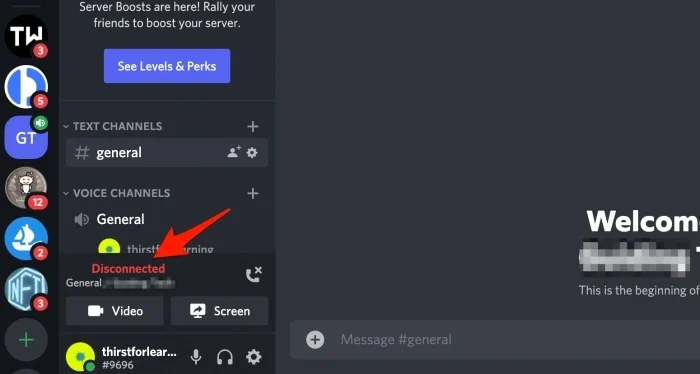
Frequent disconnections can make voice chats drop, messages load slowly, or servers become unreachable. Unstable Wi-Fi, high latency, network congestion, and an overloaded VPN server are common causes.
💡 Quick fix: Restart your router or switch to a more stable network. If you're using a VPN, try a closer server and check whether the connection becomes more stable. Avoid switching between multiple locations while you're in an active voice or video session.
7. Discord Won't Let You Log In
You may be unable to sign in because of incorrect account details, a temporary Discord issue, or an additional security verification. A sudden IP change can also trigger extra security checks in some situations.
💡 Quick fix: Confirm your login details and check Discord's status page before trying repeatedly. You can also try signing in through Discord's web version. If you're using a VPN, reconnect to a stable server rather than repeatedly changing locations.
8. Discord Is Stuck on "Connecting"
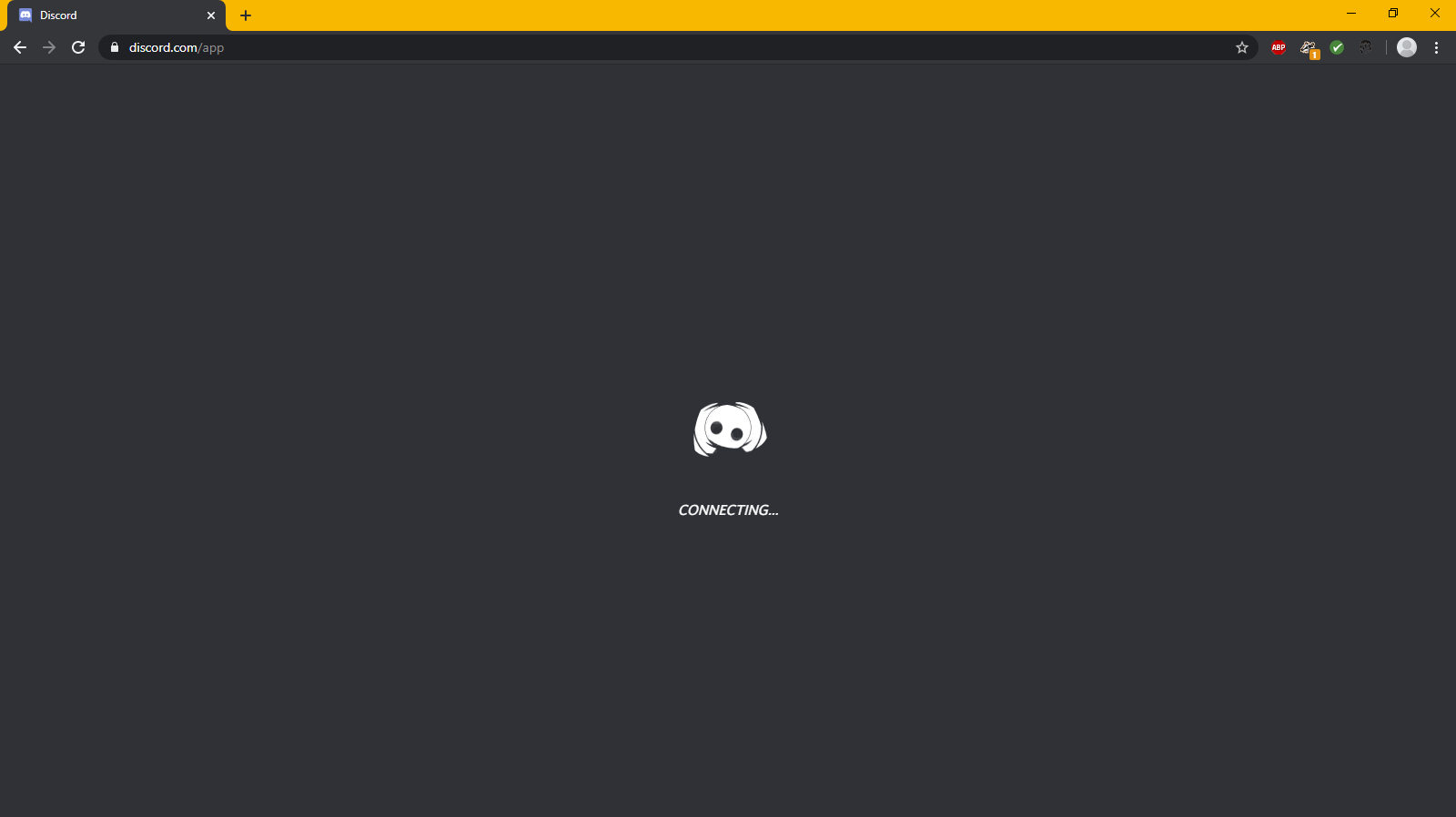
Discord may remain on the connecting screen when it cannot establish a stable connection with its servers. This can happen after changing networks, switching VPN servers, or experiencing high latency.
💡 Quick fix: Wait a moment to see whether the connection completes, then restart Discord if it remains stuck. You can also switch to another network or VPN server. If the problem occurs only with one server, try a different location.
9. Discord Notifications Are Not Showing
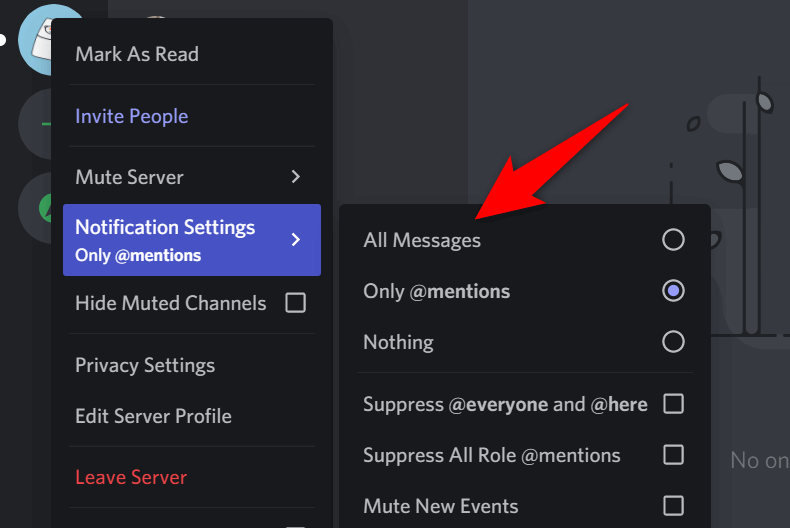
You may miss new messages or calls even though Discord itself works normally. Notifications can be blocked by Discord's settings, your operating system, or features such as Do Not Disturb or Focus mode.
💡 Quick fix: Open Discord's notification settings and make sure alerts are enabled for the relevant servers and channels. Then check your device's notification permissions and disable Do Not Disturb or Focus mode if necessary.
10. Discord Website Works but the App Does Not
Sometimes Discord works normally in your browser while the desktop or mobile app refuses to connect. Outdated app files, cached data, or a temporary application error may be the cause.
💡 Quick fix: Try Discord in your browser first. If the web version works, close the app completely and reopen it. You can then update Discord, clear its cache if your device supports this option, or reinstall the app to resolve persistent problems.
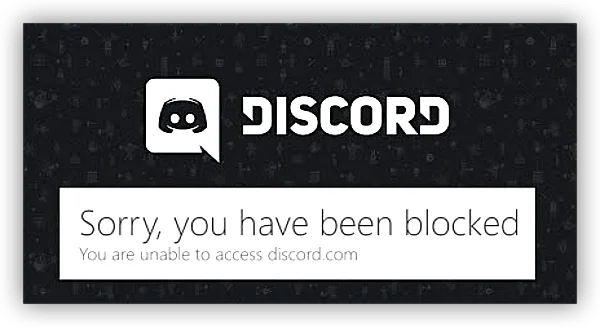

Bonus Tips to Avoid IP Ban for Discord
If you want to reduce the chance of your IP being flagged, focus on keeping your connection stable and avoiding unusual activity.
- Avoid rapid IP switching – Don't jump between multiple countries every few minutes.
- Use one stable server – Stay with a reliable VPN location instead of constantly changing servers.
- Don't spam – Avoid sending large numbers of messages, friend requests, or server invites in a short period.
- Secure your account – Use a strong password and enable two-factor authentication.
- Keep your app updated – New versions can include security and connection fixes.
- Avoid suspicious activity – Follow Discord's Community Guidelines and Terms instead of trying to bypass account restrictions.
Summing Up
It’s unfortunate that Discord banned in Brazil has made some features harder to access, but you can still find ways to enjoy Discord with fewer restrictions.
With a simple and quick workaround, you can switch to a supported network and get back to using the features you need. Among various methods mentioned above, one of the most direct options is UFO VPN. Just connect it and you'll quickly change your IP to an available country and reconnect to Discord!
FAQs
Can I still use Discord in Brazil?
Yes. Discord has not been completely shut down in Brazil. Text messaging and real-time voice communication remain available, while certain video features are currently suspended.
Will Discord's Brazil restrictions be permanent?
There is currently no confirmed permanent end date. The video-feature suspension is tied to the ANPD's regulatory action and is expected to remain until Discord demonstrates that it has adopted the required child-safety measures.
Does changing my IP change my Discord account region?
No. A VPN changes the IP address associated with your connection, but it does not automatically change your Discord account settings, profile information, or account history.
Can I use Discord on multiple devices at the same time?
Yes. You can use the same Discord account across supported devices, such as your phone, desktop, and browser, depending on Discord's current device and security policies.
Does Discord work without a phone number?
In some cases, yes, but Discord may require phone verification for certain accounts or activities as part of its security and anti-abuse measures. Whether you need a phone number can depend on your account and the action you're trying to perform.