What Are the Main Types of VPN?
The 5 common VPN types are personal VPN, remote access VPN, site-to-site VPN, mobile VPN, and cloud VPN. The biggest difference is what they connect and what problem they're designed to solve.
Here's the quick answer:
| VPN Type | What It Connects | Typical User | Primary Purpose |
|---|---|---|---|
| Personal VPN | Device → VPN server → Internet | Individuals | Protect everyday internet traffic |
| Remote Access VPN | User → Private network | Remote employees | Access company resources remotely |
| Site-to-Site VPN | Network → Network | Organizations | Connect separate office networks |
| Mobile VPN | Mobile user → Private network | Mobile/field workers | Maintain secure sessions while changing networks |
| Cloud VPN | User/network → Cloud | Businesses | Secure access to cloud resources |
If you're simply looking for a VPN to use on your laptop or phone for browsing, traveling, streaming, or using public Wi-Fi, a personal VPN like UFO VPN is probably the type you're looking for. The other four types are more commonly used for remote work, corporate networks, mobile workforces, or cloud infrastructure.
5 Common Types of VPN Explained
Knowing their names doesn't tell you much about which VPN you actually need. So instead of focusing only on technical definitions, let's look at how each type works in situations you might actually encounter.
1. Personal VPN
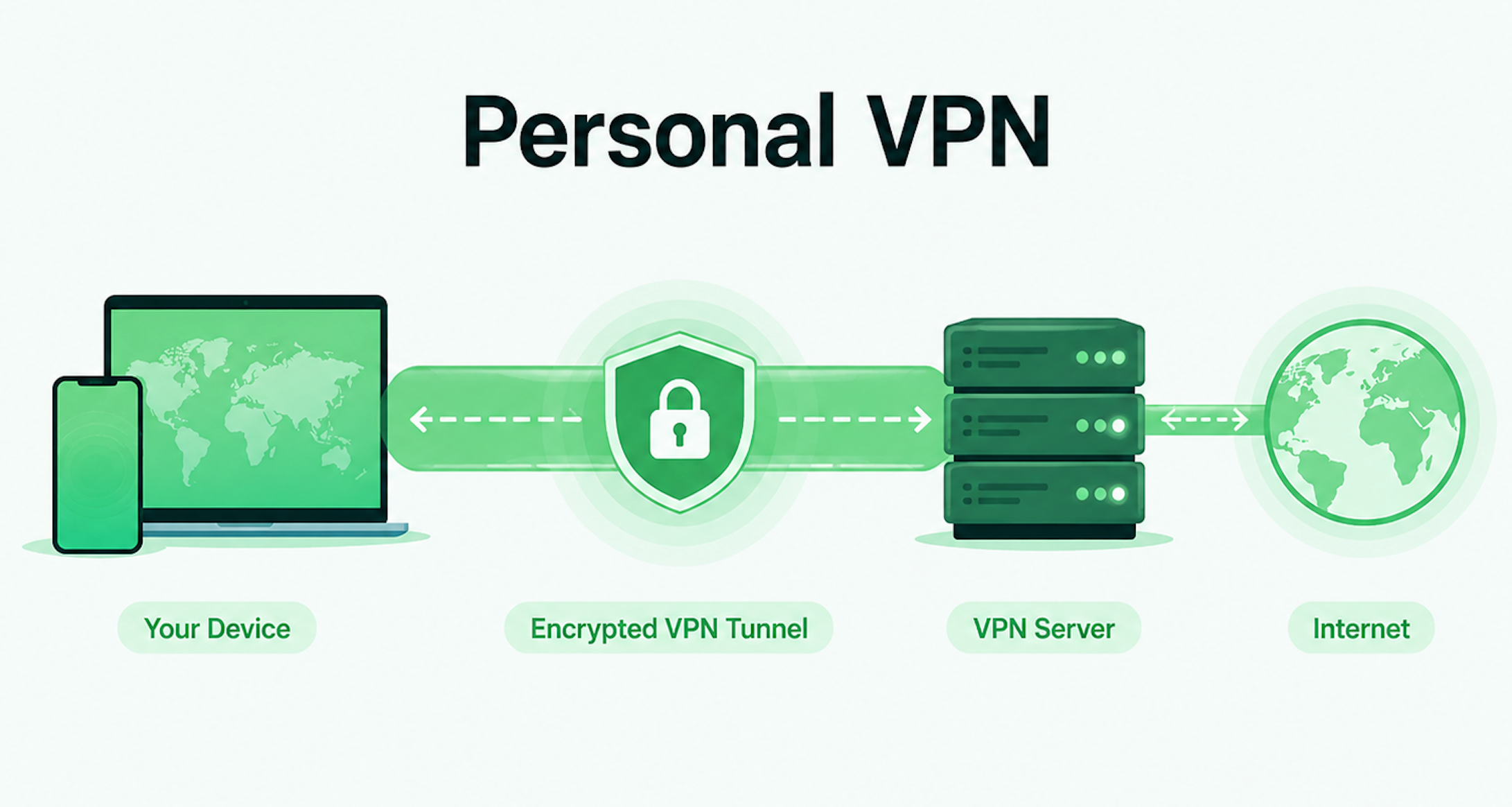
A personal VPN is the type most people mean when they say, "I'm using a VPN."
You install a VPN app on your phone, laptop, tablet, or another supported device and connect to a server operated by the VPN provider. Your internet traffic travels through an encrypted tunnel between your device and that server before reaching the wider internet. This means websites generally see the VPN server's public IP address instead of your original public IP.
Imagine you're waiting for a flight and need to use the airport's public Wi-Fi. Instead of sending your internet traffic directly through that network, you turn on your personal VPN first. The VPN encrypts the traffic traveling between your device and its server, making it harder for others on the local network to inspect that traffic.
That's why personal VPNs are commonly used for public Wi-Fi, everyday privacy, travel, changing your visible IP location, and accessing online services while away from home.
Consumer services such as UFO VPN fall into this category. For most people who want a VPN for everyday internet use rather than access to a corporate network, this is the most relevant VPN type.
2. Remote Access VPN
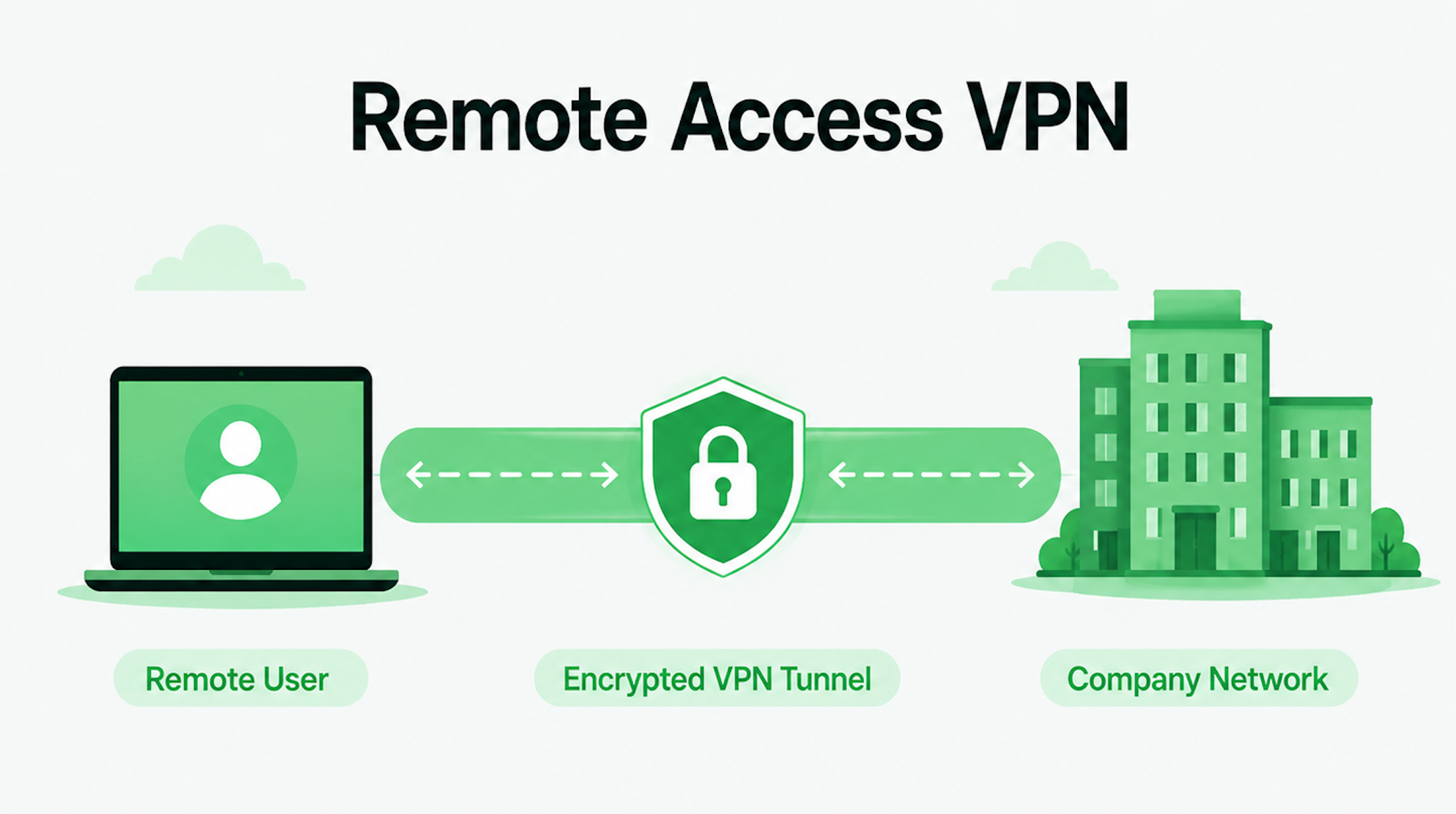
Suppose it's Monday morning, but you're working from home instead of sitting in your company's office. You can open Gmail or public websites normally, but your company's internal file server, database, or intranet isn't available on the public internet.
That's where a remote access VPN comes in.
Instead of primarily connecting you to a VPN provider's server for general internet browsing, it creates a secure connection between an individual user and a private network. After authentication, the employee can access resources that would normally only be available from inside the organization's network.
This makes remote access VPNs particularly useful for working from home, business travel, accessing internal files, and connecting to private company applications.
For example, imagine an accountant working from home who needs a financial document stored on an internal company server. The company's remote access VPN can provide a secure route into that network without making the server publicly accessible.
This also explains an important distinction: a personal VPN and a remote access VPN may both encrypt connections, but they solve different problems. A personal VPN is primarily designed around your internet connection, while a remote access VPN is designed to give an authorized user access to a private network.
3. Site-to-Site VPN
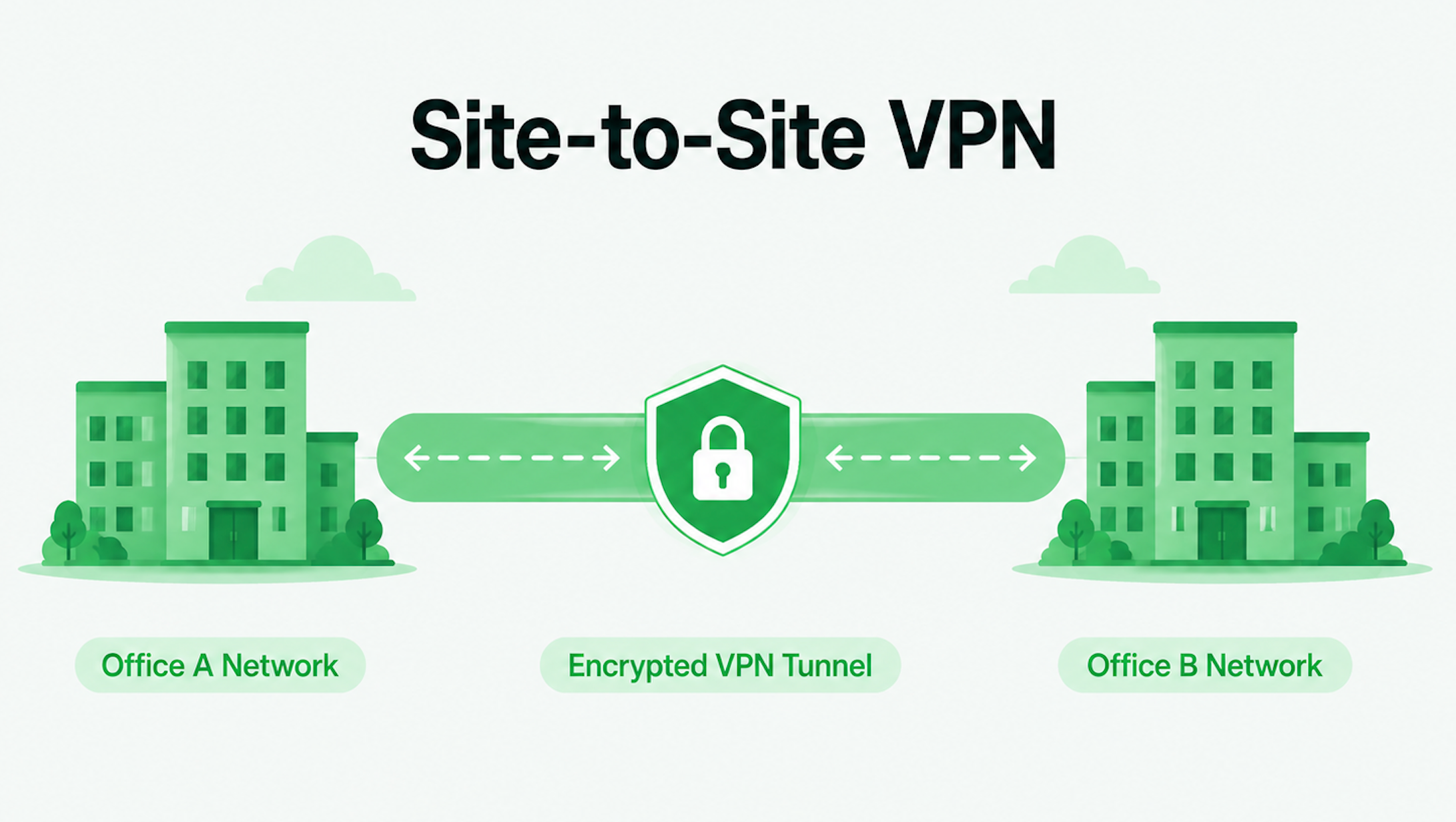
A site-to-site VPN creates a secure connection between two or more entire networks, rather than connecting one individual device to another network. It is commonly used by organizations that have offices, branches, data centers, or partner networks in different locations.
🏢 Picture this: A company has its headquarters in New York and a branch office in Los Angeles. Employees in Los Angeles regularly need to access systems hosted at headquarters. Making every employee manually start a VPN whenever they need something would be inconvenient. Instead, the company's network administrators establish a site-to-site VPN between the two office networks.
The VPN gateways at each location handle the connection. From an employee's perspective, there may be no VPN app to open at all. They simply access an approved internal system, while traffic traveling between the two office networks is routed through the VPN connection.
Site-to-site VPNs can also be used in two slightly different situations. An intranet-based VPN connects networks belonging to the same organization, such as headquarters and branch offices. An extranet-based VPN can provide controlled connectivity between separate organizations, such as a company and a business partner.
For individual consumers, you'll probably never need to configure one. For businesses operating across multiple offices or working closely with external partners, however, site-to-site VPNs can operate largely behind the scenes.
4. Mobile VPN
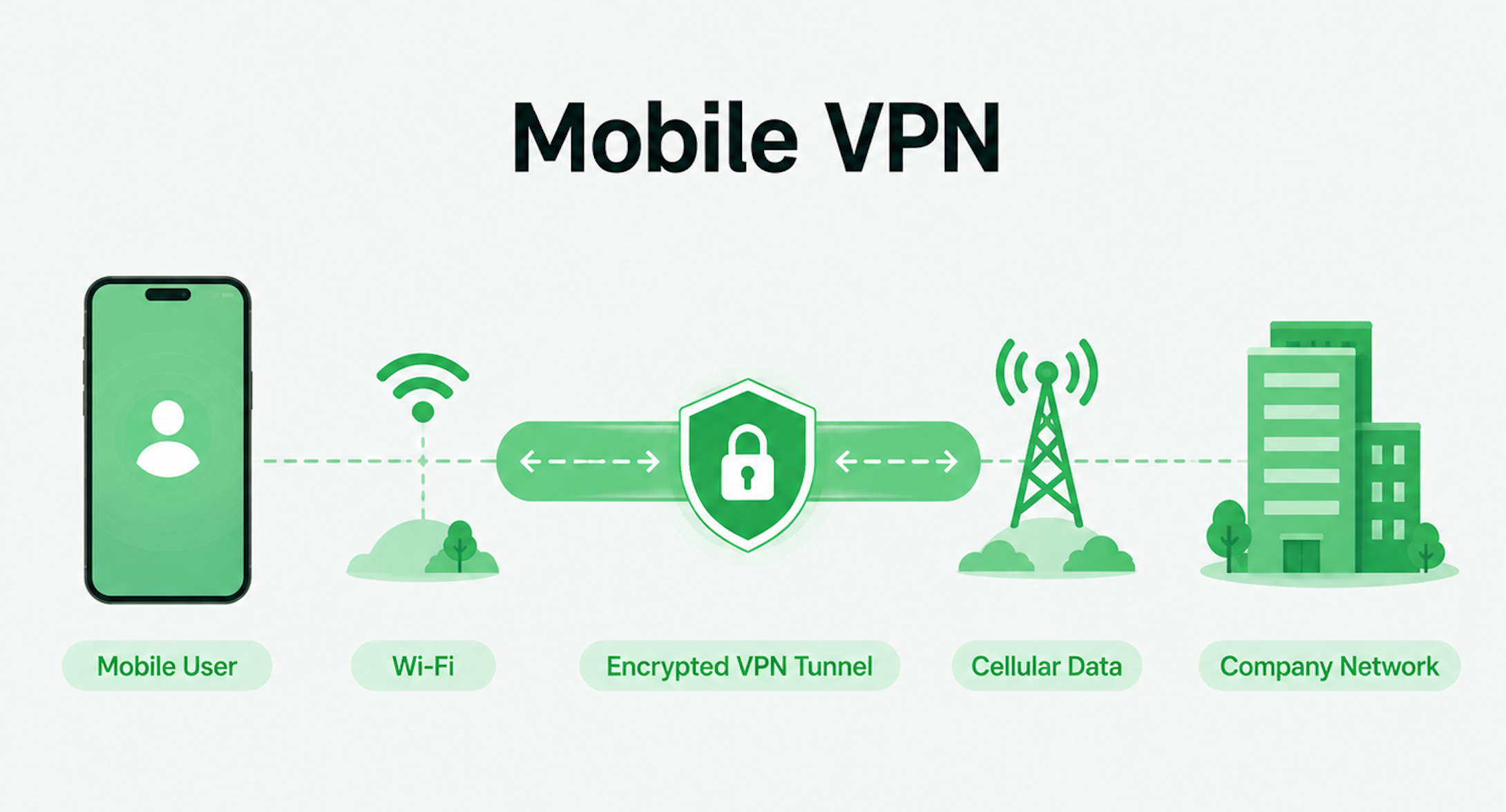
The name "mobile VPN" causes a lot of confusion because it sounds like it simply means a VPN installed on a smartphone. It doesn't. You can install a regular personal VPN app on an iPhone or Android phone without technically using a mobile VPN in this sense.
A true mobile VPN is designed to maintain a secure session when the device's network connection changes.
Consider a field worker using a company tablet. They start the day connected to office Wi-Fi, leave the building and switch to 5G, then arrive at a client site and connect to another Wi-Fi network.
With an ordinary connection, changing networks or IP addresses may interrupt the VPN session and require it to reconnect. A mobile VPN is designed for environments where connectivity changes frequently, allowing the secure session to continue as the underlying network changes.
This makes mobile VPNs particularly useful for field workers, logistics teams, sales staff, frequent business travelers, and other employees who move between networks throughout the day.
So if you simply want privacy while browsing on your phone, you're probably looking for a personal VPN app. If your job requires a secure connection to remain active while constantly switching between Wi-Fi and cellular networks, a mobile VPN becomes much more relevant.
5. Cloud VPN
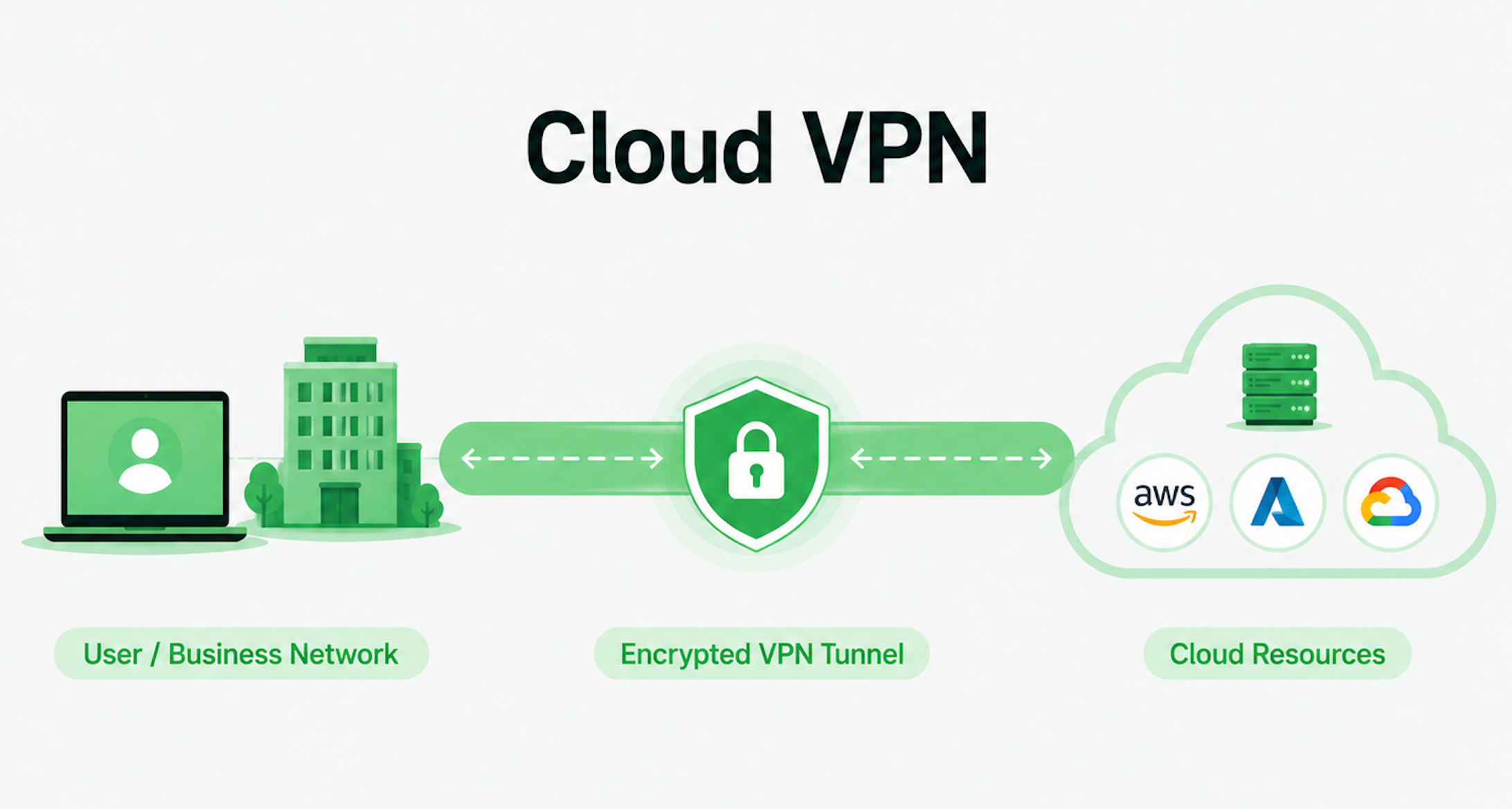
Traditional company resources used to live primarily inside physical offices and private data centers. Today, a company's applications, databases, and workloads may instead live partly or entirely in cloud environments such as AWS, Microsoft Azure, or Google Cloud.
A cloud VPN provides secure connectivity to those cloud-based resources.
For example, imagine a company hosts an internal application in AWS. Employees working remotely still need secure access to it, while the company may not want that application openly accessible from the public internet. A cloud VPN can help establish secure connectivity between authorized users or company networks and that cloud environment.
Cloud VPNs are therefore commonly associated with distributed teams, cloud-hosted applications, hybrid infrastructure, and businesses moving resources away from traditional on-premises networks.
For an everyday user who just wants more privacy while browsing, this would be unnecessary. But for an organization managing infrastructure across offices, remote workers, and cloud platforms, cloud connectivity can be an important part of its network architecture.
How Do the Different Types of VPN Compare?
If you still aren't sure which type fits your situation, comparing definitions isn't particularly helpful. What matters more is whether you need to install software, how difficult the VPN is to use, what it typically costs, and whether it's designed for one person or an entire organization.
Here's how the different types of VPN compare in practical terms:
| VPN Type | User Software Needed? | Main Use Cases | Ease of Use | Cost | Best Scale |
|---|---|---|---|---|---|
| Personal VPN | Usually | Privacy, public Wi-Fi, travel, streaming | Low | Individual users | |
| Remote Access VPN | Usually | Remote work, company network access | Medium | Individuals → Teams | |
| Site-to-Site VPN | Usually no end-user software | Connecting offices/networks | High | Multiple offices / Large organizations | |
| Mobile VPN | Usually | Field work, travel, network switching | Medium | Mobile users / Mobile workforce | |
| Cloud VPN | Depends | Secure access to cloud resources | Medium–High | Teams / Organizations |
📌 Ease of use: Five stars means easiest for the end user. Actual setup and day-to-day complexity can vary depending on how a VPN is implemented.
The difference becomes clearer when you put yourself into the equation. If you're sitting in a coffee shop and want to secure your internet connection in a few taps, a personal VPN is by far the simplest option. If you're an IT administrator connecting three corporate offices, ease of use for the individual employee matters less than network-wide connectivity and centralized management.
Why Do Different Websites List Different Types of VPN?
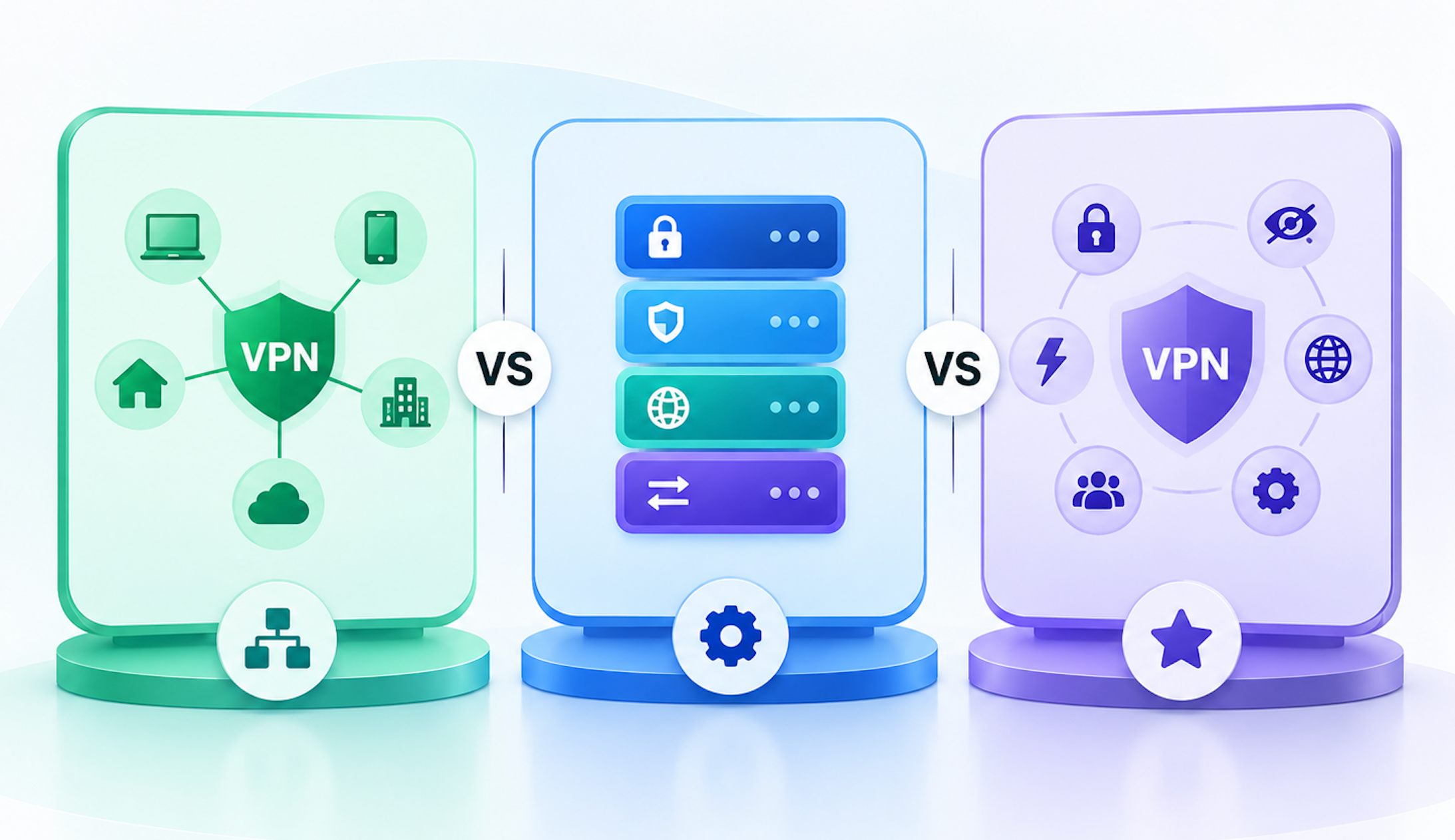
Search for "how many types of VPN are there?" and you might find one website saying four, another saying five, and another listing many more.
So who's right?
The confusion comes from the fact that there is no single universally agreed way to classify every VPN. Different lists use different criteria.
One guide might classify VPNs according to what they connect, resulting in categories such as remote access and site-to-site VPNs. Another might include deployment environments such as cloud VPNs. Others mix in protocols, features, products, or marketing terms.
Think of it like classifying cars. You could categorize them by body style (sedan vs. SUV), power source (gas vs. electric), or purpose (family vs. sports car). Those labels answer different questions, so they don't necessarily belong in one flat list.
The same distinction matters with VPN terminology.
VPN Types vs VPN Protocols
One of the most common sources of confusion is treating a VPN protocol as another VPN type.
A simple way to remember the difference is:
- VPN type = what the VPN connects and what it's designed to do.
- VPN protocol = how a VPN connection is established and secured.
For example, Personal VPN, Remote Access VPN, and Site-to-Site VPN describe different VPN use or connection models.
OpenVPN, WireGuard, and IKEv2/IPsec, on the other hand, are examples of VPN protocols. A VPN type can use different protocols, so these aren't competing categories.
If you're choosing a VPN service for everyday use, protocols can still affect factors such as security, speed, and connection stability. But you don't need to understand all of their technical details just to determine which type of VPN you need.
VPN Features That Are Sometimes Called "Types"
You'll also encounter terms such as Double VPN, Dedicated IP, and Split Tunneling in lists of VPN types. These are better understood as features or configurations rather than separate categories alongside Personal or Site-to-Site VPN.
For example, Double VPN routes a connection through more than one VPN server. Split tunneling lets you decide which traffic uses the VPN and which traffic uses your regular internet connection.
Picture yourself traveling abroad while streaming through your VPN but still needing a local banking app to recognize your normal connection. Split tunneling can help separate those two traffic paths—but you're still using a personal VPN. You haven't suddenly switched to a new fundamental VPN type.
Other VPN Labels You May See
Terms such as business VPN, gaming VPN, streaming VPN, free VPN, and browser VPN can make the classification even messier. Most of these labels describe its target customers or use cases other than the underlying VPN type.
So don't assume every new phrase containing the word "VPN" represents another fundamentally different technology. Ask what it connects, who it's designed for, and what problem it solves. Those three questions usually tell you much more than the label alone.
Which Type of VPN Should You Choose?
You don't need the VPN with the most complicated architecture—you need the one that solves the problem you're actually facing.
Use this quick decision table:
| If You Want To... | VPN Type to Consider |
|---|---|
| Protect everyday internet traffic | Personal VPN |
| Use public Wi-Fi more securely | Personal VPN |
| Improve privacy while browsing | Personal VPN |
| Use a VPN while traveling | Personal VPN |
| Access your company's internal network remotely | Remote Access VPN |
| Connect multiple offices | Site-to-Site VPN |
| Maintain a secure session while switching between Wi-Fi and cellular | Mobile VPN |
| Securely access cloud infrastructure | Cloud VPN |
For most individual users, the answer is straightforward: choose a personal VPN.
Conclusion
There isn't a universal rule saying there must be exactly four, five, or six types of VPN. Different classifications answer different questions, which is why VPN terminology can seem inconsistent.
For most people, the practical distinction is much simpler. Personal VPNs are designed for everyday internet users, while remote access, site-to-site, mobile, and cloud VPNs solve more specific business and connectivity problems.
Instead of choosing based on the most technical-sounding name, start with what you actually need to connect and what you're trying to accomplish. That will usually point you toward the right VPN type.
FAQs
What Is the Safest Type of VPN?
There isn't one VPN type that is automatically the safest.
A personal VPN could be securely implemented or poorly implemented, and the same is true of a remote access or site-to-site VPN. Security depends on factors including encryption, VPN protocols, authentication, configuration, software security, and the provider or organization operating the VPN.
For consumers, this means you shouldn't choose a VPN solely because it belongs to a particular category. Look at the service's security practices as well.
Can I Use More Than One Type of VPN?
Yes. In fact, you might already do this without thinking about it.
For example, you might use a personal VPN for everyday browsing and then connect to your employer's remote access VPN when you need an internal work resource. They serve different purposes.
However, running multiple VPN connections at exactly the same time can sometimes cause routing conflicts, connectivity problems, or slower speeds. If your employer requires a corporate VPN, follow its IT policies before combining it with another VPN service.
Can One VPN Protect All My Devices?
It depends on the VPN service and how it's configured.
Consumer VPN services often provide apps for multiple operating systems and may allow several devices to connect under one account. Another option is installing a compatible VPN at the router level, which can route traffic from multiple connected devices through the VPN.
However, device support and simultaneous connection limits vary by provider, so check the service's specifications if you want to use a VPN across phones, laptops, tablets, TVs, or other devices.
Do Different VPN Types Have Different Speeds?
They can, but VPN type alone doesn't determine speed.
VPN performance depends on factors such as your original internet connection, server distance, server load, encryption, VPN protocol, network conditions, and how the VPN has been configured.
For example, if your personal VPN feels slow while you're traveling, switching to a nearby server may make a bigger difference than changing the "type" of VPN. Similarly, an enterprise VPN can perform differently depending on the organization's infrastructure.
So there isn't a reliable ranking such as "Personal VPN is always faster than Remote Access VPN."
Does Using a VPN Change My IP Address?
A personal VPN usually changes the public IP address that websites see. Instead of seeing the public IP associated with your normal internet connection, websites typically see the IP address of the VPN server you've connected to.
However, changing your apparent public IP isn't the main purpose of every VPN type.
For example, a corporate remote access VPN is primarily designed to connect you securely to private company resources, while a site-to-site VPN securely connects networks. How public internet traffic and IP addresses are handled depends on how those VPNs are configured.
Can I Use a Personal VPN for Remote Work?
Yes, but a personal VPN doesn't necessarily replace the VPN provided by your employer.
Imagine your company stores documents on an internal server that only employees can reach. Turning on your normal consumer VPN won't magically give you access to that server. You still need the credentials and remote access VPN configured by your company.
A personal VPN is useful for protecting your general internet connection, especially when working from hotels, airports, or cafés. Your employer's VPN has a different job: providing authorized access to private company resources.