Key Takeaways
💡 A VPN can help you enjoy a smoother NFL streaming experience by providing a more stable connection and reducing potential access limitations.
💡 Choosing the right VPN server location and streaming platform can help you get a better viewing experience.
💡 A reliable VPN service like UFO VPN can make the setup process easier with simple connections and multiple server options.
First Things First: Is It Legal to Use VPN to Watch NFL Games?
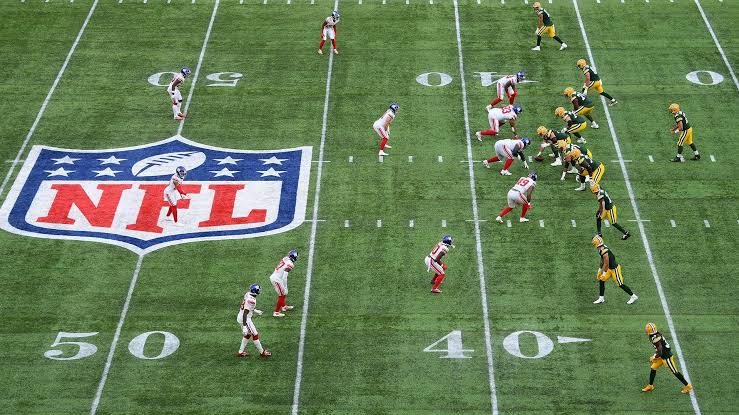
Using a VPN itself is legal in most countries because VPNs are commonly used for online privacy, security, and protecting personal data. Connecting to a VPN server does not automatically mean you are doing anything illegal.
However, streaming services usually have their own terms of service. Some platforms may restrict access when they detect VPN usage, so you should always check the rules of the streaming service you choose.
Before using a VPN for NFL streaming, keep these points in mind:
✅ VPN usage is generally legal: You can use a VPN to secure your internet connection and protect your online privacy.
✅ Streaming policies may vary: Different NFL streaming platforms may have different rules about VPN connections.
✅ Choose reliable services: A trusted VPN provider can offer better speed, security, and connection stability compared with unknown free VPN options.
Why Do You Need to Activate VPN for NFL Games?
A VPN can make your NFL streaming experience more flexible by helping you manage connection limitations and improve online privacy. Before learning how to use VPN to watch NFL games, it is useful to understand why many viewers choose to activate a VPN.
💡 Access more streaming options: A VPN allows you to connect through different server locations, which can help you explore available streaming options in other regions.
💡 Improve streaming privacy: A VPN encrypts your internet traffic, making it harder for third parties to monitor your online activities.
💡 Enjoy a more stable connection: Some VPN servers can provide optimized routes that may reduce network interruptions during live NFL games.
💡 Protect your personal information: When you stream online, a VPN adds an extra layer of protection for your IP address and browsing data.
Step-by-step Guide to Watch NFL Games with VPN
If you want to learn how to use VPN to watch NFL games, the process is simple. You only need a reliable VPN, a compatible device, and a streaming platform that works for your needs.
Step 1: Choose a Reliable VPN for NFL Streaming
The first step is selecting a VPN that can support smooth video streaming. A good NFL streaming VPN should offer:
- Fast connection speeds for HD or live streaming
- Multiple server locations
- Stable performance during peak hours
- Easy-to-use apps across different devices
For a simple setup, you can try UFO VPN, which provides easy server switching, secure connections, and apps for popular devices. It helps you connect to a suitable server without complicated settings.
Step 2: Install and Activate Your VPN
After choosing your VPN, follow these steps to prepare your connection:


UFO VPN is an all-in-one VPN that offers unlimited access to 4K streaming like Netlfix, Disney Plus, no-ping gaming as PUBG, Roblox, CODM and social networking for YouTube, X, Facebook and more.




Unlock Pro Features
If you have upgraded to premium plan , feel free to enjoy premium servers for 4K streaming and advanced features like Kill Switch, Split Tunneling, and gaming acceleration. Your Mac is now fully optimized and protected. Inaddition to basic functions, we recommend you turn on

Verify Your IP Now
Use UFO VPN's " What is My IP " feature to see your new IP and location. This confirms your connection is secure, anonymous, and ready for safe browsing online anywhere at any time.







Step 3: Open Your NFL Streaming Platform
Once your VPN is connected:
→ Launch your preferred NFL streaming service.
→ Sign in with your account.
→ Search for the NFL game you want to watch.
→ Start streaming with your updated connection.
Best Platforms and VPN Locations for NFL Streaming
Different platforms provide different NFL coverage options. Your VPN server location can affect available content and streaming performance. Below are the best sites to watch free NFL games. Select one of them according to to your specific needs and then get a quick server for it. Then you can start a safe and smooth streaming experience right away!
| NFL Streaming Platform | Best For | Get an IP for It |
|---|---|---|
| NFL+ | Official NFL content and live game coverage | United States VPN free |
| YouTube TV | Live TV channels with NFL games and sports packages | United States VPN free |
| Hulu + Live TV | NFL games, sports channels, and entertainment bundles | United States VPN free |
| Buffstream | Free NFL stream searches and alternative sports viewing options | United Kingdom VPN free |
| VIPRow Sports | Free sports streaming links, including NFL-related content | Canada VPN free |
| ESPN+ | Sports content and selected NFL-related coverage | United States VPN free |
| Paramount+ | CBS-broadcast NFL games and live sports | United States VPN free |
| Peacock | Sunday Night Football and selected NFL events | United States VPN free |
| Sling TV | Affordable live TV streaming with sports channels | United States VPN free |
| Fubo | Sports-focused streaming service with NFL channel access | Canada VPN free |
| DAZN | International NFL coverage in supported regions | Germany VPN free |
| NFL Game Pass International | Global NFL fans who want full-season coverage | Japan VPN free |
VPN Not Working With NFL Streaming? Try These Fixes
Even with a VPN, you may occasionally experience connection problems, blocked access, or streaming interruptions. These common solutions can help you quickly identify and fix the issue.
1. The Streaming Platform Blocks the VPN Server
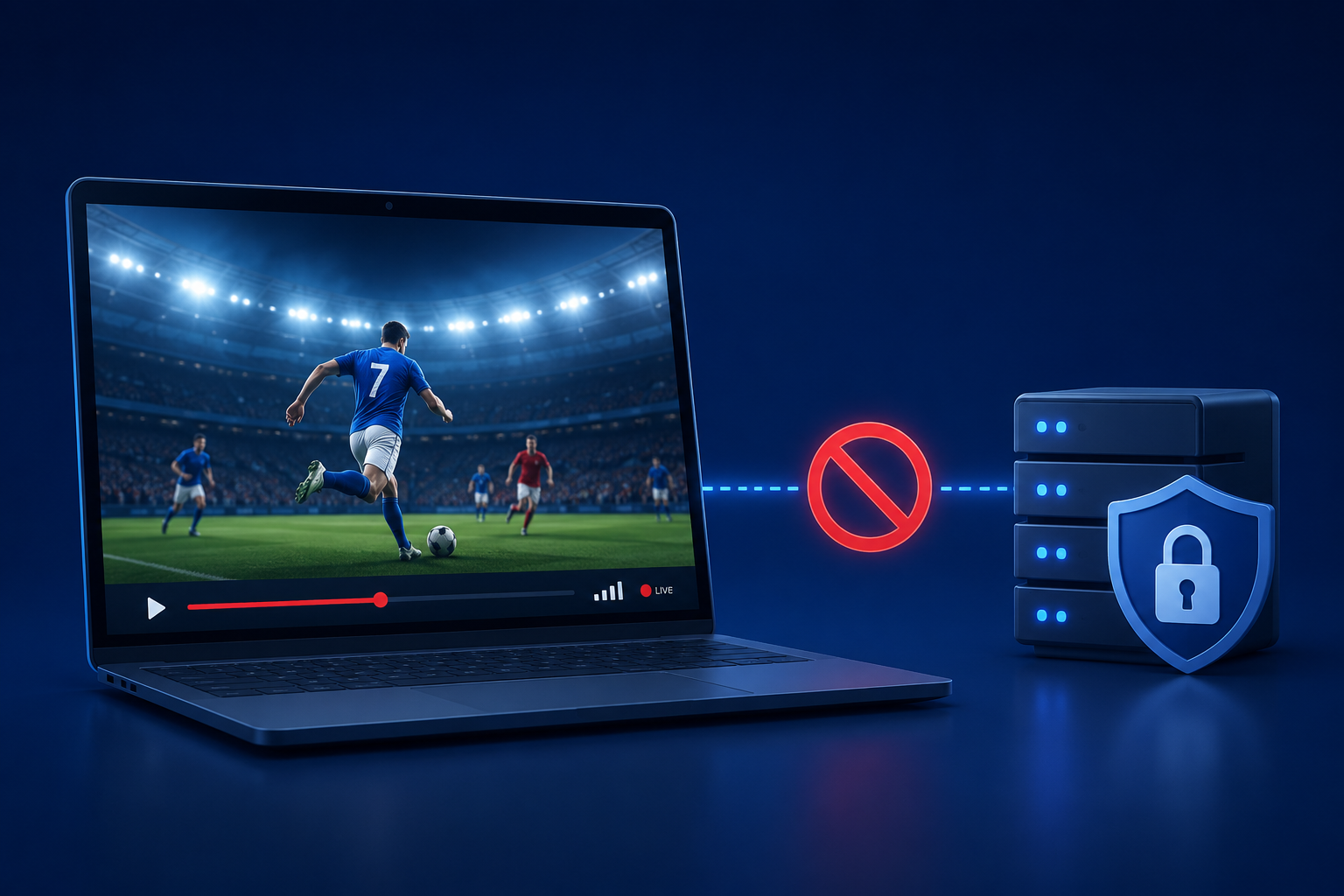
Some streaming platforms regularly update their systems to identify and restrict certain VPN IP addresses. If your VPN is connected but the NFL stream still does not load, the server you are using may no longer be supported.
If that really happens, try these solutions:
→ Switch to another VPN server location.
→ Disconnect and reconnect to refresh your IP address.
→ Choose a server with better streaming performance.
A different server may provide a new IP address that works better with your streaming platform.
2. NFL Stream Keeps Buffering or Loading Slowly
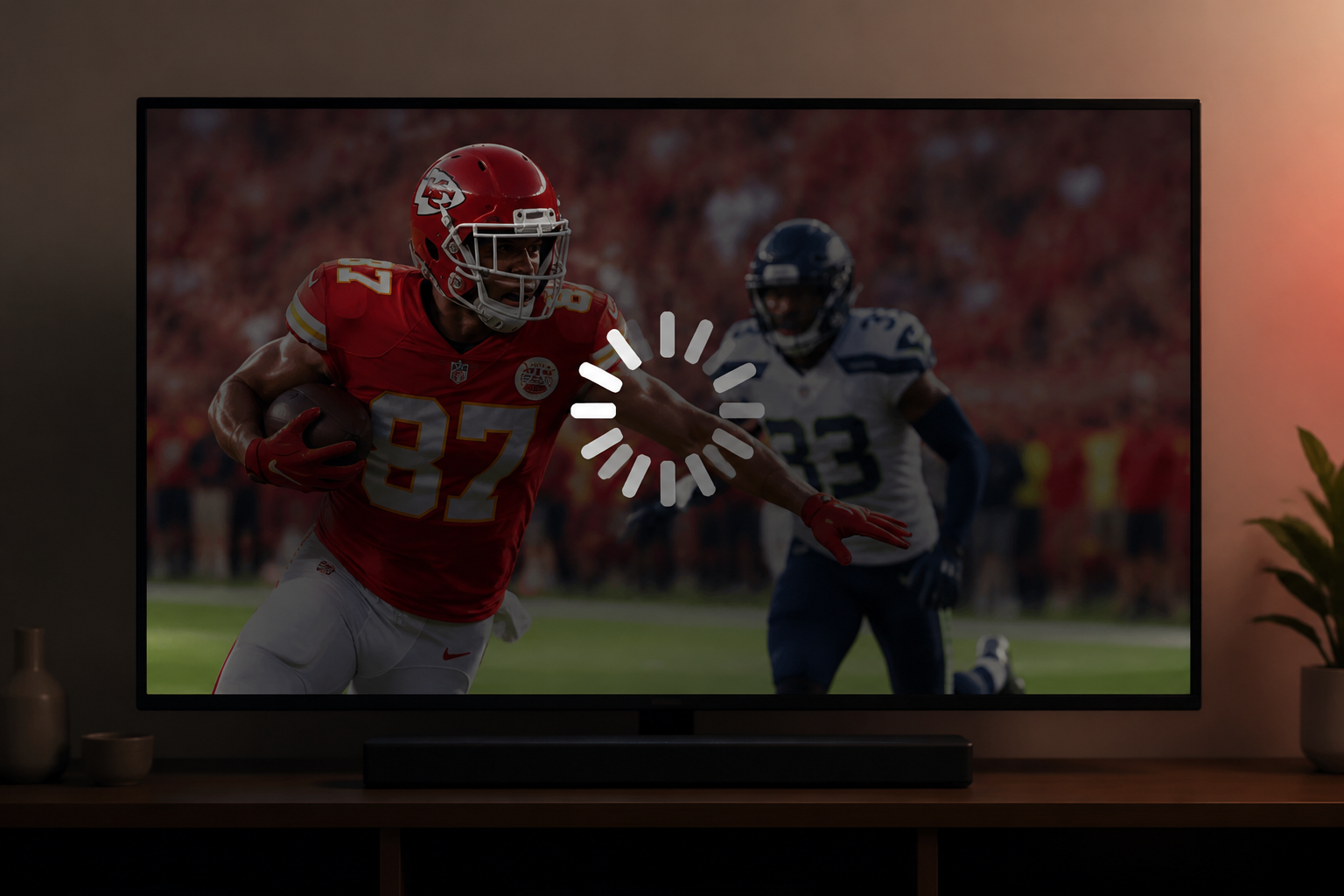
Buffering is one of the most common problems during live sports streaming. It can happen because of a slow VPN server, network congestion, or a server location that is too far away.
Try improving your connection with these methods:
- Move closer to the target server location
A server that is geographically closer to you usually provides faster response times. - Reduce network usage
Pause downloads, close background apps, and disconnect devices that consume large amounts of bandwidth. - Change VPN protocols
If your VPN supports multiple protocols, switching to another option may help balance speed and connection stability.
🎯 Quick tip: For live NFL games, a stable connection is usually more important than simply choosing the closest server.
3. VPN Connection Drops During the Game
A sudden VPN disconnection can interrupt your stream or force the platform to reload. This issue is often related to unstable internet connections or temporary VPN app errors.
To maintain a more reliable connection:
Check your internet connection first → Restart your VPN app → Enable auto-connect or auto-reconnect features → Connect to a different server if the problem continues
Keeping your VPN active throughout the game helps prevent unexpected interruptions.
4. The Streaming Service Shows the Wrong Location
Sometimes your VPN works correctly, but your browser, app, or device may still store your previous location information.
Follow these steps:
- Clear browser cookies and cached location data.
- Close and reopen the streaming app.
- Turn your VPN on before launching the platform again.
- Disable location services temporarily if necessary.
5. NFL App or Website Does Not Load Properly
If the VPN connection looks normal but the streaming platform refuses to load, the issue may come from the app, browser, or device settings.
Try these quick checks:
| Possible Cause | Solution |
|---|---|
| Outdated app version | Update the NFL or streaming app to the latest version |
| Browser compatibility issue | Try another browser or use the official app |
| Temporary platform error | Restart your device and check again later |
| VPN app problem | Update or reinstall your VPN application |
6. Your VPN Speed Drops During Peak Game Hours
Live NFL games often attract large numbers of viewers, which can increase network pressure on some VPN servers.
To improve performance:
→ Connect to a less crowded server.
→ Avoid switching servers repeatedly during the game.
→ Consider using a VPN provider with a wider server network.
A VPN with more server options gives you more flexibility when your current connection becomes slow.

Conclusion
A smoother NFL streaming experience depends on choosing the right tools, preparing your connection properly, and understanding how online streaming works. A reliable VPN can give you more flexibility while adding an extra layer of privacy during your online activities. With the right setup and a suitable VPN service like UFO VPN, you can create a more convenient way to enjoy NFL games wherever you are.
FAQs
Can I watch NFL games on my phone with a VPN?
Yes. Most VPN providers offer mobile apps that allow you to connect through VPN servers directly from your smartphone or tablet.
Does a VPN improve NFL streaming quality?
A VPN may improve your streaming experience in some situations, especially when connection routing or network restrictions affect your video performance.
Can I use a free VPN for NFL streaming?
Free VPNs may have limitations such as fewer servers, slower speeds, and restricted bandwidth, which can affect live sports streaming.
Do I need to keep my VPN connected during the entire NFL game?
Yes, if your streaming access depends on the VPN connection, keeping it active throughout the game helps maintain a consistent connection.
What devices can I use with a VPN for NFL streaming?
You can usually use a VPN on devices such as Windows PCs, Macs, smartphones, tablets, and some smart TVs depending on VPN support.